Exit
  • Global community
    • Language:
      • Deutsch
      • English
      • Español
      • Français
      • Português
  • 日本語コミュニティ
  • 한국 커뮤니티
0

Why is the prepare form function not filling the entire PDF form with fillable boxes?

New Here ,
Nov 25, 2020 Nov 25, 2020

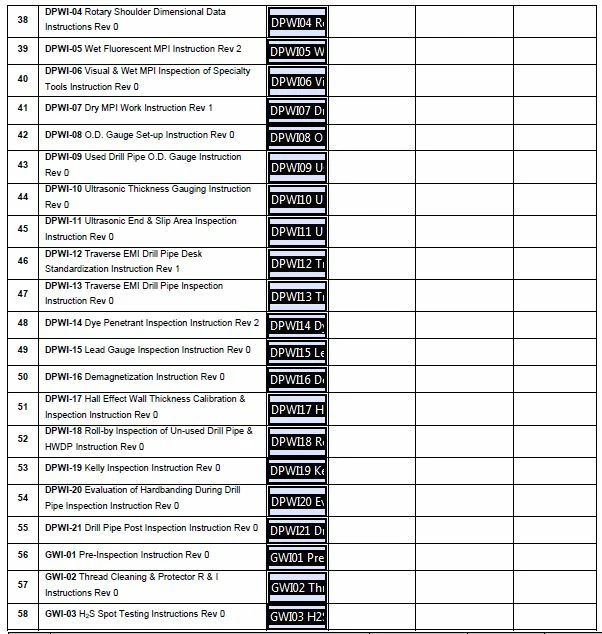
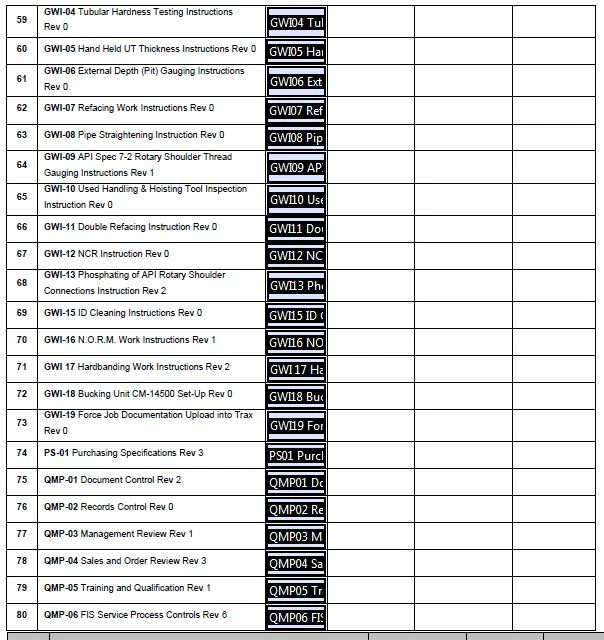
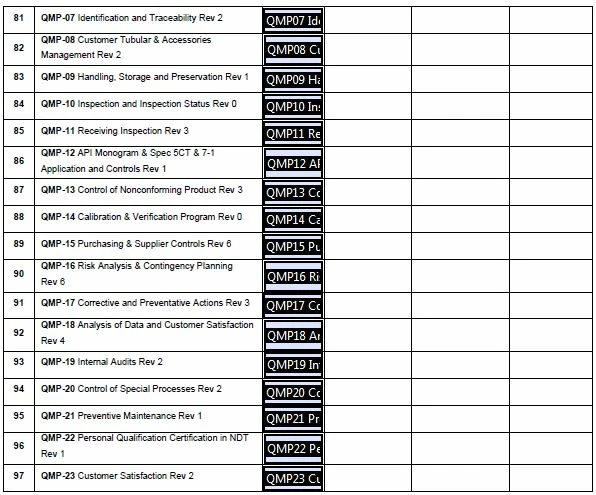
I am having troubles with making this form a PDF fillable form as every page other than page 1 is not getting filled in fully. I am using the prepare form option and it fills the first page out great but then on the other 4 pages it is only auto filling the one column. Is there a setting that I need to change for this to fill the entire form with fill boxes?
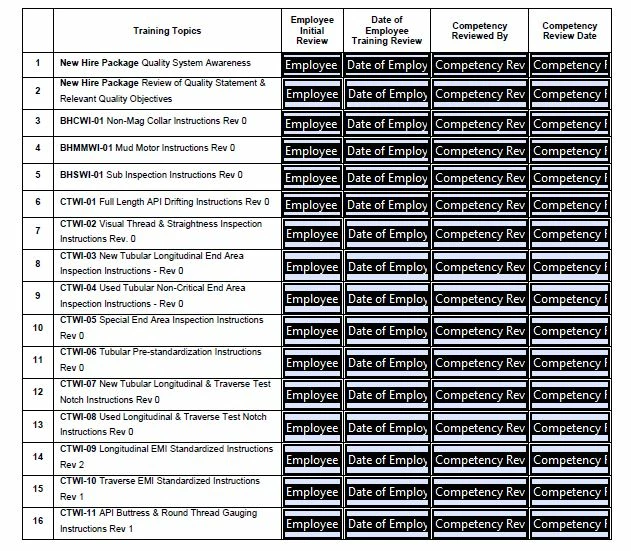
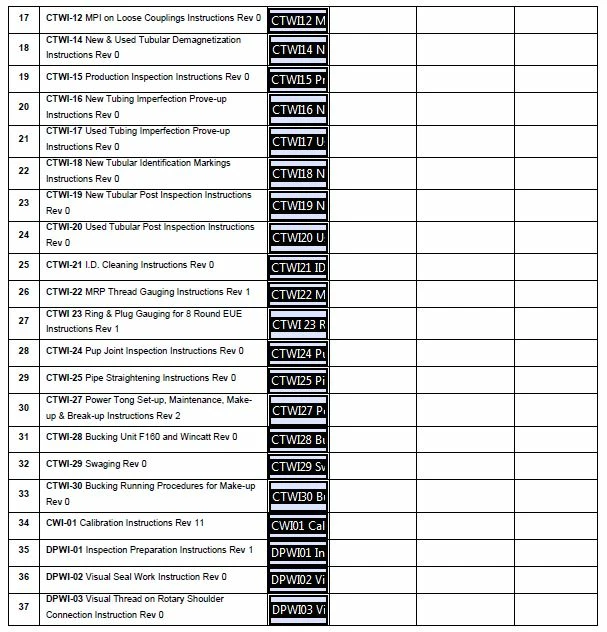
PDF Prepare Form Page 1 -  Pic 1.JPGPDF Prepare Form Page 2 - Pic 2.JPGPDF Prepare Form Page 3 - Pic 3.JPGPDF Prepare Form Page 4 - Pic 4.JPGPDF Prepare Form Page 5 - Pic 5.JPG

TOPICS
PDF forms
522
Translate
Report
Community guidelines
Be kind and respectful, give credit to the original source of content, and search for duplicates before posting. Learn more
community guidelines
Community Expert ,
Nov 25, 2020 Nov 25, 2020
LATEST

Because it's not perfect, and no, there's no setting. You can play around with the layout of the original, but the results of the fields detection wizard are never going to be perfect. Consider it a starting point for creating the rest of the fields, for example using the Create Multiple Fields command.

Another option is to use a script to create them, but then it has to be based on something the script can identify, which for the most part is text. For example, I've created (paid-for) tools that can convert sequences of underscore characters into text fields and various Wingdings characters to check-boxes or radio-buttons, and that works with 100% accuracy.

You can find these tools here:

https://try67.blogspot.com/2020/04/acrobatreader-convert-underscores-to.html

http://try67.blogspot.com/2015/09/acrobatreader-convert-wingdings-to.html

Or you could get them from my new web-site, where's there's currently a "soft launch" sale (The discount code is available on the front-page):

https://www.try67.com/tool/acrobat-reader-convert-underscores-to-text-fields

https://www.try67.com/tool/acrobat-reader-convert-wingdings-characters-to-check-boxes-or-radio-butto...


Translate
Report
Community guidelines
Be kind and respectful, give credit to the original source of content, and search for duplicates before posting. Learn more
community guidelines