
Participant
May 7, 2019
Answered

Acrobat DC not opening old PDF files

  • May 7, 2019
  • 1 reply
  • 7121 views

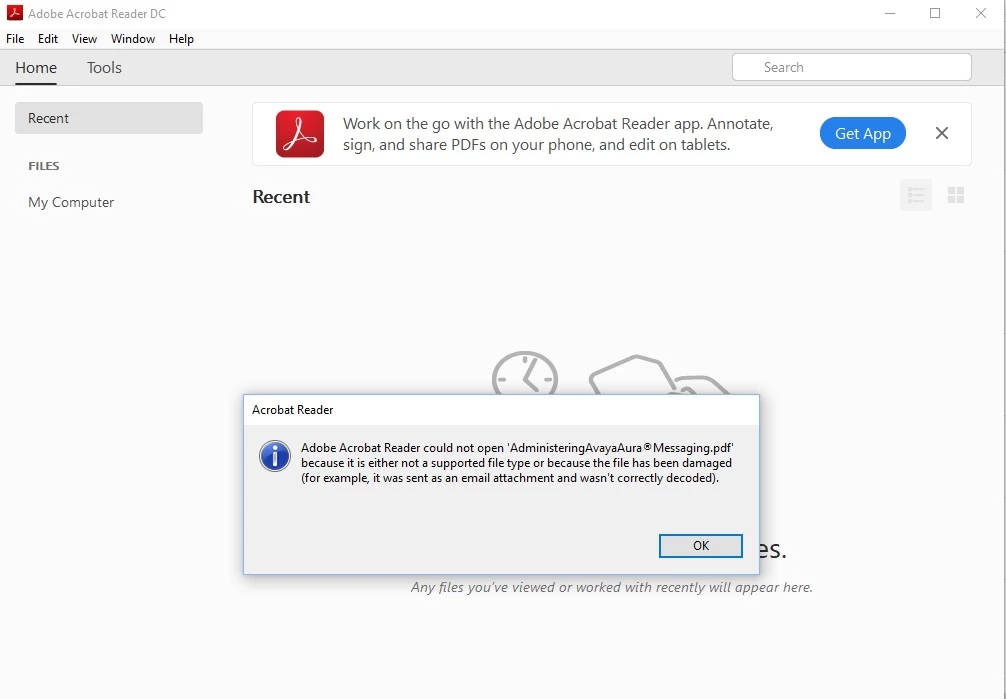
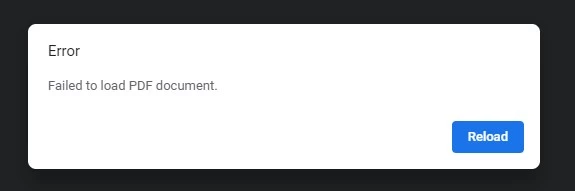
All old PDF files in our websites are not opening from the desktop nor via IE or Chrome browser.  I am using the latest Acrobat Reader DC version 19.2560.

Kindly let us know the workaround or solution as we have so many old pdf files in our doc site which cannot be redistributed.

Note: The new pdfs are opening without any issue.

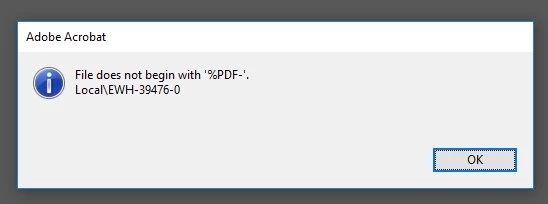
Here is the error message...

on desktop:
on Chrome:
on IE:
    This topic has been closed for replies.
    Correct answer Poorani at Avaya

    When it starts with

    <?hda jcharset="UTF8" encoding="utf-8"?>

    it is not a PDF file.


    thanks. it works when i downloaded the file again.

    Also the after updating the browser versions, i am able to open the pdfs in the browser.

    1 reply

    Bernd Alheit
    Community Expert
    Community Expert
    May 7, 2019

    What can you see at the first lines when you open one of the files in Notepad?

    Participant
    May 7, 2019

    files start with:

    <?hda jcharset="UTF8" encoding="utf-8"?>

    or

    %PDF-1.5

    Bernd Alheit
    Community Expert
    Community Expert
    May 7, 2019

    When it starts with

    <?hda jcharset="UTF8" encoding="utf-8"?>

    it is not a PDF file.