Exit
  • Global community
    • Language:
      • Deutsch
      • English
      • Español
      • Français
      • Português
  • 日本語コミュニティ
  • 한국 커뮤니티
0

Acrobat Reader unable to send by email

New Here ,
Jul 29, 2024 Jul 29, 2024

After installing Office 365, I started using Outlook (new).

I've setup default app for email in Windows settings to be Outlook (new),

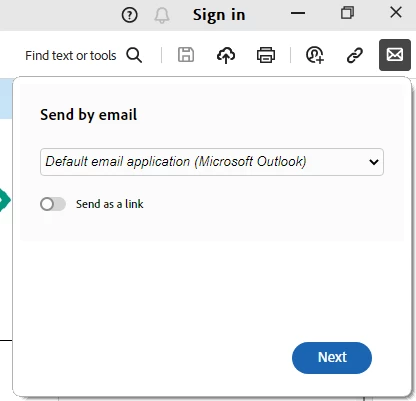
but Acrobat Reader still have go to application for send by email as old Outlook.

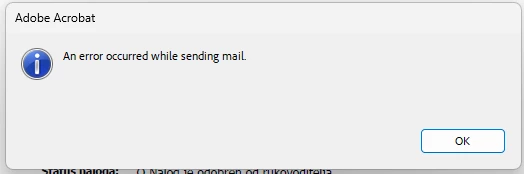
(You can see error im getting and my settings on attached images.)
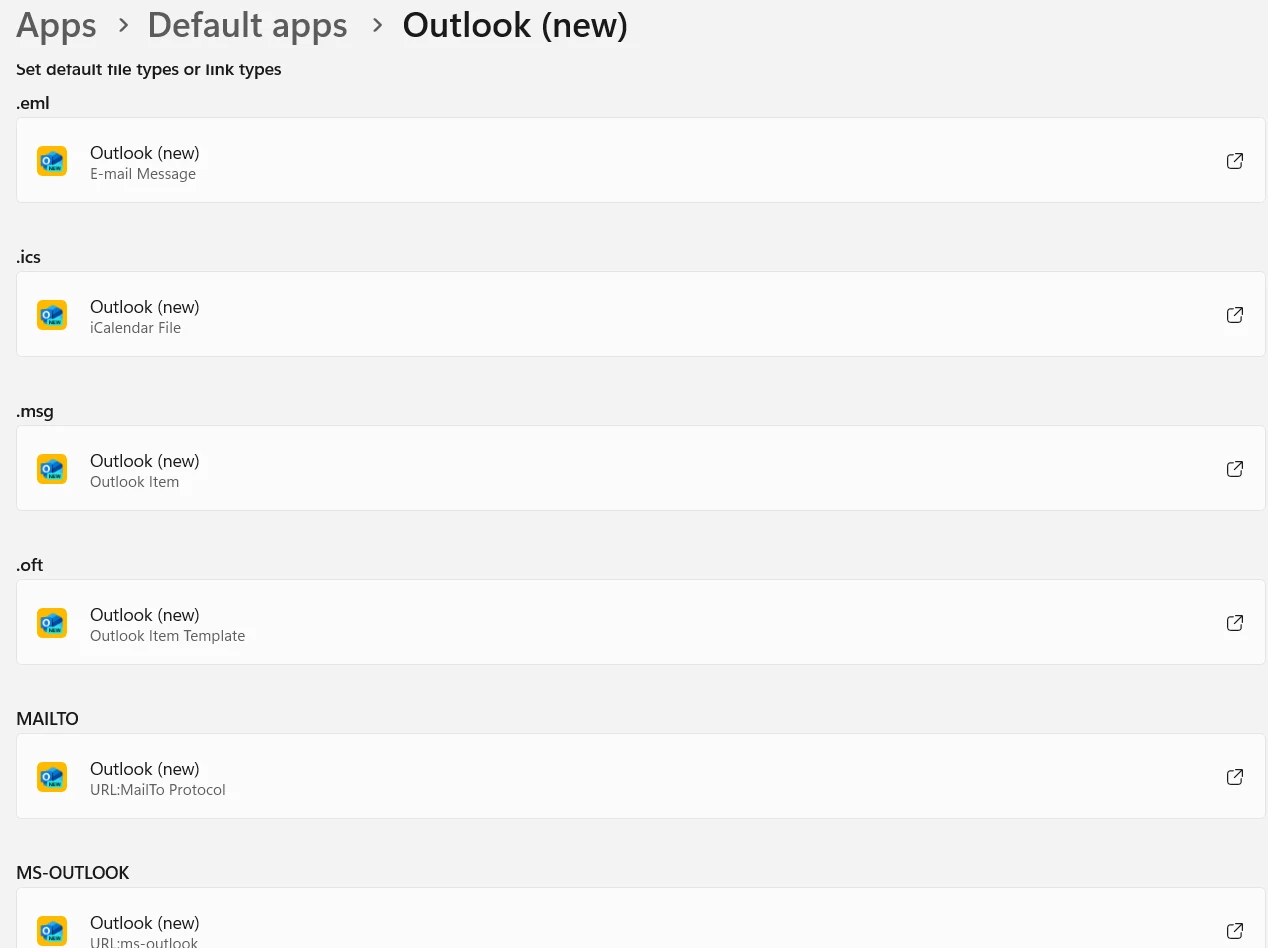
 

mySettings.png


errorMessage.png


sendByEmail.png


Tried reinstalling Acrobat Reader but same problem.

Can I change default outook app for Acrobat Reader via regedit or something like that?

TOPICS
General troubleshooting , Modern Acrobat
418
Translate
Report
Community guidelines
Be kind and respectful, give credit to the original source of content, and search for duplicates before posting. Learn more
community guidelines
Adobe Employee ,
Jan 10, 2025 Jan 10, 2025

Hi @Jurica38866316ymdx,


Hope you are doing well. Thanks for writing in!


If you are still looking for a solution, you can go to Acrobat-> Menu-> Preferences-> Email Accounts-> click on Default Email Application (Outlook)-> click the button below saying "Make Default." 

This should allow you to launch Outlook.


I tried the same workflow, and it worked for me. But a catch here is, it launches the classic UI for Outlook and not the New UI. This might be something you can report to Microsoft about.


-Souvik

Translate
Report
Community guidelines
Be kind and respectful, give credit to the original source of content, and search for duplicates before posting. Learn more
community guidelines
Community Expert ,
Jan 10, 2025 Jan 10, 2025
LATEST

[MOVED TO THE ACROBAT READER DISCUSSIONS]


Acrobate du PDF, InDesigner et Photoshopographe
Translate
Report
Community guidelines
Be kind and respectful, give credit to the original source of content, and search for duplicates before posting. Learn more
community guidelines