
Participant
September 8, 2018
Answered

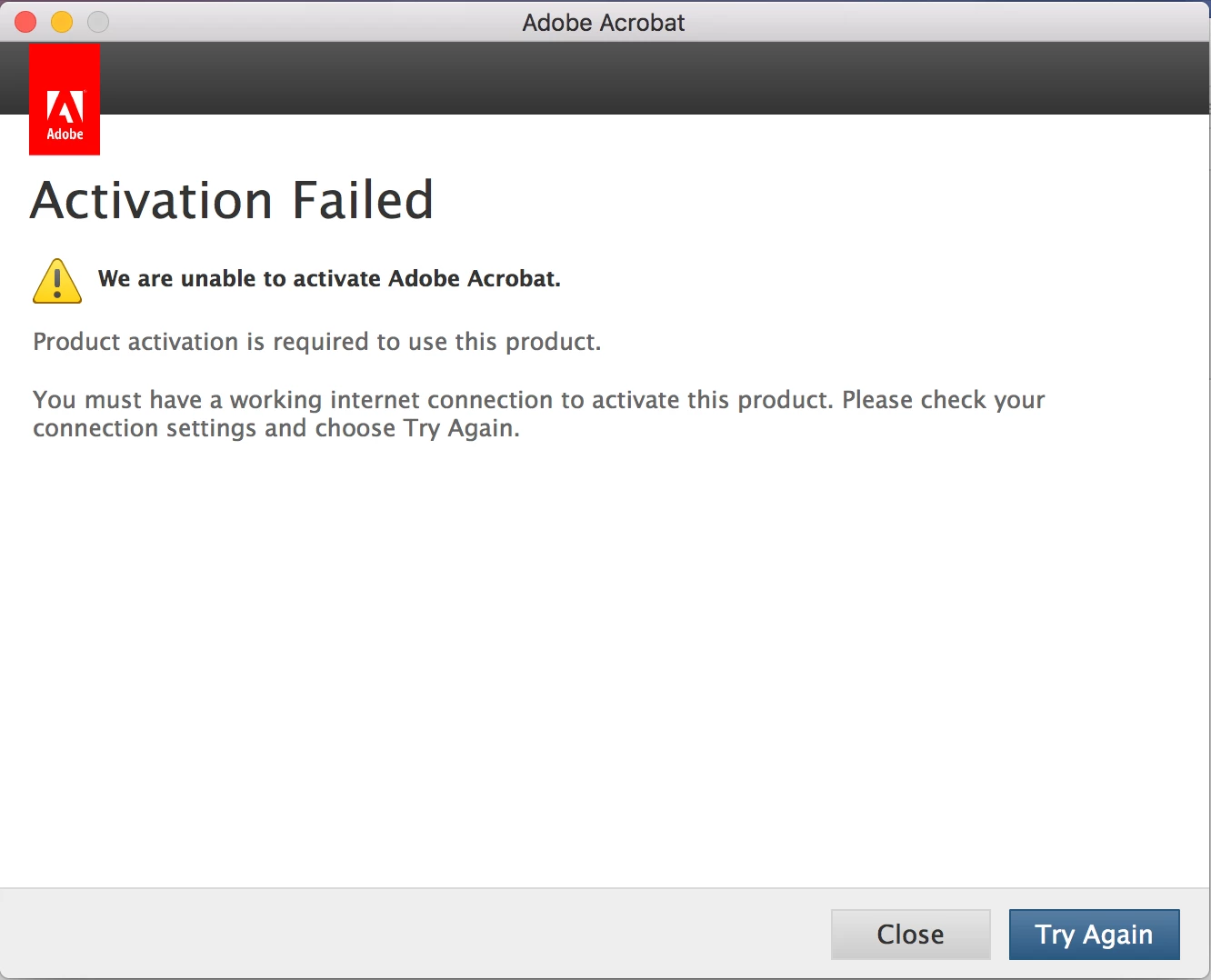
Activation Failed

  • September 8, 2018
  • 2 replies
  • 766 views

Every time I click on a pdf I get the following pop up... I've reinstalled adobe a number of times... I'm connected to the internet... This just started happening one day and I have no idea why... Does anyone know how to fix this?? I have a MacBook Pro.
    This topic has been closed for replies.
    Correct answer Test Screen Name

    The free Acrobat Reader DC doesn't need activation and won't try to activate. So what I think has happened is that Adobe's confusing web site has led you to download the wrong thing.  OR, the leftover subscription software has come back to life for some reason.

    If you have Acrobat Pro DC installed, you should uninstall it.

    If you still need to get Acrobat Reader you can download it from http://get.adobe.com/reader .

    2 replies

    Test Screen NameCorrect answer
    Legend
    September 8, 2018

    The free Acrobat Reader DC doesn't need activation and won't try to activate. So what I think has happened is that Adobe's confusing web site has led you to download the wrong thing.  OR, the leftover subscription software has come back to life for some reason.

    If you have Acrobat Pro DC installed, you should uninstall it.

    If you still need to get Acrobat Reader you can download it from http://get.adobe.com/reader .

    Legend
    September 8, 2018

    What is the Adobe Acrobat product you have paid for, exactly? Is it subscription or a permanent license?

    Or, do you feel you should only have the free Acrobat Reader app?

    Participant
    September 8, 2018

    It's the free Acrobat Reader DC. I had a paid subscription that I canceled awhile ago, and then about a week ago I was unable to open any pdfs through Adobe.