July 7, 2020
Question

Adobe Acrobat 2017 Standard - Disable prompt to make acrobat my default application

  • July 7, 2020
  • 1 reply
  • 1002 views

Hi teams,


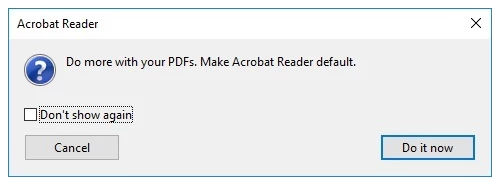
please i have an issue when packaging Adobe Acrobat 2017 Standards in windows 10 environment.

how to disable this popup.

i changed the reg key 

Ordinateur\HKEY_CURRENT_USER\Software\Adobe\Adobe Acrobat\2017\AVAlert\cCheckBox 

"iAppDoNotTakePDFOwnershipAtLaunchWin10"=dword:00000001


but nothing changed.
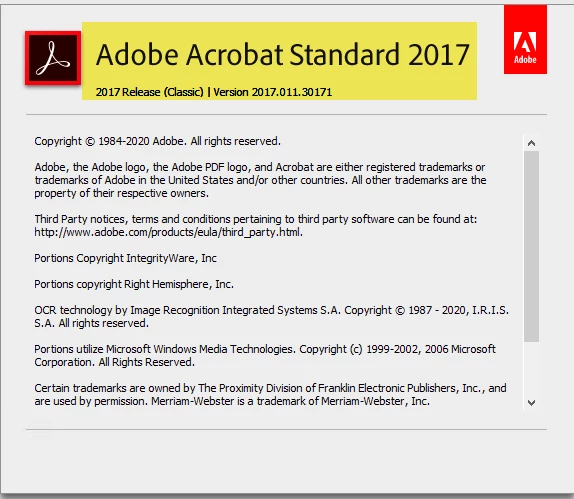


for Adobe Acrobat DC it work but not for Acrobat 2017.

This topic has been closed for replies.

1 reply

try67
Community Expert
Community Expert
July 8, 2020

This message is from Reader, not Acrobat. Do you have both applications installed at the same time? If so, why?

July 8, 2020

the Reader application was installed in the begining of deployment and now Acrobat 2017 STD will be the new application.

try67
Community Expert
Community Expert
July 8, 2020

You should remove Reader if you install Acrobat.