
Participant
April 3, 2019
Answered

Adobe Acrobat Reader DC being weird

  • April 3, 2019
  • 1 reply
  • 7110 views

My program is just sitting open in my desktop, but it is not displaying anything. I cannot close the program, and when I try to open a file it says "There was an error opening this document. Acrobat cannot open this file because a task is still active in Acrobat. Please return to Acrobat and end the task before opening this file."

I am running on Mojave 10.14.3. I have attached two screen shots of what I am seeing.
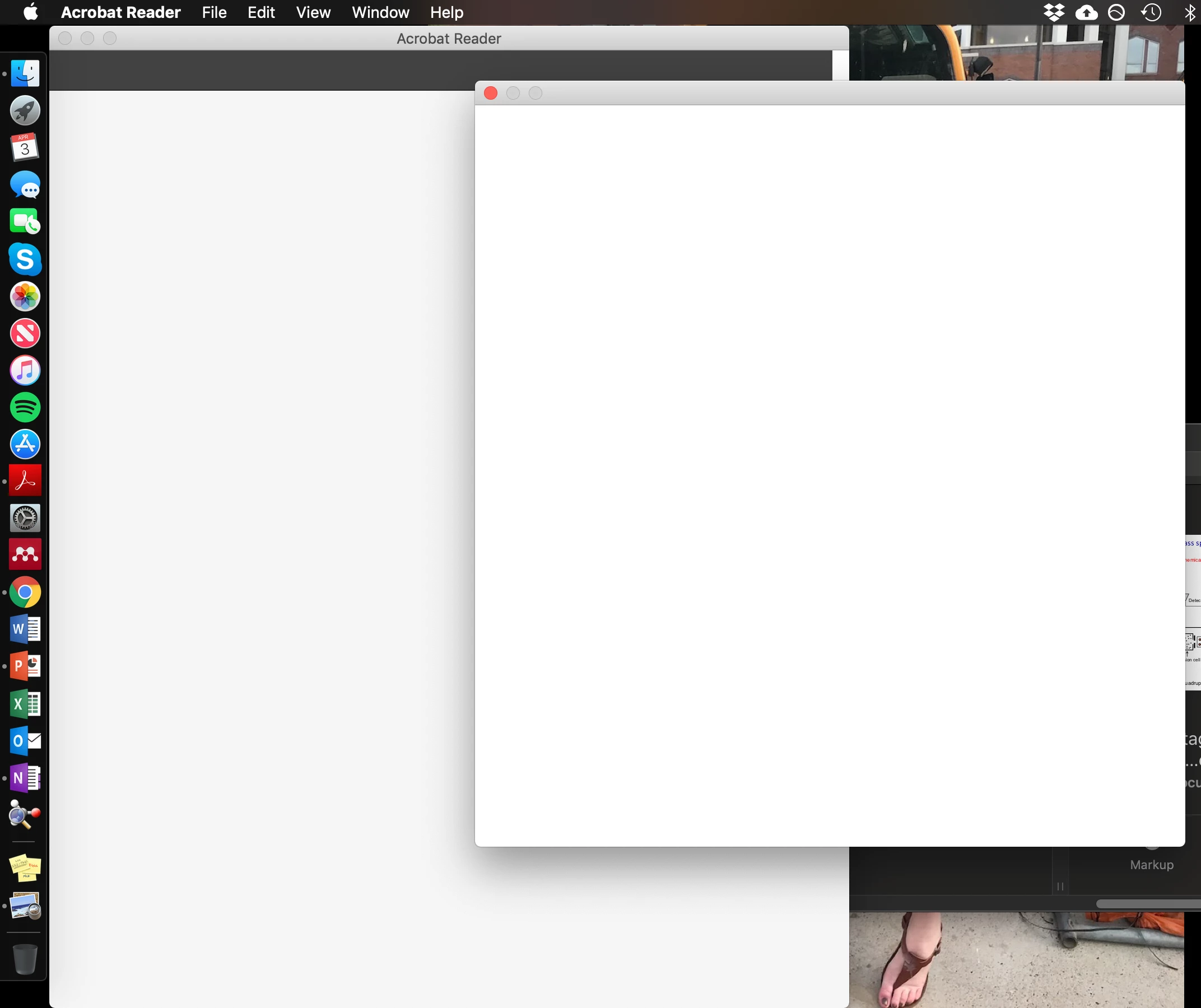
What I am seeing and cannot quit.
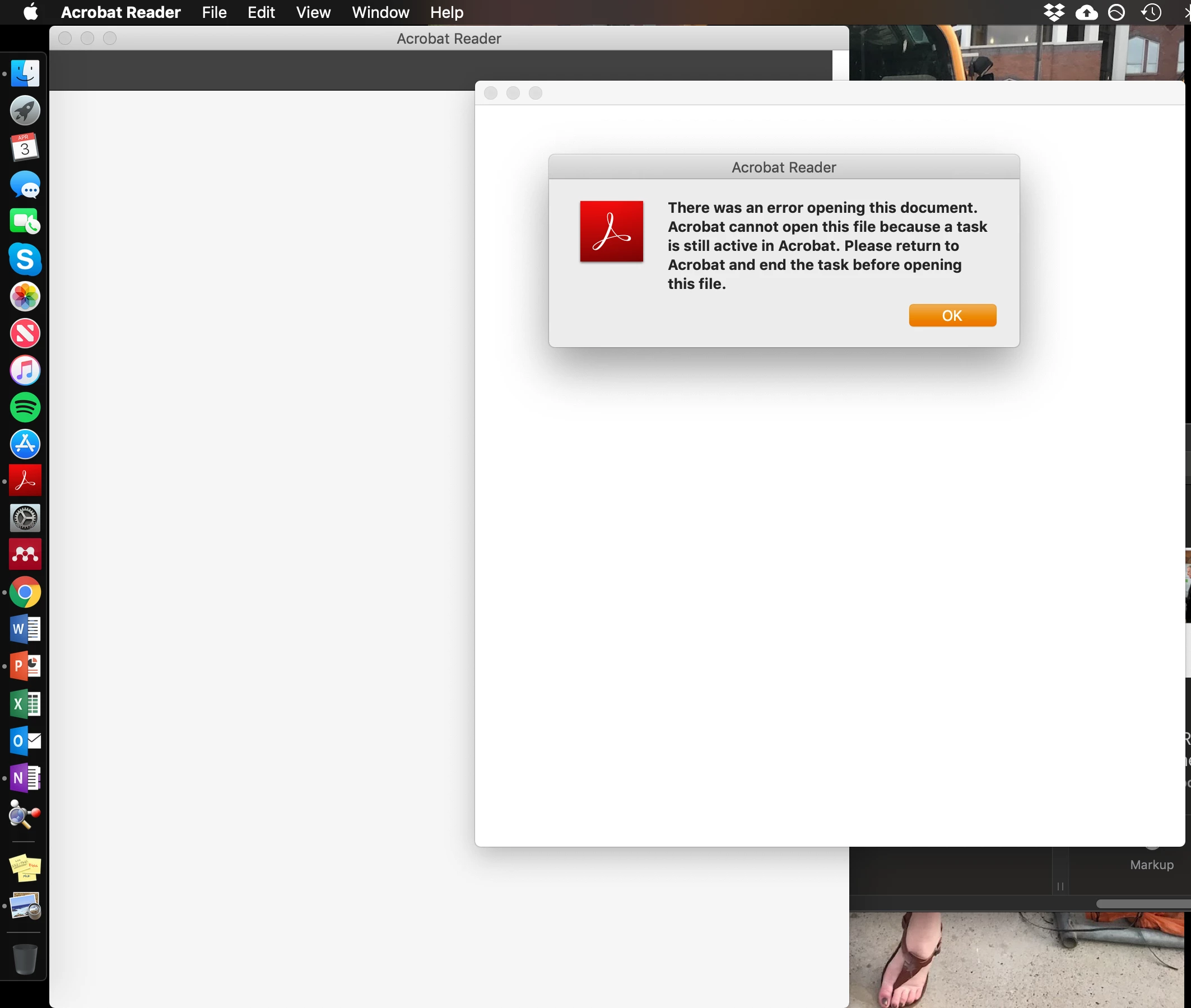
Error message when trying to open a PDF file.

Moved from moved Acrobat General Troubleshooting to Acrobat Reader by moderator

    This topic has been closed for replies.
    Correct answer jane-e

    Quit Acrobat and Reboot your computer. Does it work now?

    1 reply

    jane-e
    Community Expert
    jane-eCommunity ExpertCorrect answer
    Community Expert
    April 4, 2019

    Quit Acrobat and Reboot your computer. Does it work now?

    Participant
    April 4, 2019

    I had to do a hard re-set, just because Acrobat wouldn't quit and was getting in the way of shutting down/re-starting. But it seems to be all set now.

    jane-e
    Community Expert
    Community Expert
    April 4, 2019

    I’m glad that fixed it for you!