
Adobe PDF crash when trying to play video
Hi,
I am running off a windows 10 HP - I have created a 15 second video which is approximatley 66mb. I wish to be able to play this video in a document I have created. To do this so far I have:
Inserted the media into inDesign - firstly it inserts and reduces the quailty majorly (frst issue) see screen shot. This is not just the poster frame it is for all the frames.
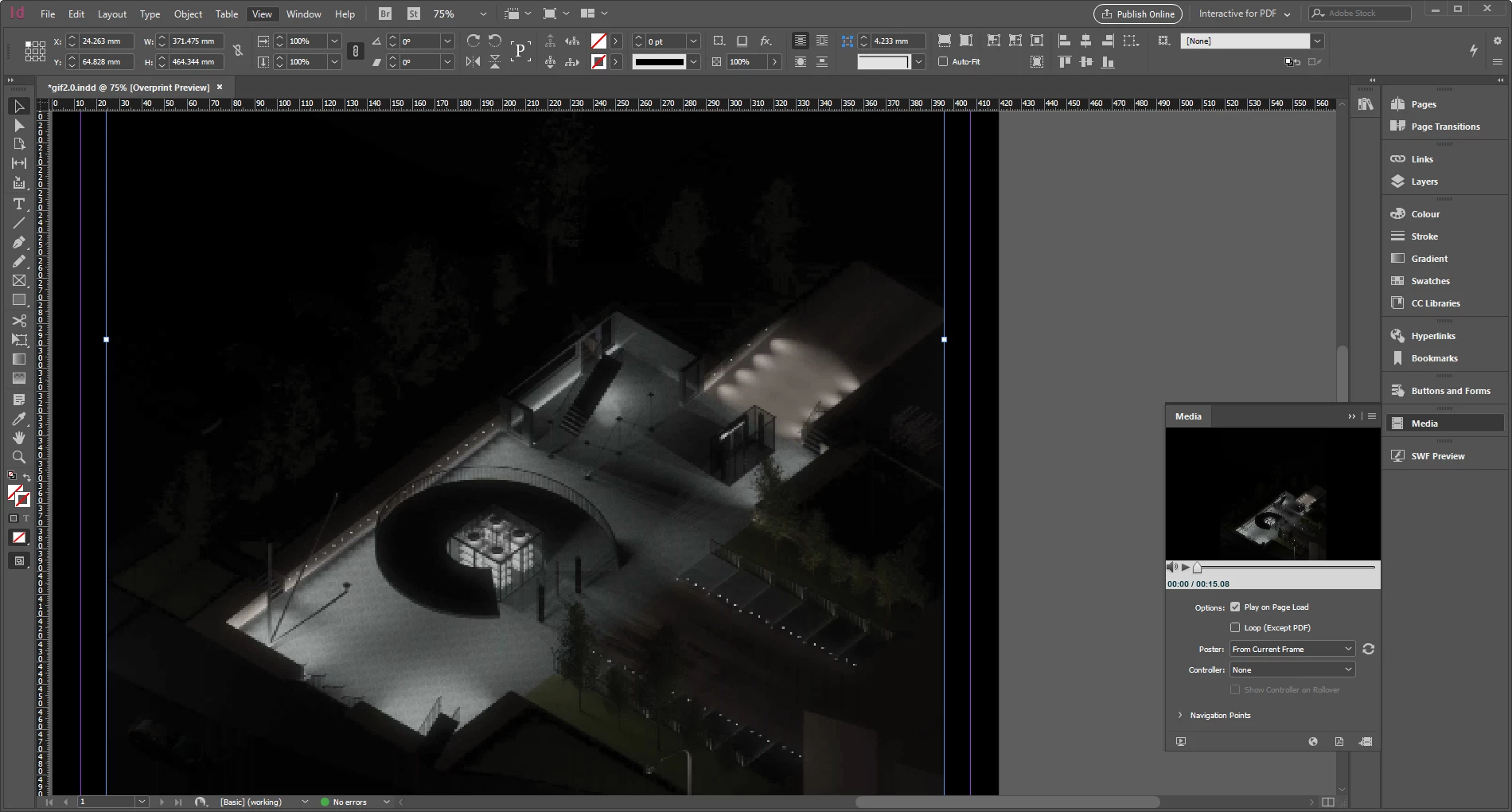
However the second issue is that when I then export this as a interactive pdf it tells me that firstly i should "click to active" which I do. And then ( see screenshot) this happens and Adobe PDF Reader closes and crashes. The video does not play and it attemt to "connect" and crashes.
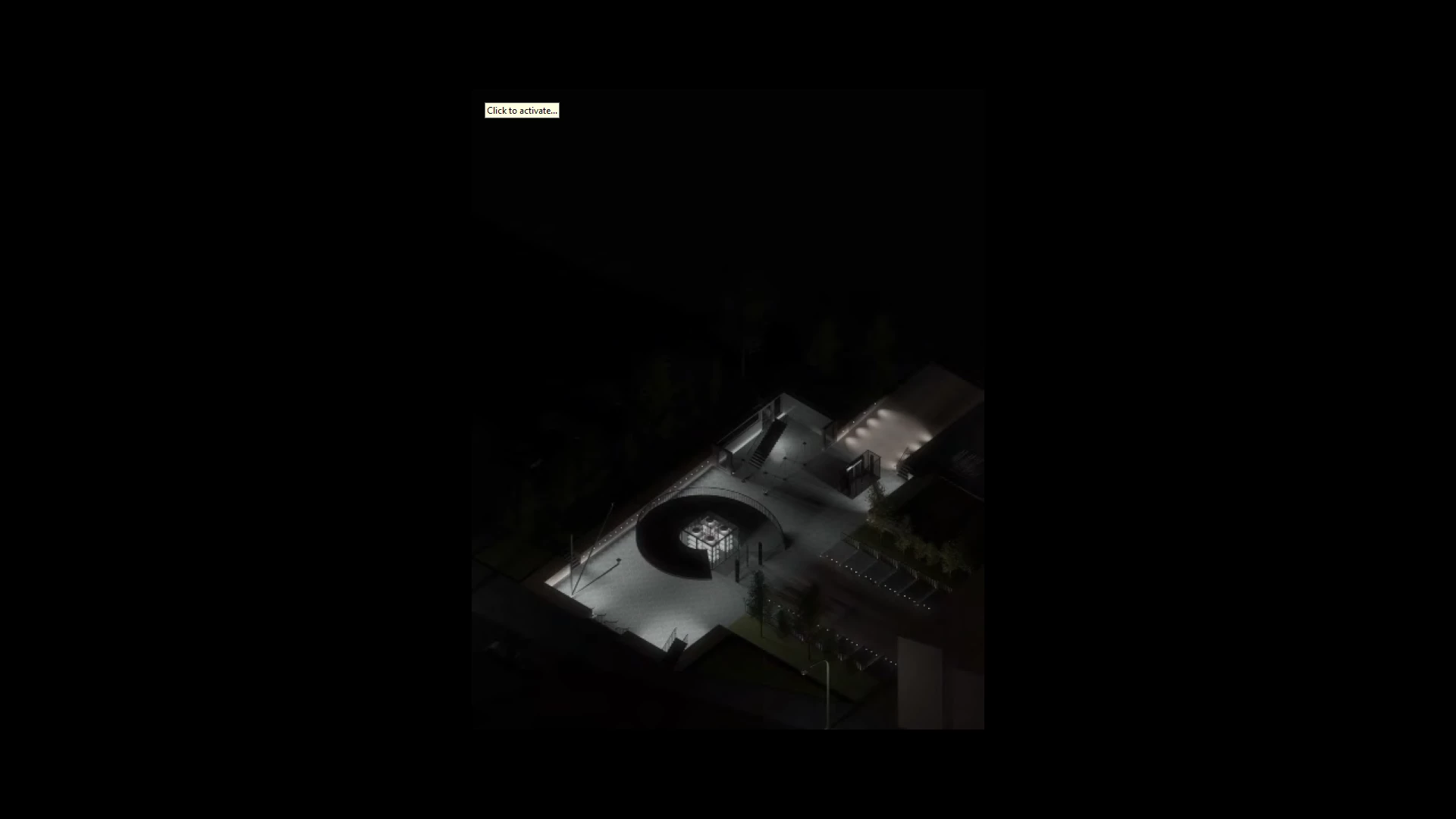
I have also tryed inserting the emdia striaght into Adobe PDF using Rich tools however the same issue occurs. I have also tryed to change the preferances and the 3D multimedia options and neither have worked.
Cana anyone help me with this issue of first getting the orginial high quailty and secondly being able to get it to play in my PDF format.
 AdChoices