Participant
July 5, 2018
Question

Bad images in pdf

  • July 5, 2018
  • 3 replies
  • 2920 views

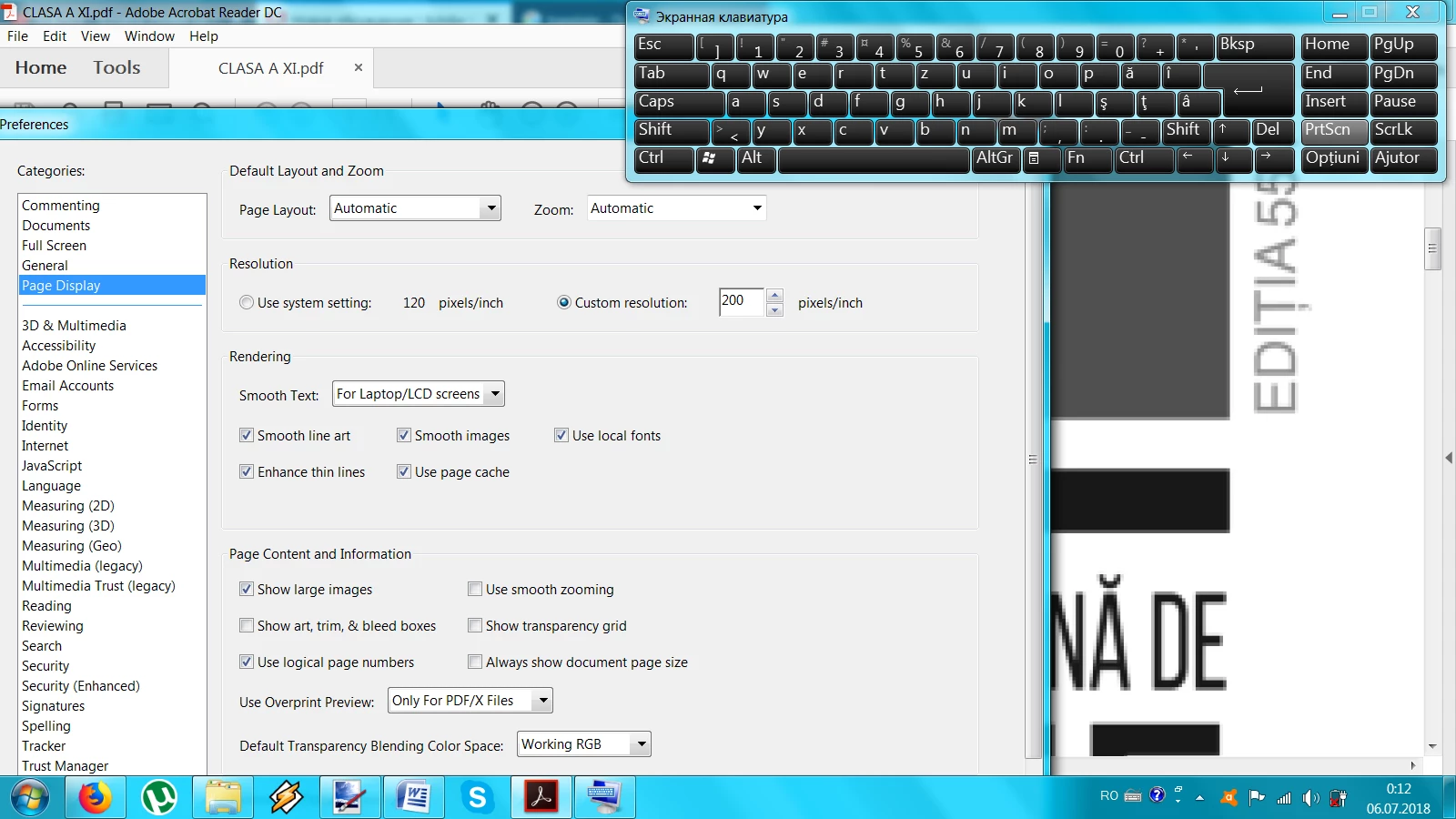
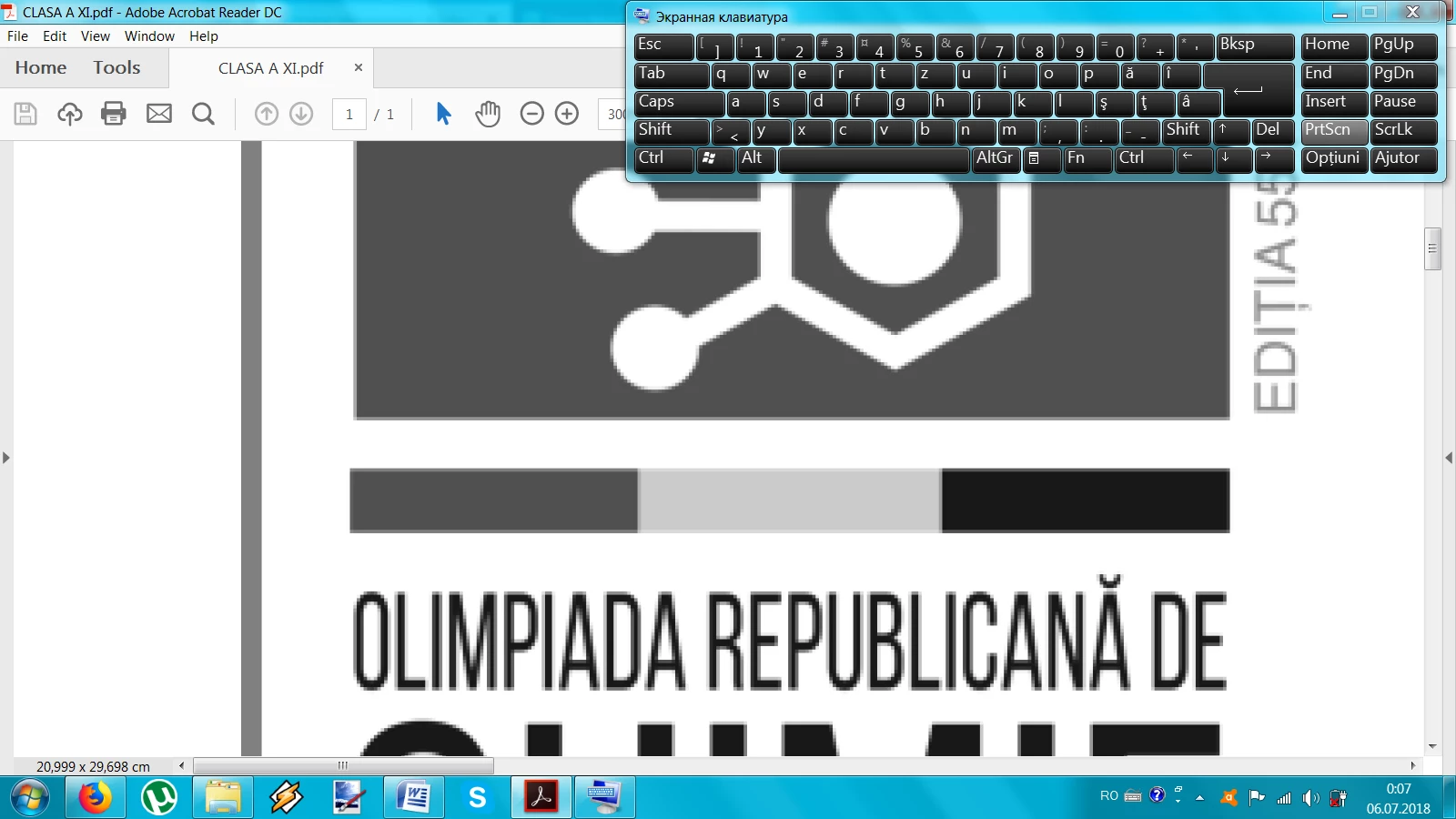
When I create a pdf file from word using word aplication, the images in pdf looks bad, like this (is very pixeled). I checked the Preferences, but I cant solve this. Please help!

    This topic has been closed for replies.

    3 replies

    Bernd Alheit
    Community Expert
    Community Expert
    July 6, 2018

    Can you post also the image in the Word document?

    Participant
    July 6, 2018

    ~graffiti
    Legend
    July 5, 2018

    In the meantime, you can "try" some of your preferences.

    In Reader go to Edit>Preferences>Page display>Rendering and adjust the settings there to see if any help.

    Participant
    July 6, 2018

    I adjust the settings, but the result is zero.

    ~graffiti
    Legend
    July 5, 2018

    It's gong to be a setting in whatever application you are using to create the pdf. What application are you using?

    Participant
    July 6, 2018

    Very simple, I save my word file like pdf, using button "Office".

    ~graffiti
    Legend
    July 6, 2018

    maxc53550980  wrote

    Very simple, I save my word file like pdf, using button "Office".

    You'll probably need to look around Word for your pdf settings and adjust the image resolution. More than likely, it's outputting a web quality (or its version of web quality) pdf. You need to up that quality a bit for the images.