


Can not I delete my own comments

Copy link to clipboard
Copied
Hey, this is not my native language and I'm using Google Translate. Recently I have been trying to learn to use the free software to add comments to PDF, etc. I added, but when I tried to delete the ones I added - I could not. Cannot I delete my own comments?


 29
Replies
29
29
Replies
29




Copy link to clipboard
Copied
It should be possible, sure. What happens when you try to do it?
Copy link to clipboard
Copied
By the way, if you let us know what your native language is someone here might be able to help you in it... Is it Hebrew, by any chance?
Copy link to clipboard
Copied
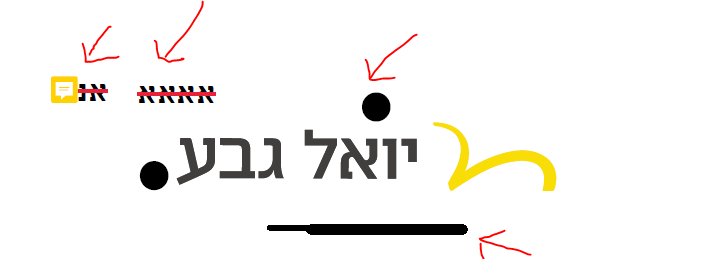
Indeed Hebrew. I made such experiments, marked with an arrow, and I can not erase them as stated
Copy link to clipboard
Copied
By the way, I did not want my name, Alan, to appear here at the top of my announcement, and not even my email here publicly in the forum..how do i fix it?
Copy link to clipboard
Copied
We don't see your name or email address. The only detail about you we can see is your username (rony11).
Are you able to click those comments and select them? If so, what happens when you press Delete?
If nothing happens, right-click them, select Properties and make sure the Locked box is not ticked.
(text in Hebrew follows)
שלום אלן,
מקווה שההוראות מובנות, אם לא, אתה מוזמן לשלוח לי הודעה פרטית ואשתדל להסביר לך איך עושים זאת בעברית.
Copy link to clipboard
Copied
still i cant erase them:
Copy link to clipboard
Copied
These are the file properties. I was referring to the properties of the comments themselves.
Copy link to clipboard
Copied
I've added comments on this free document on the front page
Copy link to clipboard
Copied
After all, I pointed with arrows in what attempts to add simple comments I used. Is not that enough to let you know?
Copy link to clipboard
Copied
I understand what you were talking about, but it seems you did not understand my instructions.
Copy link to clipboard
Copied
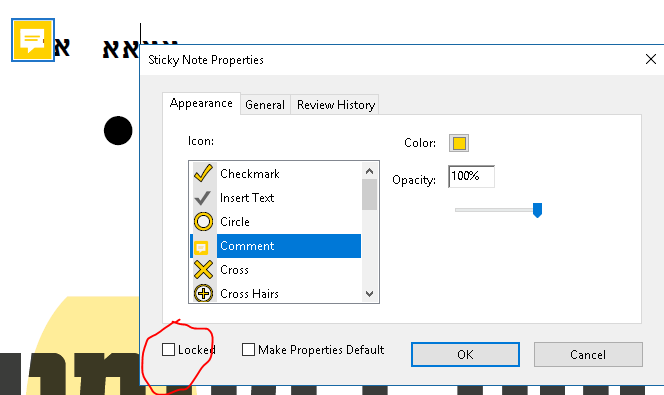
Copy link to clipboard
Copied
OK, that's good. Then what happens when you click on the comment with the mouse and press Delete?
Also, what application (including exact version number) are you using?
Copy link to clipboard
Copied
I just noticed that the small orange square of the notes actually offers erasure, and it does erase, while my other scribble does not seem to allow me to erase it.
I'll do it in about two hours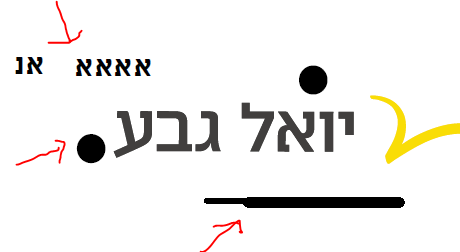
Copy link to clipboard
Copied
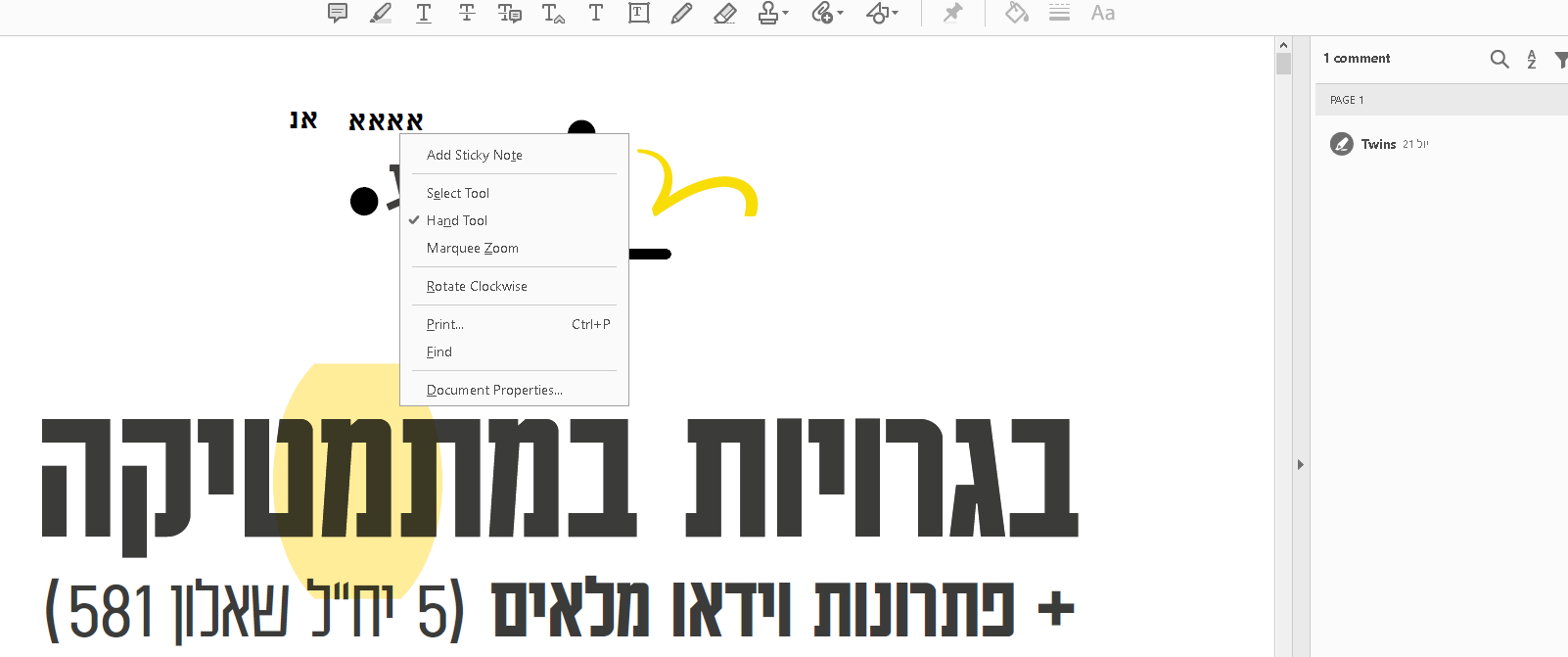
I can not delete the rest. Clicking the mouse on a right-click does not open a window with a delete option
Copy link to clipboard
Copied
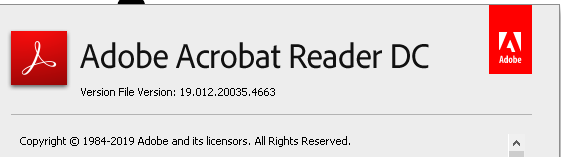 MINE
MINE
Copy link to clipboard
Copied
They are not comments, then. How (and where) did you add them?
Copy link to clipboard
Copied
First, thanks for following up on my questions. Second, I click on the right to "Notes" and then open up a list of means / clickable squares that allow me to add T letters, and as soon as I save the document - then I guess I can not delete it anymore ?! 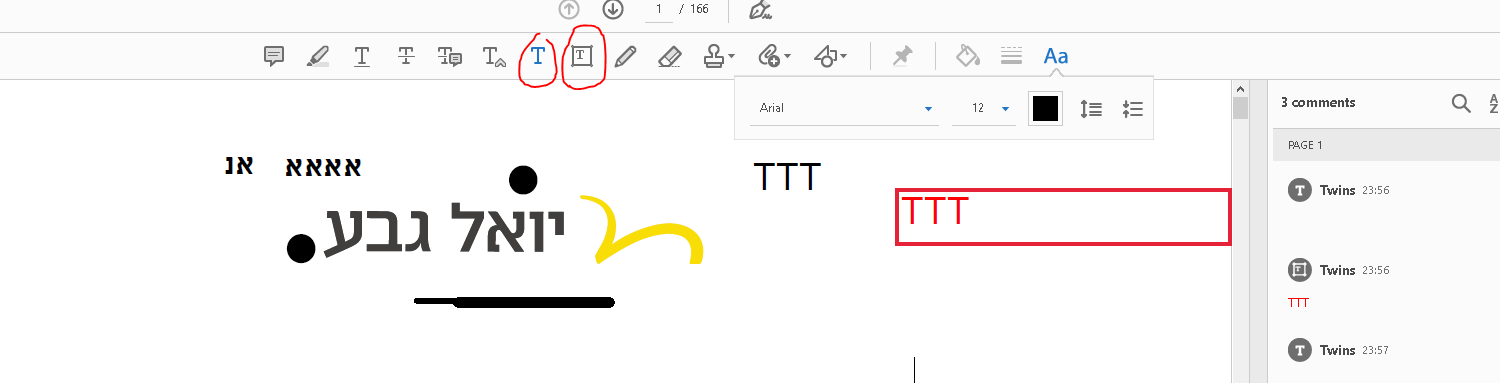
Copy link to clipboard
Copied
That does appear in the Comments list on the right, which means you can delete it.
Copy link to clipboard
Copied
Copy link to clipboard
Copied
Well, the way it is, the scrawl that remains is not marked parallel to the
right comments, so do not know how to delete. Do you have any suggestions?
with gratitude
בתאריך יום ג׳, 23 ביולי 2019 ב-0:11 מאת try67 <forums_noreply@adobe.com
>:
Can not I delete my own comments created by try67
<https://forums.adobe.com/people/try67> in Acrobat Reader - View the
full discussion <https://forums.adobe.com/message/11178697#11178697>
Copy link to clipboard
Copied

Copy link to clipboard
Copied
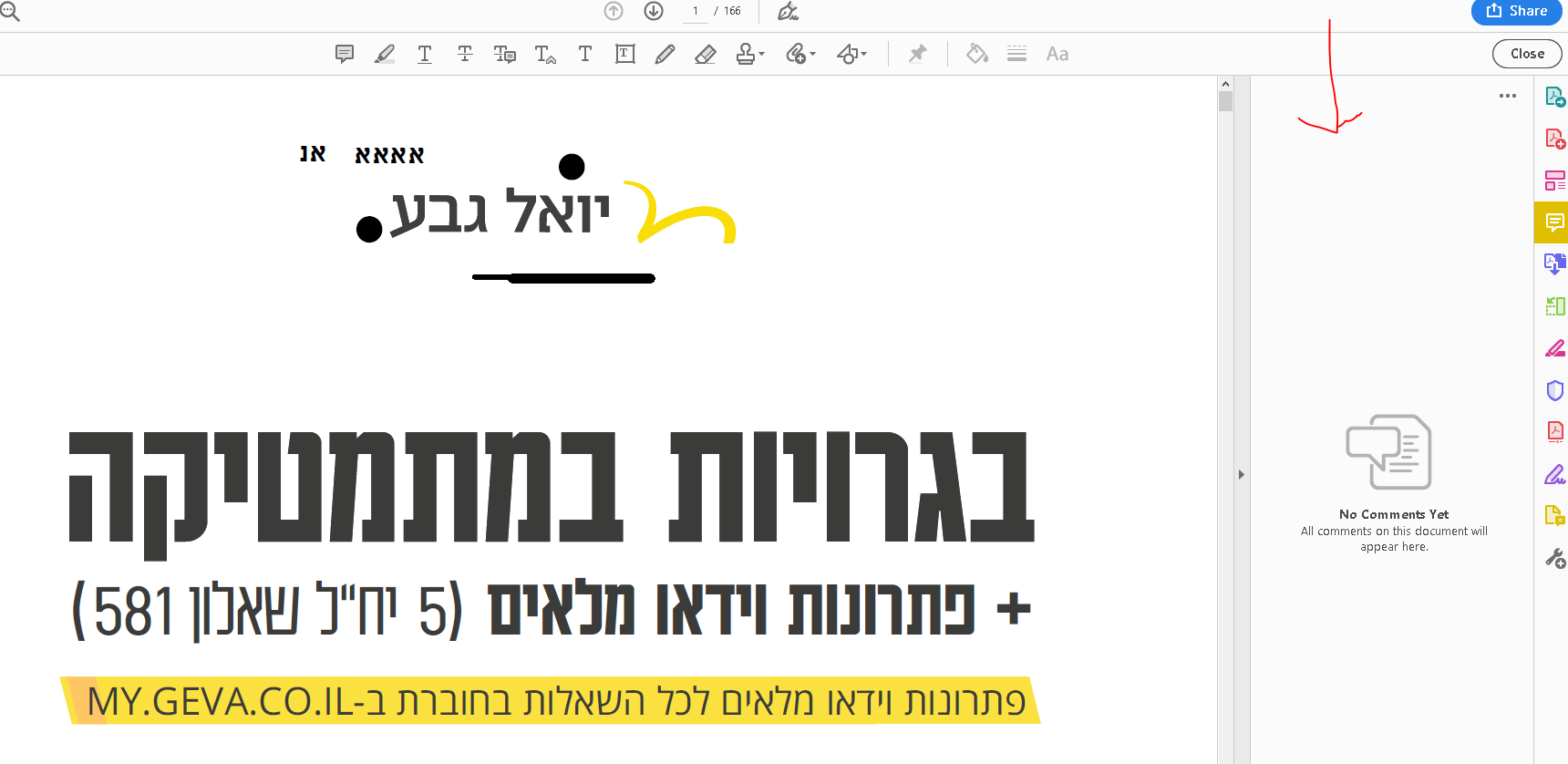
I can't see any comment in the screenshot.
Copy link to clipboard
Copied
Copy link to clipboard
Copied

Marked with red circles. Were made a day earlier and probably saved

-
- 1
- 2

Get ready! An upgraded Adobe Community experience is coming in January.
Learn more
 AdChoices