
Question
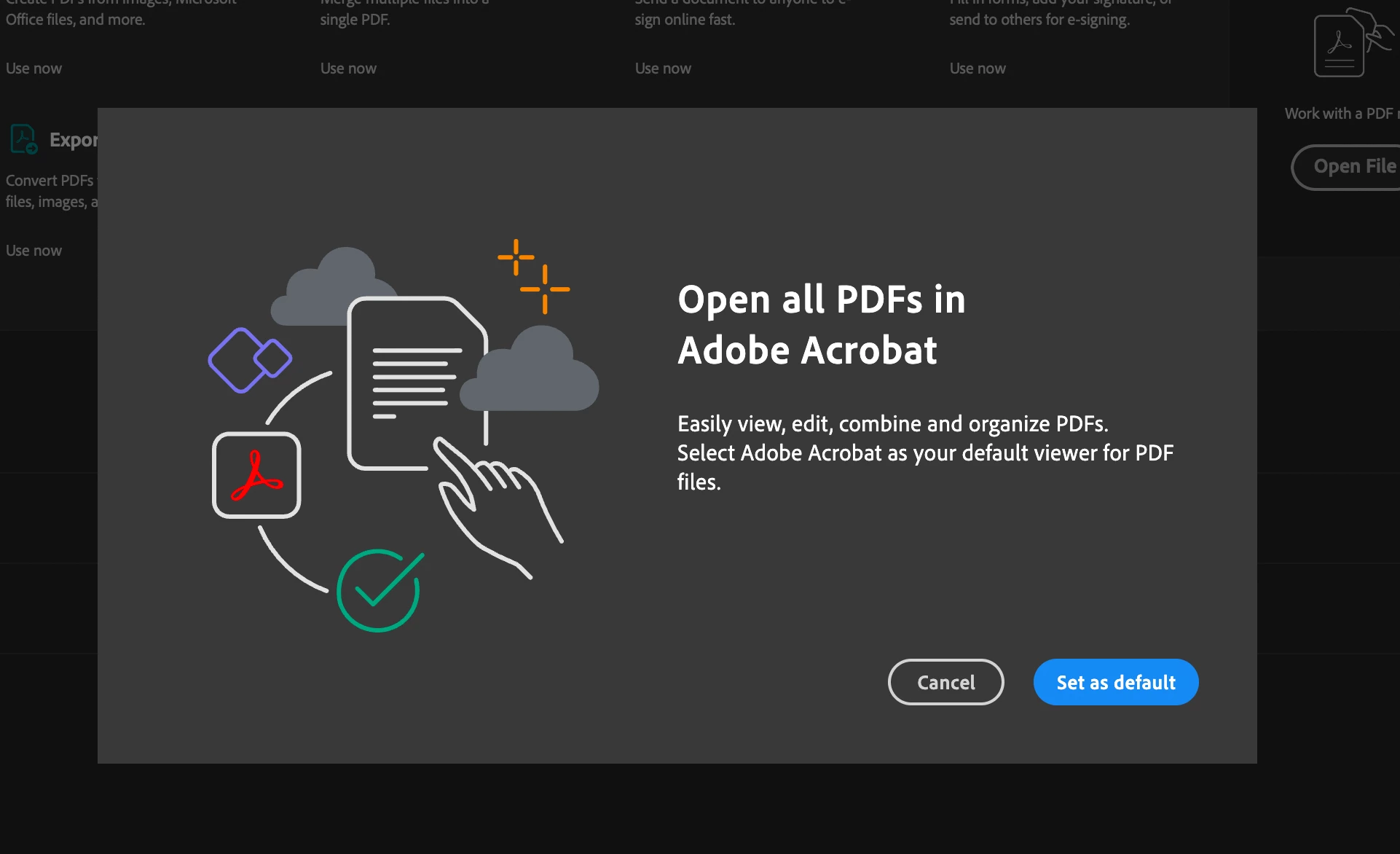
Can't turn off "Open all PDFs in Adobe Acrobat" pop-up on a Mac
Every time I open Adobe Acrobat application on my Mac, I get an annoying pop-up that takes over my screen in a very non-user-friendly fashion asking me to set the default application for PDFs. No matter how many times I click no it always pops up. How do I turn this pop-up off for good without using Adobe Acrobat as my default PDF application on my Mac? There must be a setting somewhere.
 AdChoices