
Copy link to clipboard
Copied
Hello,
I've uninstalled basically everything relating to Adobe Acrobat Reader and Creative Cloud from my computer. However, the last thing that i want to delete says i cannot delete! It's really annoying because the only option is to "eject" which I've done but it comes right back immediately. Also, the adobe acrobat symbol/screen is showing up in the background of my Recents, Downloads, and Documents etc pages on Finder. It's really annoying me and would like to have no trace of Adobe on my laptop anymore.
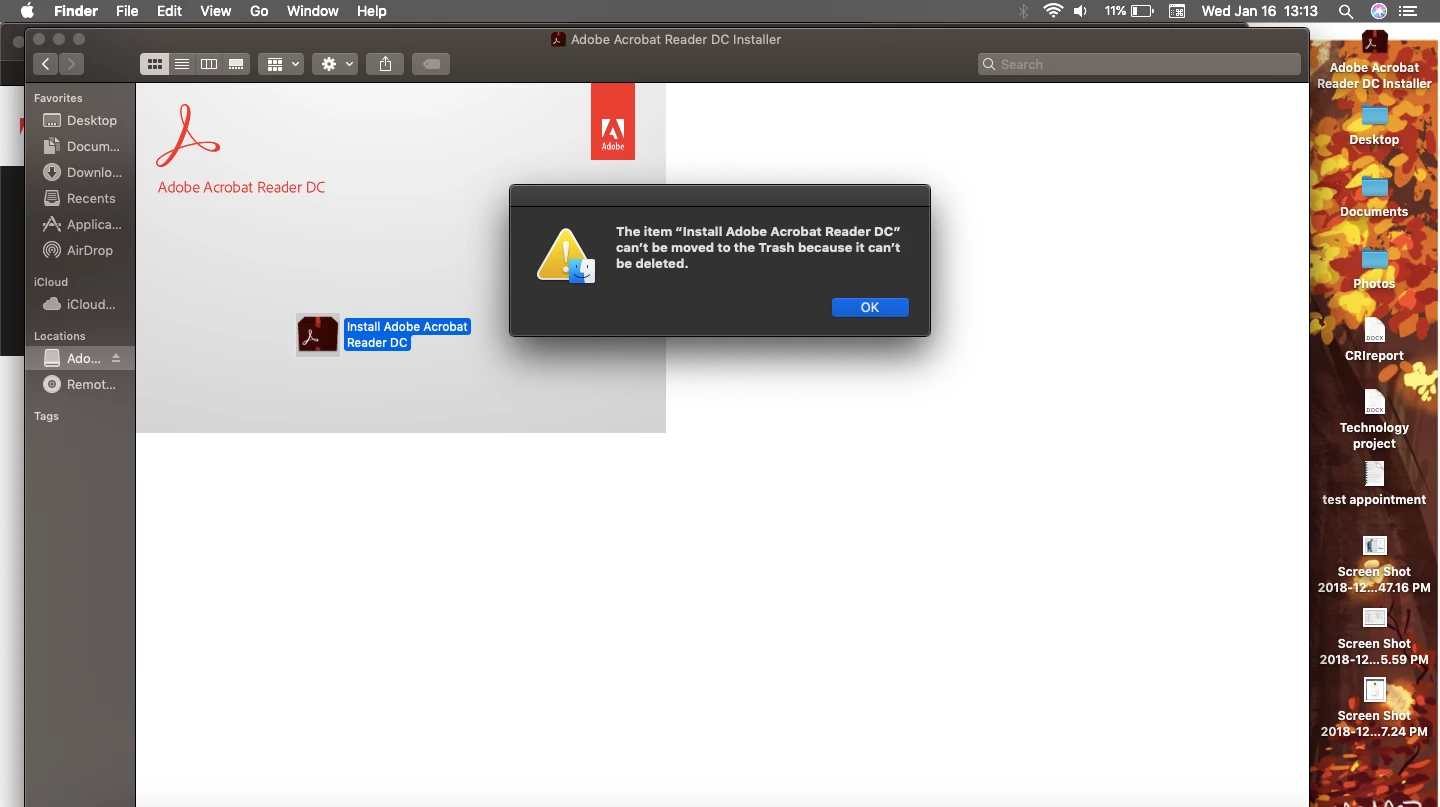
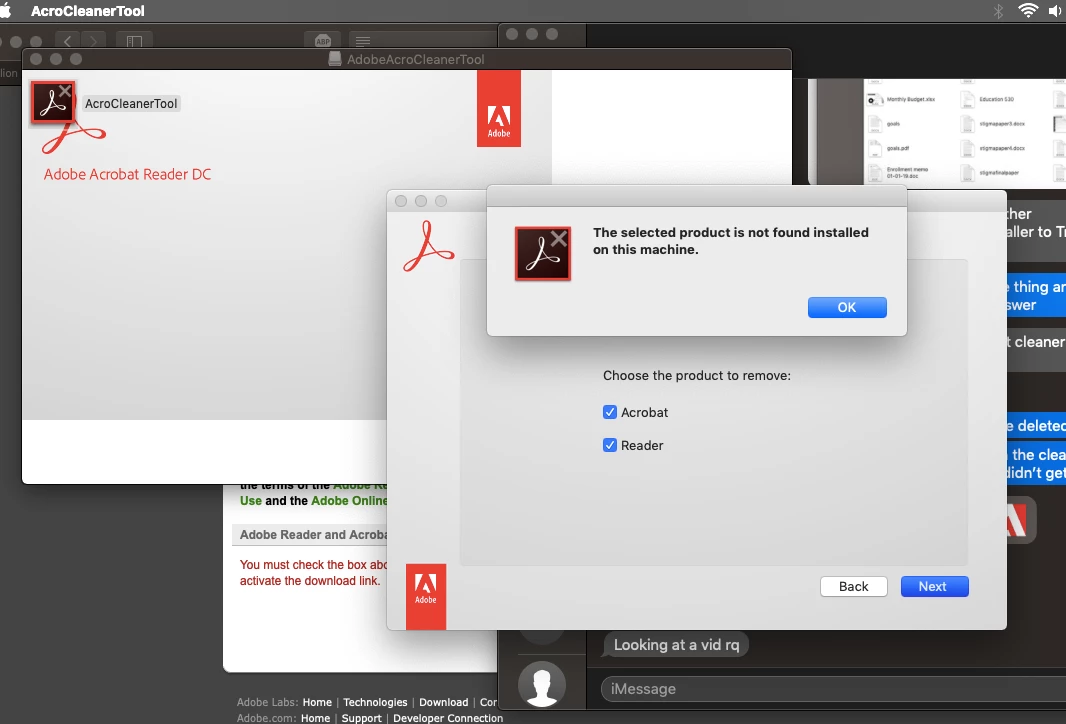
Also, I've tried the Adobe Cleaner tool that is provided when supposedly all else fails:
It's making looking at documents a real hassle. Please help!!
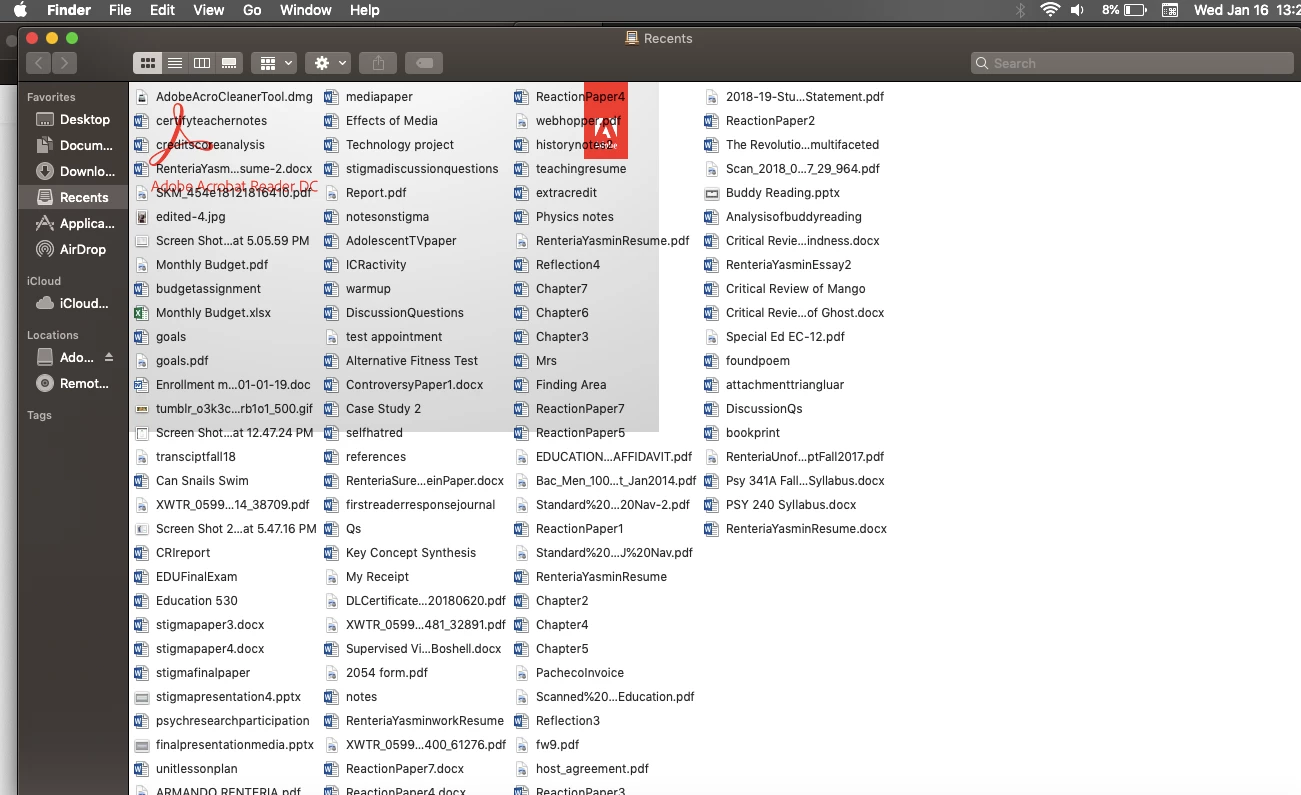
Also, are you saying that grey box and Adobe logo comes up in every Finder window? If so, I see why it's mounting the install image. You (or someone messing with your computer) have set that image for all Finder windows, so it has to mount it. Turn that off with View > View options.
Copy link to clipboard
Copied
That first screen shot shows an install image called Adobe something is mounted. This is not your disk and you can't change it. Deleting files, even if you could, would be pointless. You need to Eject the disk image.
Or, are you saying that each time you reboot, this install Image Adobe something is coming right back? That isn't normal at all, and nothing that the Cleaner would expect or fix.
Copy link to clipboard
Copied
Also, are you saying that grey box and Adobe logo comes up in every Finder window? If so, I see why it's mounting the install image. You (or someone messing with your computer) have set that image for all Finder windows, so it has to mount it. Turn that off with View > View options.
Copy link to clipboard
Copied
im not sure what you mean but I was able to get rid of the installer by deleting it on Safe mode And then deleting it from my trash too. I contacted Apple and that’s what they told me to do. I restarted my computer normally and it’s gone now. However it was really strange beforehand. The installer was on my desktop and under my Locations on Finder. On both, when i tried to delete the message would pop up of not being able to delete it and if I were to eject it, they’d leave but show Back up in a few seconds. I’m glad it’s gone now.
You were right about the background. I changed it under View. I never did that knowingly and I’m the only one who uses my computer so Im not sure how that happened. Thank you for your suggestions!
Get ready! An upgraded Adobe Community experience is coming in January.
Learn more