
Question
Cannot download adobe acrobat reader
I have bought a new laptop, and I am trying to download and install a version of Acrobat Reader to my PC.
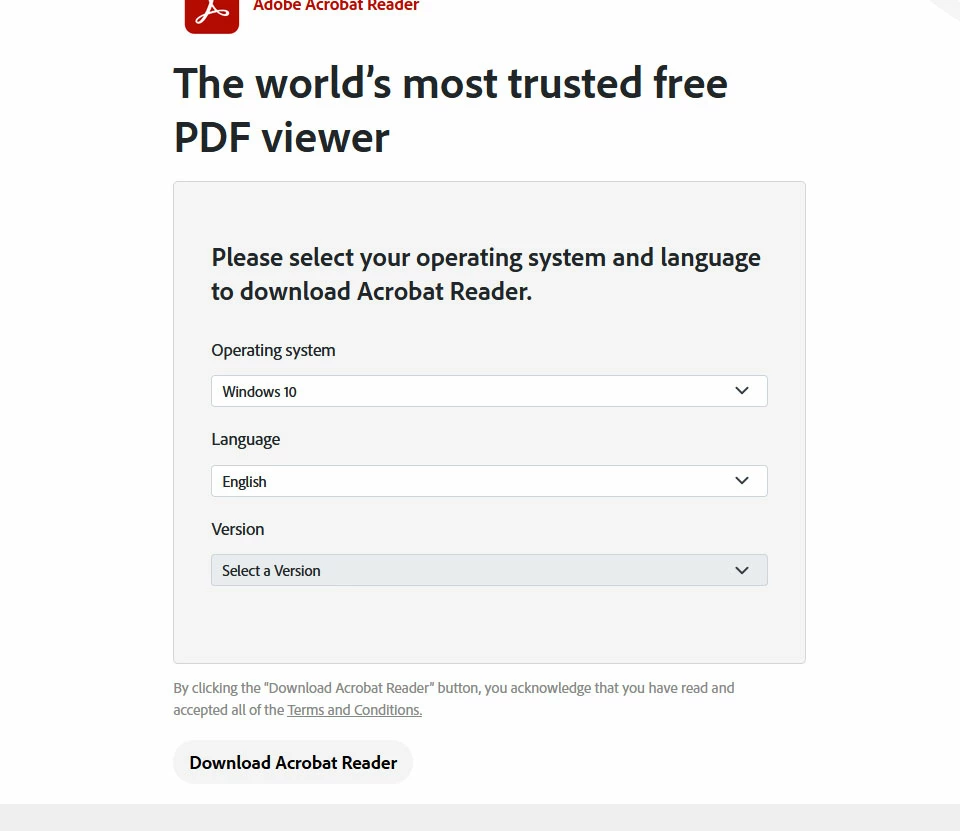
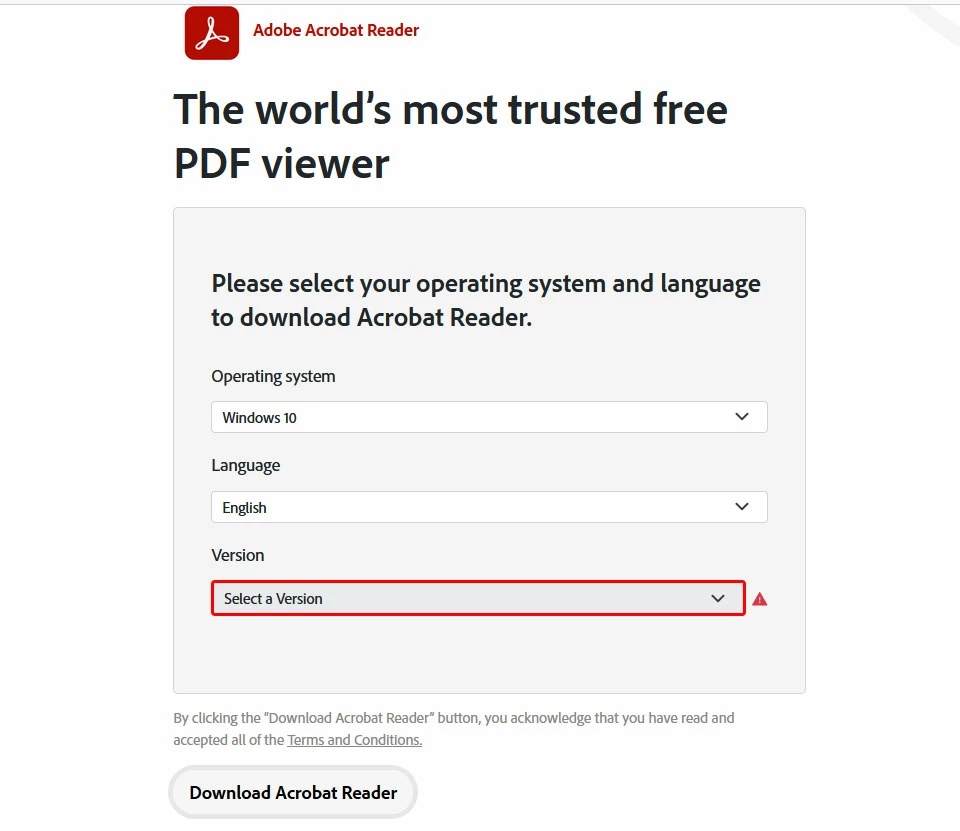
When I go to the download page (https://get.adobe.com/reader/direct) it redirects me instantly to https://get.adobe.com/reader/otherversions.
In the "Please select your operating system and language to download Acrobat Reader." form I can enter the Operating system and the Language from the dropdown list but the Version drop down is always greyed out and cannot be selected and if I press the "Download Acrobat Reader" Button I get a red exclamation mark on the "version" dropdown which is required.
Any suggestions would be appreciated!
 AdChoices