Answered
Chrome Adobe Extension Not Printing
When I download a PDF in Chrome with the Adobe Acrobat extension the print button does not work.
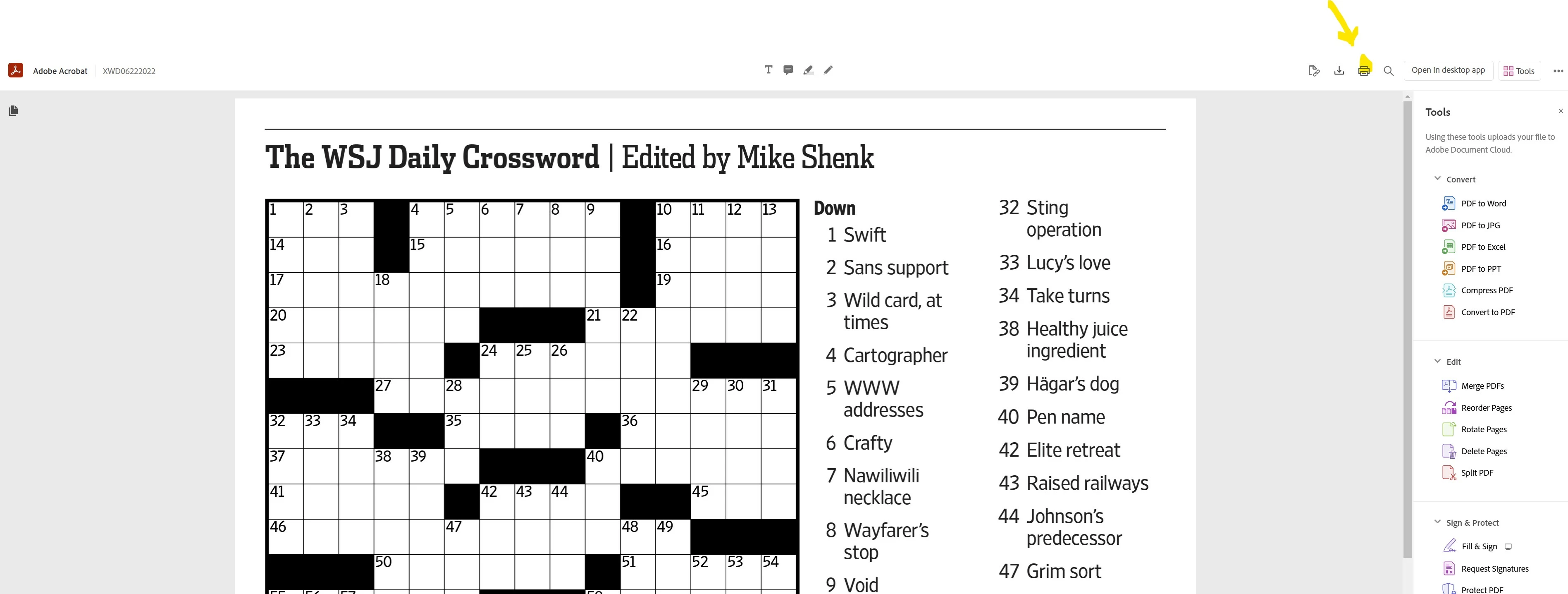

When I download a PDF in Chrome with the Adobe Acrobat extension the print button does not work.
Thank you So much
I copied chrome://settings/content/pdfDocuments into the address bar and it took me to the settings. I changed the option from "Download PDF" to "Open PDF's in Chrome" and now the rpint function works
Already have an account? Login
Enter your E-mail address. We'll send you an e-mail with instructions to reset your password.
 AdChoices