Copy link to clipboard
Copied
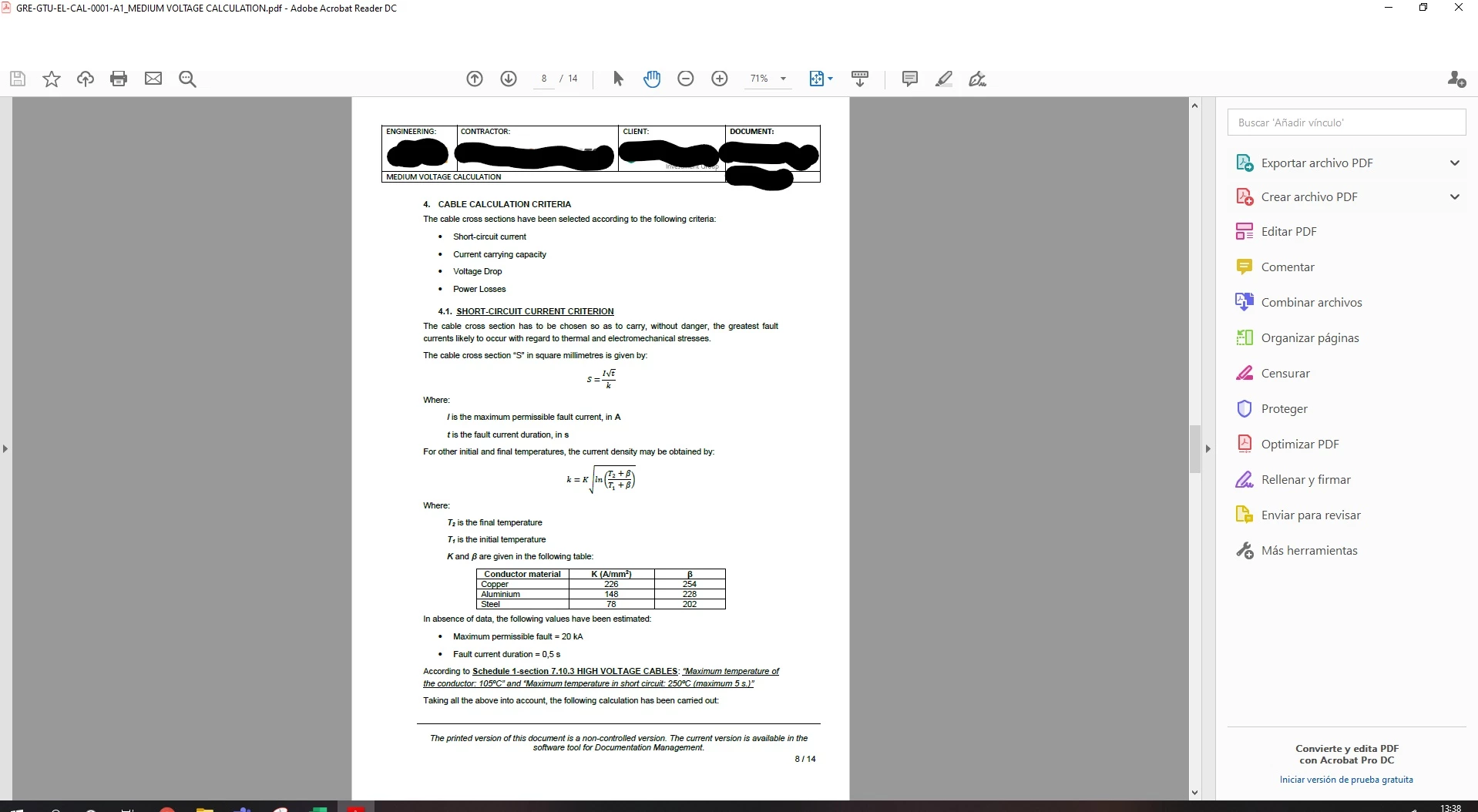
Buenos dias, tengo la ultima versión de Adobe Reader y en esta version y anteriores y de repente me desaparece la barra superior de la ventana. Sabes que puede suceder. Gracias.
Copy link to clipboard
Copied
Try pressing F8 and/or F9.
Copy link to clipboard
Copied
Thanks for your answer.
It is not a problem to hide with F8/F9, it suddenly disappears and I have to close Adobe Reader and reopen it to work properly.
Copy link to clipboard
Copied
HI Pacopino,
Thanks for reaching out to us. Could you please help me with the following details so that we can understand the issue better :
1. What version of Acrobat Reader you are using ? if its older please update to the latest version and try again.
2. Is it happening with all the files ? Can you share some sample file if its file specific ?
3. Can you also share the exact steps which is causing up this issue ?
4. Can you also try Re-starting the machine if it resolves something ?
Please feel free to reach me out in case of any issues.
-Arpit
Copy link to clipboard
Copied
Hi Arpit,
It happens to me with the latest version available in Adobe and earlier.
It happens to me eventually with any PDF file.
I work with two monitors and in one I have an open PDF file and in the other monitor any program and suddenly the menu bar disappears.
Thanks for your help.
Copy link to clipboard
Copied
Hi Papocino,
Thanks for your reply. I am trying to Repro the issue ay my end but unable to. Can you please Share the issue Video with me ?
And is this issue repro every time or is it intermittent ?
Also can you try Re-Installing Acrobat Reader and check if this is repro at your end ?
Please feel free to reach out in case of any issues/concerns.
Copy link to clipboard
Copied
Hi Arpitagr,
The problem was not solved by installing the latest version, it happens intermittently and the example I can provide is the screenshot I sent at the time.
Thank you.
Find more inspiration, events, and resources on the new Adobe Community
Explore Now
