
Participant
November 5, 2018
Question

Digital Signature Appearance Problem

  • November 5, 2018
  • 1 reply
  • 1210 views

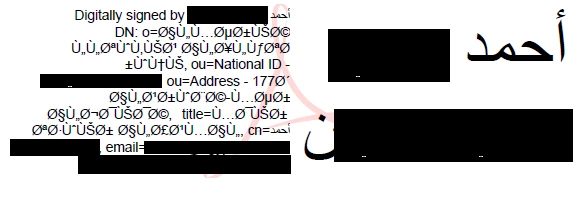
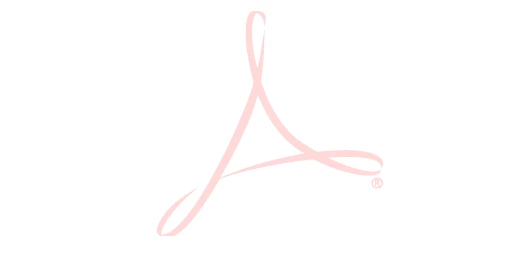
I'm using digital certificate on a token to sign my work, the name is written in Arabic according to our country regulations, when i sign with the latest acrobat reader it sign well and apply my digital signature, but the appearance of my signature don't appear (only adobe logo appear) even if i created it or edited it (the appearance), this problem didn't exist on previous version i was using 11.0.10.32

From 11.0.10.32:
From latest acrobat reader DC:
This topic has been closed for replies.

1 reply

Zaid Al Hilali
Community Expert
Community Expert
November 6, 2018

Ahmad, what is the operating system you are using and OS version? Can you try from any other computer running other OS?

AMD1987Author
Participant
November 7, 2018

I Tried windows 7 and windows 10, same thing with both versions of adobe reader, the old version apply appearance and the latest version don't apply appearance.

Zaid Al Hilali
Community Expert
Community Expert
November 8, 2018

Could be a bug in the new Reader version for Windows as this problem doesn't occur on my latest Reader for Mac.

I suppose you tried changing the appearance by adding removing some options in the appearance setting window, may be removing Acrobat logo! Perhaps it has to do with Arabic text or Arabic being the system language I wonder.