
Exit
  • Global community
    • Language:
      • Deutsch
      • English
      • Español
      • Français
      • Português
  • 日本語コミュニティ
  • 한국 커뮤니티
0

DISABELING updater - I HAVE TRIED EVERYTHING BUT BREAKING MY COMPUTER!

New Here ,
Feb 15, 2023 Feb 15, 2023

I have done everything. there is no command or option for my Adobe acrobat to update automatically, yet it does so every time I open it and it won't let me use any tool while it does it. After it starts, it never finishes.

basically im paying for Adobe to update. thats it.Iv followed every internet blog command or request or suggestion. 

here in the picture, you can see, its disabled, there are no other options and it still downloading (right top hand corner)
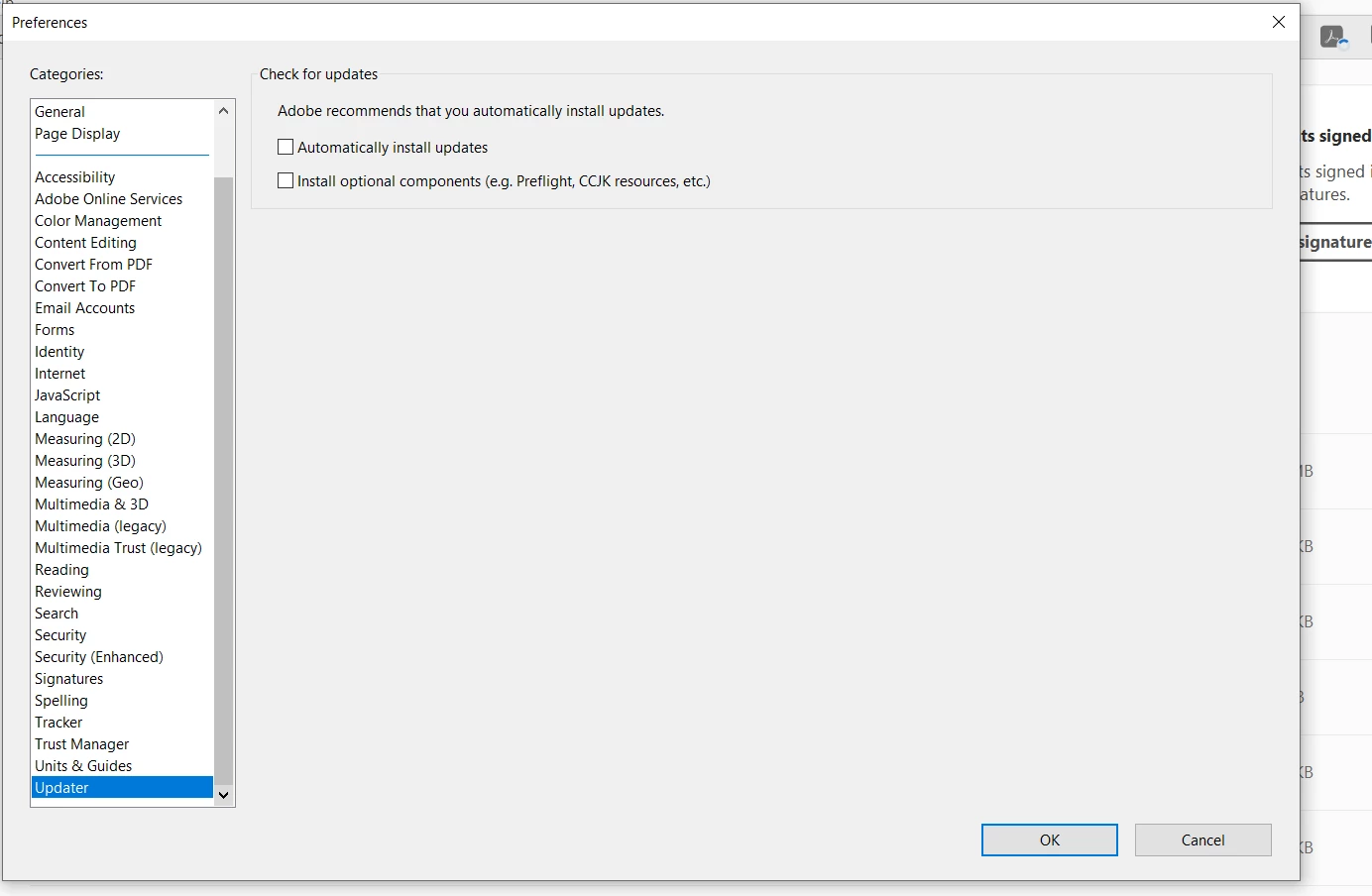
oren28428968ixm4_0-1676498527785.png

and then this apears every time I try to use a tool
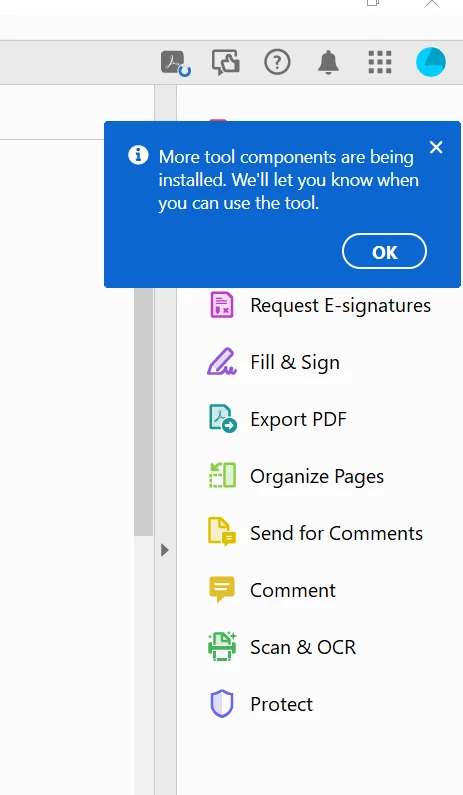
oren28428968ixm4_1-1676498583869.png

THIS IS TOTAL BS!!!

TOPICS
Crash or freeze , Download and install , General troubleshooting , How to , Windows
562
Translate
Report
Community guidelines
Be kind and respectful, give credit to the original source of content, and search for duplicates before posting. Learn more
community guidelines
Adobe Employee ,
Feb 27, 2023 Feb 27, 2023
LATEST

Hi @oren28428968ixm4,


Hope you are doing well. Sorry for your experience with Acrobat Reader DC updates.


Would you mind trying the steps given in the below community thread, which has a solution to a question similar to yours: Solved: Disable Auto-Updates for Acrobat Reader DC


Hope this helps.


-Souvik.

Translate
Report
Community guidelines
Be kind and respectful, give credit to the original source of content, and search for duplicates before posting. Learn more
community guidelines