Participant
August 20, 2020
Question

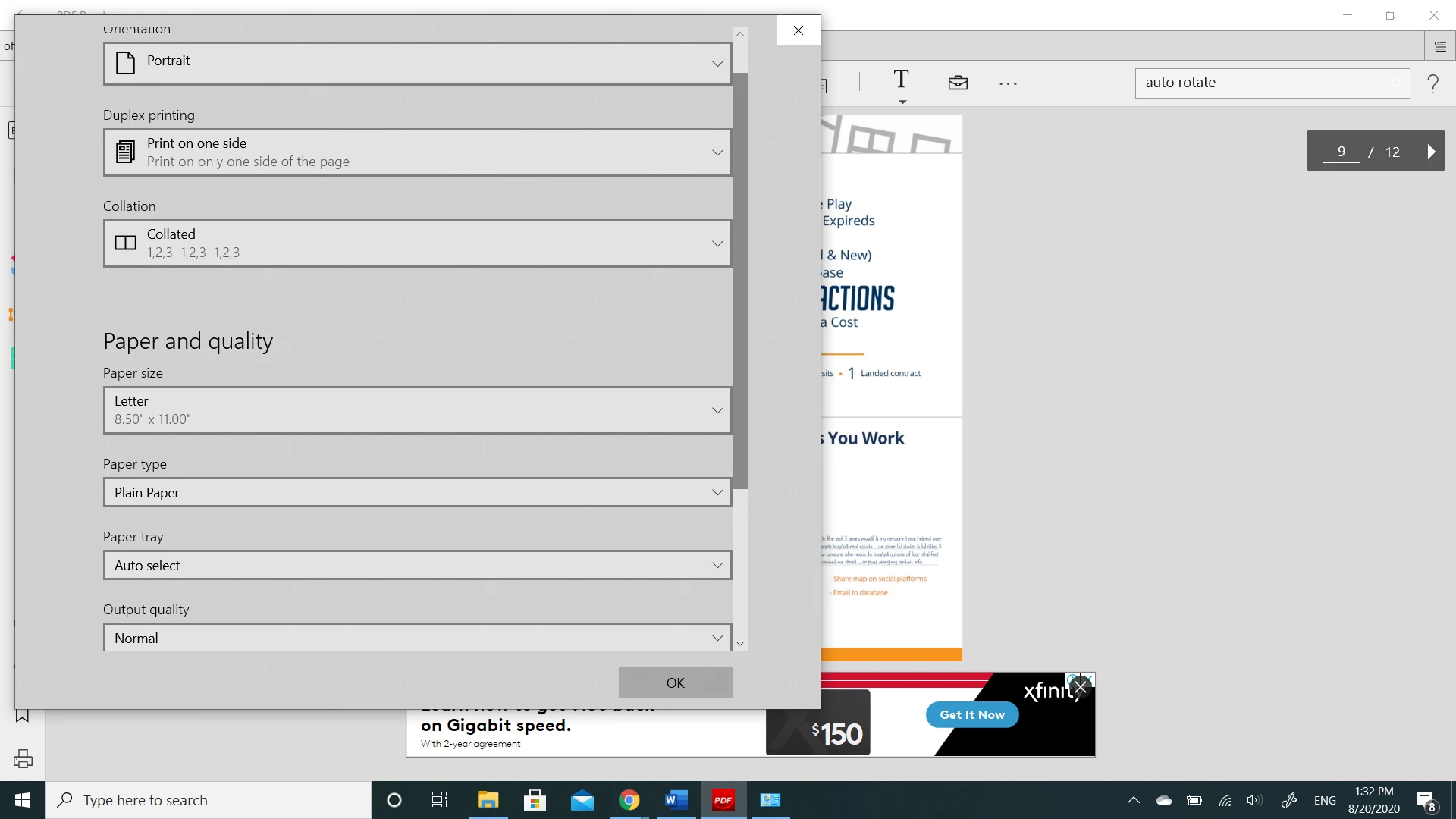
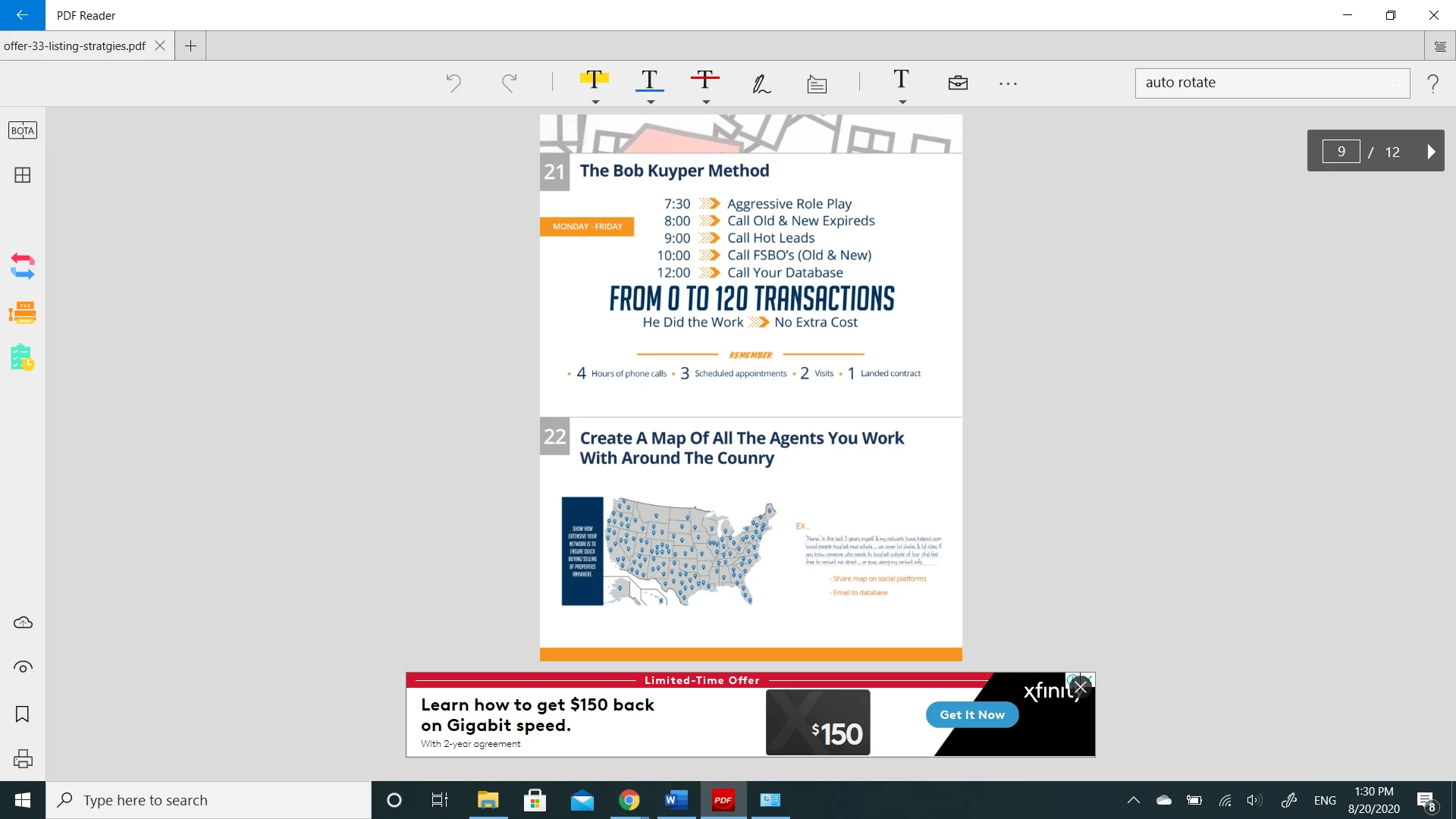
double sided printing is upside down

  • August 20, 2020
  • 2 replies
  • 2722 views

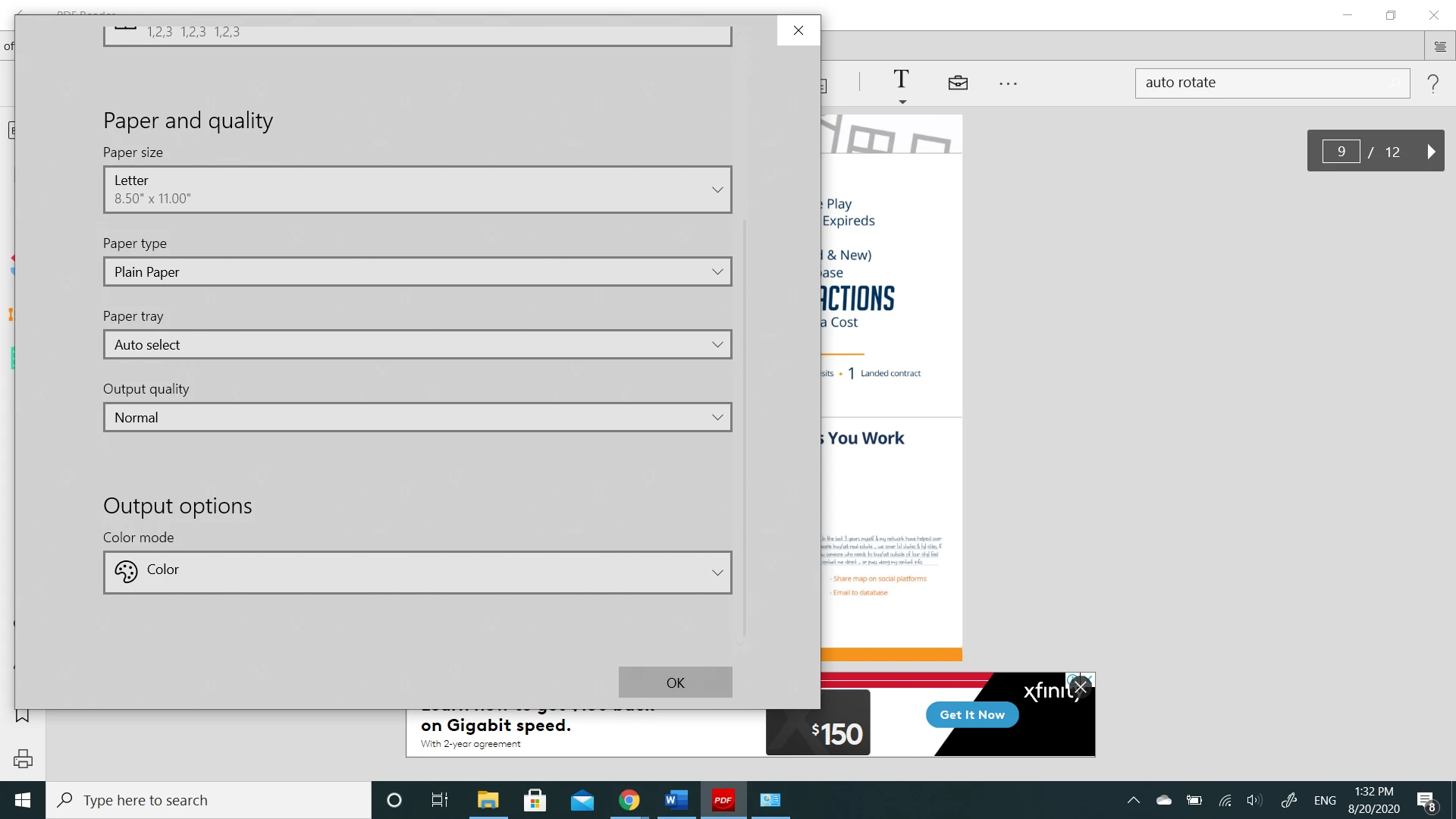
For some reason, the second page is always upside down when I print double-sided. I tried flipping it short edge or long edge, it doesn't make a difference.  I don't seem to have many choices to change settings. As described to change the Auto-rotate setting. I don't see that at all. When I print from word docs it works fine. Please help, 
    This topic has been closed for replies.

    2 replies

    radzmar
    Community Expert
    Community Expert
    August 20, 2020

    This program you're using seems to some 3rd party PDF viewer but not Adobe Reader.


    In general. If the document page is landscape, you need to select the short edge for duplex printing. If it's portrait than you use the long edge. 

    Participant
    August 23, 2020

    I have tried both ways neither work.

    Nicole Harrington

    [Personal information removed by moderator.]

    Participant
    December 15, 2021

    I am having the same exact issue


    Peru Bob
    Community Expert
    Community Expert
    August 20, 2020

    I've moved this from the Using the Community forum (which is the forum for issues using the forums) to the Acrobat Reader forum so that proper help can be offered.