
Participant
July 21, 2023
Question

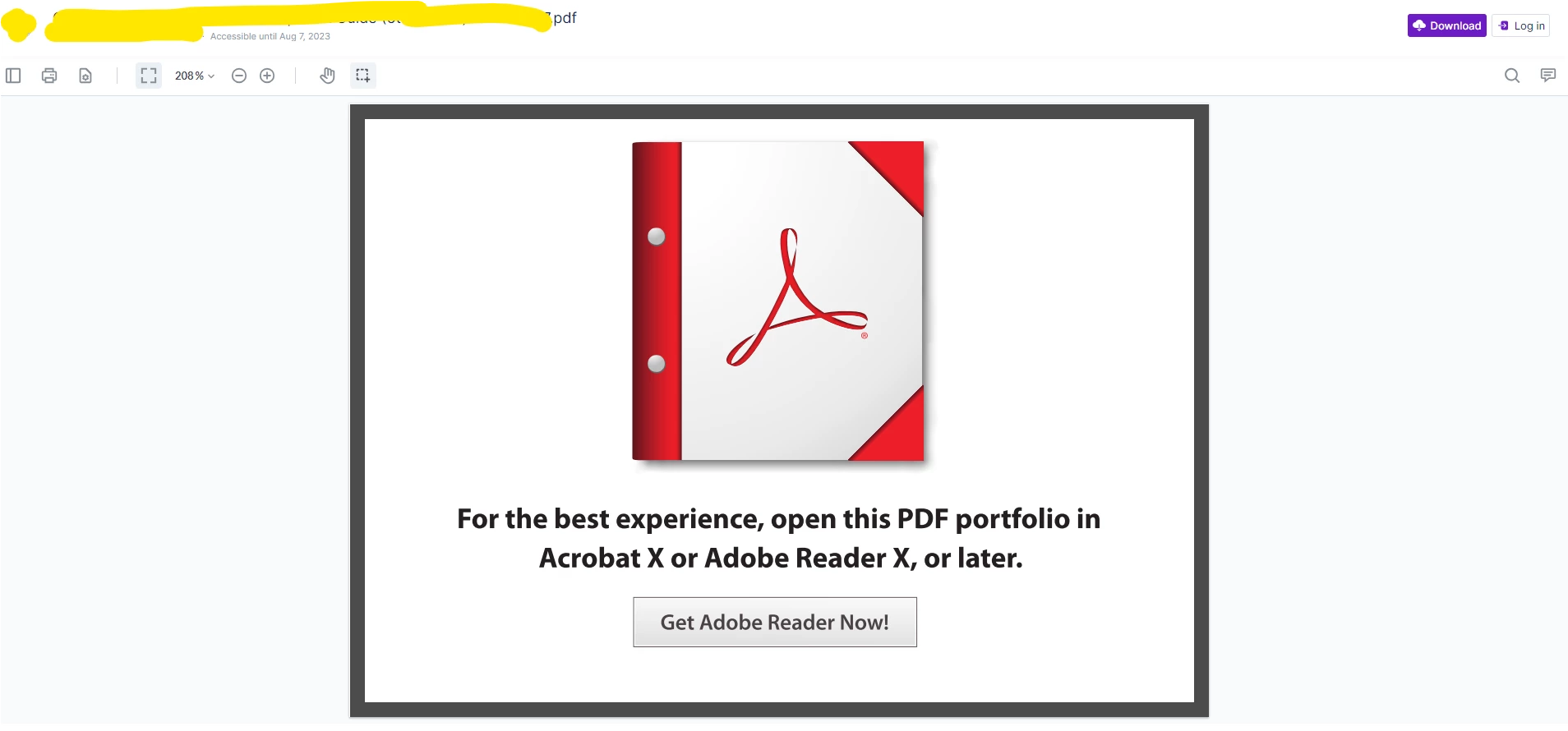
Downloaded Adobe reader to view a document on Egnyte web platform, still being prompted to download.

  • July 21, 2023
  • 2 replies
  • 485 views

When I attempt to open the document from Egnyte, I am still prompted to download Acrobat Reader. Acrobat reader is fully downloaded and I have restarted my computer. I am unable to view, print or download the PDF.  How do I open the PDF? 


I am on a Lenovo YOGA 7 laptop. 


Attaching a screen shot of what I see when I attempt to  view, print or download the pdf.


This topic has been closed for replies.

2 replies

AkanchhaS8194121
Legend
July 31, 2023

Hi @Alexa31218973qsj4 


++ adding on to what is suggested above.

There could be two possibilities for not being able to view the PDF file:

1- It's an XFA file, which is not supported to view on the web. To open such files, download them first and then open with Acrobat or Reader desktop app.

2- Its your web browser setting that doesn't allow to view the file. As suggested, change the browser setting and let this file be downloaded first. Once done, open with Reader.


Also, ensure that you have the Acrobat Reader latest version installed. 

https://helpx.adobe.com/reader/get-started.html 


Thanks,

Akanchha 

Bernd Alheit
Community Expert
Community Expert
July 21, 2023

Change the settings of the web browser so it downloads the PDF file.