
January 12, 2017
Answered

File not found error when opening any file

  • January 12, 2017
  • 1 reply
  • 36748 views

Hello,

When I first installed the update from Adobe Reader to the DC version I believe it worked fine for a short time and then this problem appeared. Whatever PDF file I ttried to open, an error message appeared saying that Windows couldn't find the file *path file*.
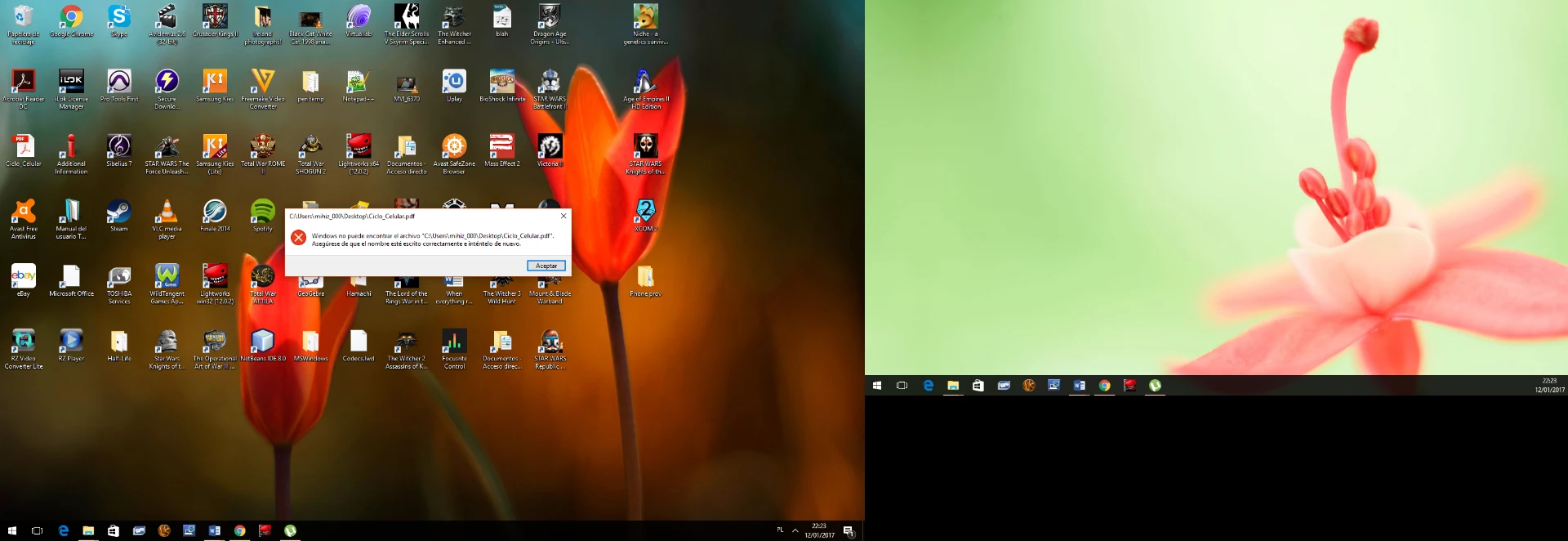
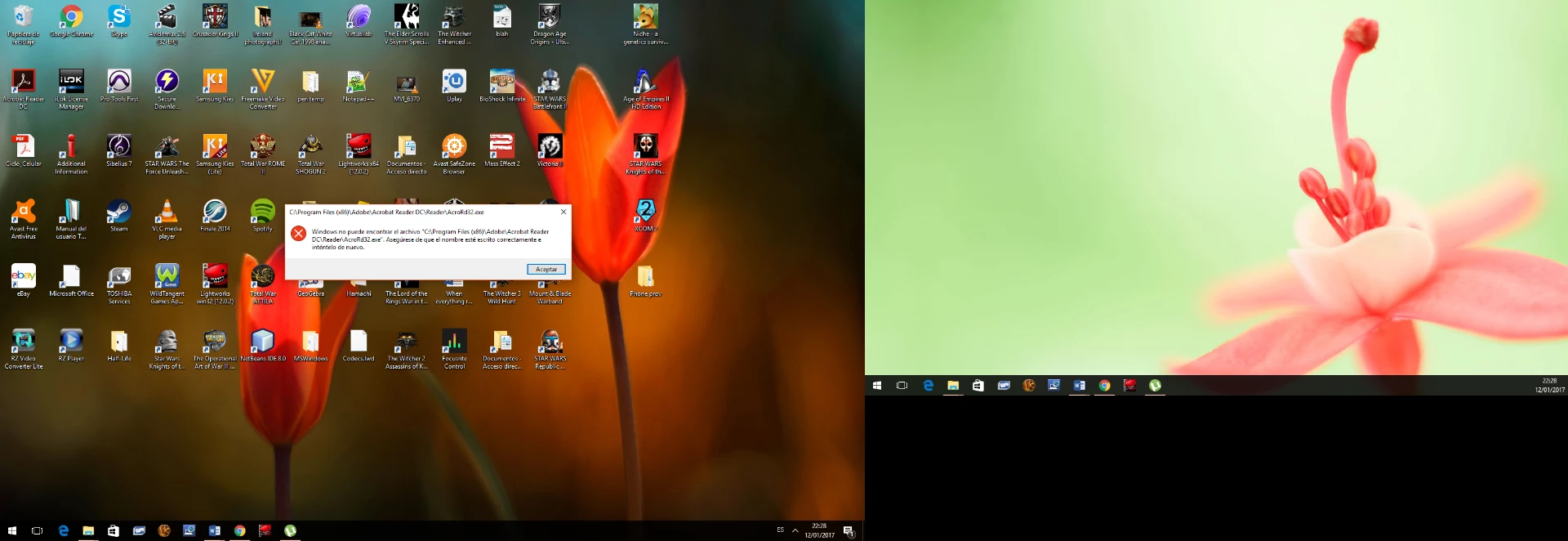
Opening the PDF file on other programs, such as Google Chrome works fine. Also, when I try to open Adobe Reader DC without opening any file, the same message appears, but with the path of the executable file.
I have tried reinstalling Adobe Reader DC many times, both with the download manager and with the offline installer. Also tried to uninstall it with the special removal tool you provide. Can someone ttell me what could be happening and provide me with any clues how to solve it? I use Windows 10.

Thank you.

This topic has been closed for replies.
Correct answer Adorobat

Hi mihizawi,

Try to follow the steps given at post#5 in the following link:

Windows cannot find 'c:\.....\AcroRd32.exe' 

1 reply

Adorobat
Community Manager
AdorobatCommunity ManagerCorrect answer
Community Manager
January 16, 2017

Hi mihizawi,

Try to follow the steps given at post#5 in the following link:

Windows cannot find 'c:\.....\AcroRd32.exe' 

January 16, 2017

Thank you for pointing me out to that.

I've found the folder within the register editor, but there's no register named "Image file execution options", nor any that ressembles it. Could it be that in Windows 10 the register is somewhere else or under a different name?

By the way, in the screenshot I erased the data of the registers, just in case there was any security-sensitive information. Probably not, but I am just being overcautious. If you need any value, I'll provide it, of course.

Adorobat
Community Manager
Community Manager
January 17, 2017

Hi mihizawi,

Try to click on CurrentVersion control point as seen in the screenshot below: