


dj_yoh
Participant
August 13, 2017
Answered

Flash player in Adobe Acrobat Reader

  • August 13, 2017
  • 8 replies
  • 61480 views

Hi, I've been recently trying to load a multimedia file within a pdf. However when I open my file in Adobe Acrobat Reader DC, I get this notification saying "To view the Flash technology content in this PDF file, please install the required version of Flash Player"

So I went to install the latest version Adobe Flash Player 26 however I still keep getting the same notification. My friends who are using older versions of flash player are able to load the file while i'm unable to load it. Is there any way to resolve this issue or is there something else which needs to be configured?

P.S. I've tried this on both Windows 8 and Mac and both give me the same result as well.
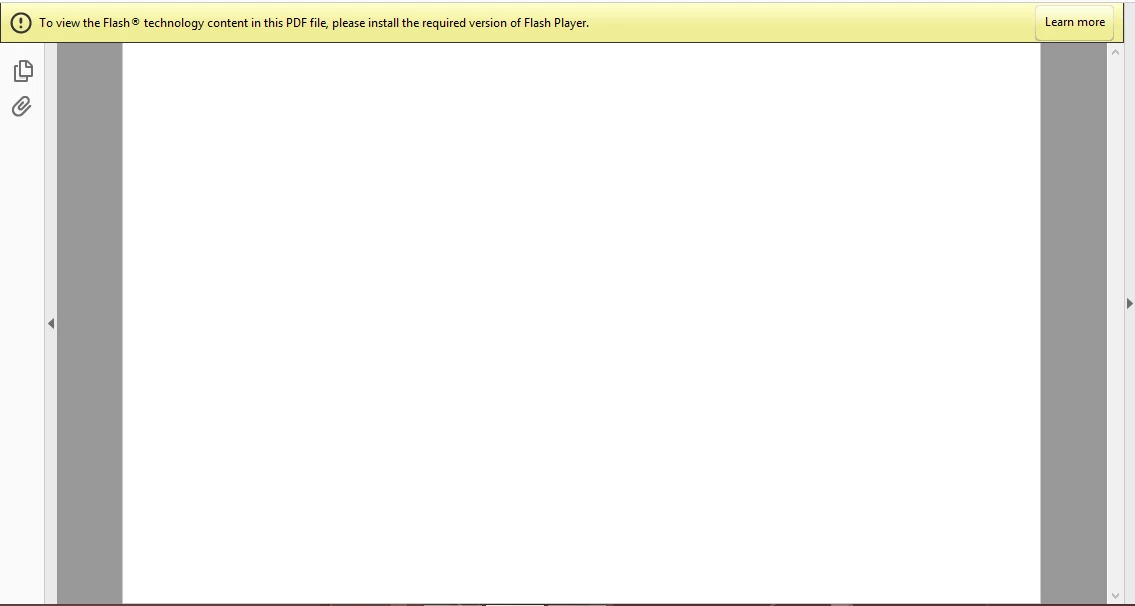
This topic has been closed for replies.
Correct answer sumitash1

I downloaded the flash player for windows 10 compatible for chrome. The other options are for mac, opera, and firefox - none of which I have installed. After installing the flash player, the pdf still does not play the embedded video file within the PDF document. I've also tried opening the PDF with chrome to see whether it was isolated to just the browser, but chrome fails to load the video within the PDF as well.


Please download and install "FP 26 for Firefox - NPAPI" from  http://get.adobe.com/flashplayer/otherversions/  and relaunch Adobe Reader/Acrobat. It should fix the flash player issue. (Note: This Flash installer needs to be installed for flash content rendering in Adobe Reader/ Acrobat, irrespective of browser present at the system)

Please let us know, if you are still seeing the issue.

Thanks,

Sumita

8 replies

Participant
January 23, 2020

What if the original file that you converting to pdf does not have any multimedia or flash in it yet are still getting that error ("To view the Flash technology content in this PDF file, please install the required version of Flash Player") once in pdf form? It is a .pst file consisting of emails, no flash or multimedia

andrewm36999099
Participant
January 22, 2021

We had the exact same problem.

Just uninstall all Flash Player versions and then it comes up with this error when you try to open the pdf, but if you click "Cancel" it works.

No idea why an email archive would need Flash when there is no Flash content...

Participant
October 12, 2021

I have .pdf documents that have Flash content.  These documents now open to the blank screen described above.  Now that Flash is EOL how can I get the contents of the document?


I have Adobe Acrobat DC 2017 installed.  

Windows 10

Participant
January 29, 2019

That link doesnt take you anywhere... is that still active?

Legend
January 29, 2019

Which link? There are 25 messages and several different ones with links.

Legend
November 24, 2017

Anyway it will all be over soon. Flash will be Gone. A pity countless millions of PDFs will no longer work.

Legend
November 24, 2017

Because Reader uses the interface made for Firefox. We don’t have to like it.

Participant
November 24, 2017

so much logic in that..

thanks

Legend
November 24, 2017

Three different interfaces defined by Microsoft, Google, Firefox. do three different Flash players.

Participant
November 24, 2017

google, and firefox are not installed so why do i need to install a version when no other interface is installed?

Legend
September 26, 2017

hmm. I wonder if anyone else has this combination?

Legend
September 26, 2017

So you've installed the NPAPI version of Flash (not just downloaded it)? Ok, what exactly happens when viewing a PDF? Please be detailed, it could be a different problem, since using the right version fixes it for everyone else I think.

TheCoos
Participant
September 26, 2017

Ya, it's installed. I even tried uninstalling it then reinstalling it. The other people were able to fix it with the FP 26, not 27, but the only download options for my mac are FP 27. I'm getting the same error message when I try to embed a multimedia file into the pdf, when I click on the "Learn more" button, it takes me to the download page for Flash Player. The option to download FP 26 is not there, and I even tried searching for the older version online. Despite installing FP 27 the error message stays there and it won't load the file, so its just a box but the media inside won't show or play.

Bernd Alheit
Community Expert
Community Expert
August 13, 2017

Press "Learn more".

August 15, 2017

I am experiencing the same exact problem. Clicking "learn more" only takes you to the installer page for flash player to install the same software which is already installed but not acting as though it is being recognized.

I've tried restarting the PC, re-downloading the offending PDF document, and nothing is working. I have the standard version of adobe acrobat DC installed. It's acting as though acrobat DC is not recognizing that adobe flash player 32-bit is installed. My computer is 64 bit.

Bernd Alheit
Community Expert
Community Expert
August 15, 2017