
Participant
May 12, 2023
Answered

for imm 5257 canadian visa form
  • May 12, 2023
  • 2 replies
  • 5700 views


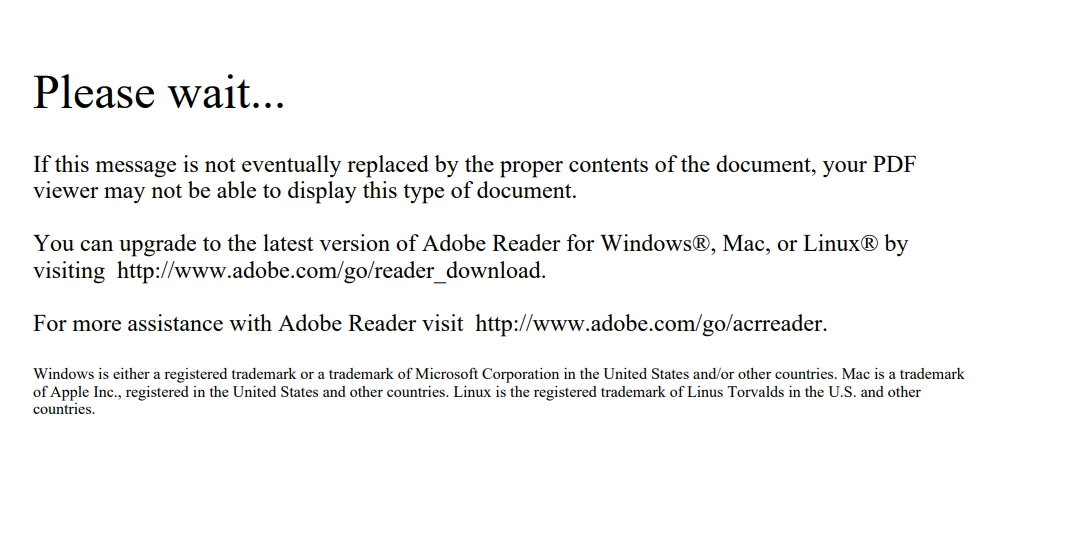
While dowloading this form imm 5257 from the canadian immigration website, i initialy saw the above message but was able to download  this above ,by opening it with adobe reader and fill it .However, once i validate and save it on my desktop, i dont see the contents on the desktop, even  while uploading it.It still shows the above image, but only when i open it,it shows the full form.

Why iis it so?

do i need to to change it to where i can see it like normal pdf if possible

more importantly, can i just upload this document to the IRCC website as the way it looks ,will they be able to open and see the completed document? PLEASE HELP AND ADVISE!

Correct answer try67

You can't open this file in your browser because all non-Adobe PDF viewers can't handle this special type of PDF file. But when you upload the file it should not be opened by the browser, just sent directly.

2 replies

Participant
March 6, 2025

Hey  prashant298501225gfc

I had the same issue with the IMM 5257 form! This happens because the IRCC forms are interactive PDFs that don’t display properly in regular PDF viewers or browsers. They only work in Adobe Acrobat Reader.

Why does it look blank after saving?

When you validate and save it, the form is still there, but most generic PDF viewers can’t render it correctly. That’s why you only see the "Please wait…" message when viewing it outside Adobe.

How to Fix It?

1️⃣ Open the file ONLY in Adobe Acrobat Reader (not in a browser).
2️⃣ If you can see all the fields when opening in Adobe, it means the form is saved correctly.
3️⃣ IRCC will be able to read the contents even if it looks blank to you when uploaded.

Can You Upload It as Is?

✅ Yes! As long as you validated the form properly, IRCC will see all the information.
❌ Don’t print and scan it—IRCC needs the original digital file.

If you’re still having trouble, try downloading Adobe Reader from this official link and opening the file again.

try67
Community Expert
try67Community ExpertCorrect answer
Community Expert
May 13, 2023

You can't open this file in your browser because all non-Adobe PDF viewers can't handle this special type of PDF file. But when you upload the file it should not be opened by the browser, just sent directly.