Participating Frequently
July 1, 2016
Answered

Measuring Tool

  • July 1, 2016
  • 4 replies
  • 94710 views

Good morning to everyone -

I'm using 2015 Reader DC.

I've received a construction site plan PDF with a 1in=60ft scale on the drawing.  When using the Measuring Tool, the Scale Ratio is set to "1 in = 1 in".  When I measure the scale itself, the distance reads 0.8. 

What setting do I need to change to get accurate measurements on the PDF?

    Correct answer Barb Binder

    In Acrobat DC:

    Click on the Tools tab, and click on the purple Measure button.

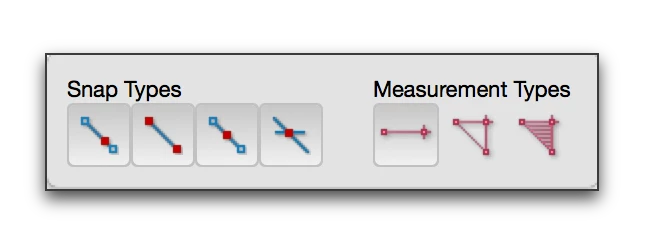
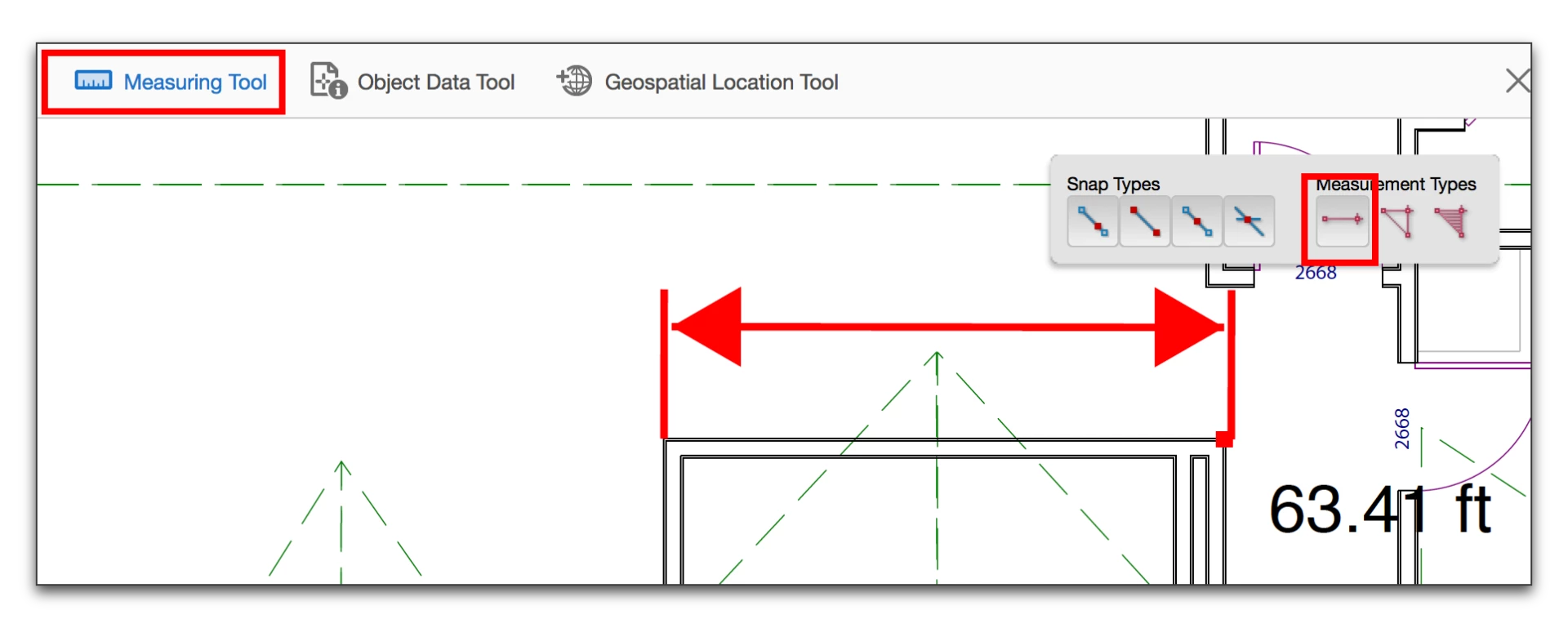
    Click Measuring Tool at the top of the document window and select the Measurement type.

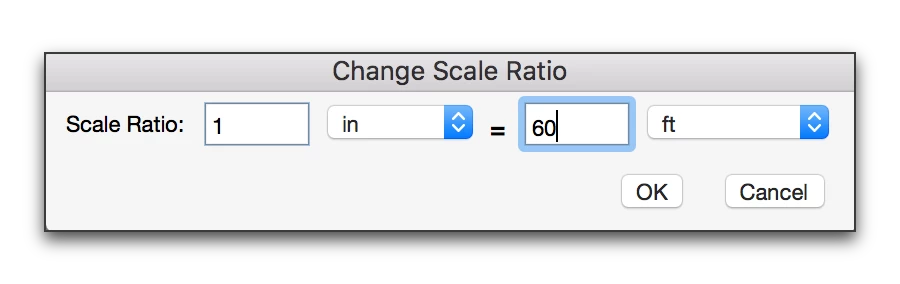
    Right click the page > Change Scale Ratio:

    When you pick OK, you will see the updated scale ratio, as long as you still have the Measuring tool selected:

    Drag to measure:

    EDIT: I realized how different the steps are for Acrobat DC and updated the blog below to reflect the DC workflow:

    https://www.rockymountaintraining.com/adobe-acrobat-x-changing-the-measurement-scale/

    4 replies

    Participant
    April 22, 2021

    Vicent and Barb, you are both legends!

    Participant
    July 16, 2020

    Hi there, 


    I have unticked the first box. But still I can't measure. When I double click to complete the measuring, I can't actually finish measuring and receive an error message saying 'this point cannot be selected because it is the smae as the previous point. 


    Any advice? Many thanks. 


    Barb Binder
    Community Expert
    Barb BinderCommunity ExpertCorrect answer
    Community Expert
    July 1, 2016

    In Acrobat DC:

    Click on the Tools tab, and click on the purple Measure button.

    Click Measuring Tool at the top of the document window and select the Measurement type.

    Right click the page > Change Scale Ratio:

    When you pick OK, you will see the updated scale ratio, as long as you still have the Measuring tool selected:

    Drag to measure:

    EDIT: I realized how different the steps are for Acrobat DC and updated the blog below to reflect the DC workflow:

    https://www.rockymountaintraining.com/adobe-acrobat-x-changing-the-measurement-scale/

    ~Barb at Rocky Mountain Training
    Participating Frequently
    July 1, 2016

    Thanks Barb.  I actually read your blog post before.  Here's a screen shot after changing the Scale Ratio. 

    Barb Binder
    Community Expert
    Community Expert
    July 1, 2016

    Hi Vincent: yours is still showing "Embedded Scale Ratio" which means it's using the scale that came from the CAD program. From the screen shot above, I see you have the measuring tool and type selected: but I don't see that you changed to the new ratio as per steps 5-7 on my blog post.

    ~Barb at Rocky Mountain Training
    Participating Frequently
    July 1, 2016

    I should mention that I changed the Scale Ratio to 1in=60ft and it didn't change anything.