

MP4 video in PDF won't play; says Flash Player needed
OS: Win 10
Browser: Chrome, Version 68.0.3440.106 (Official Build) (64-bit) (preferred), also use IE 11
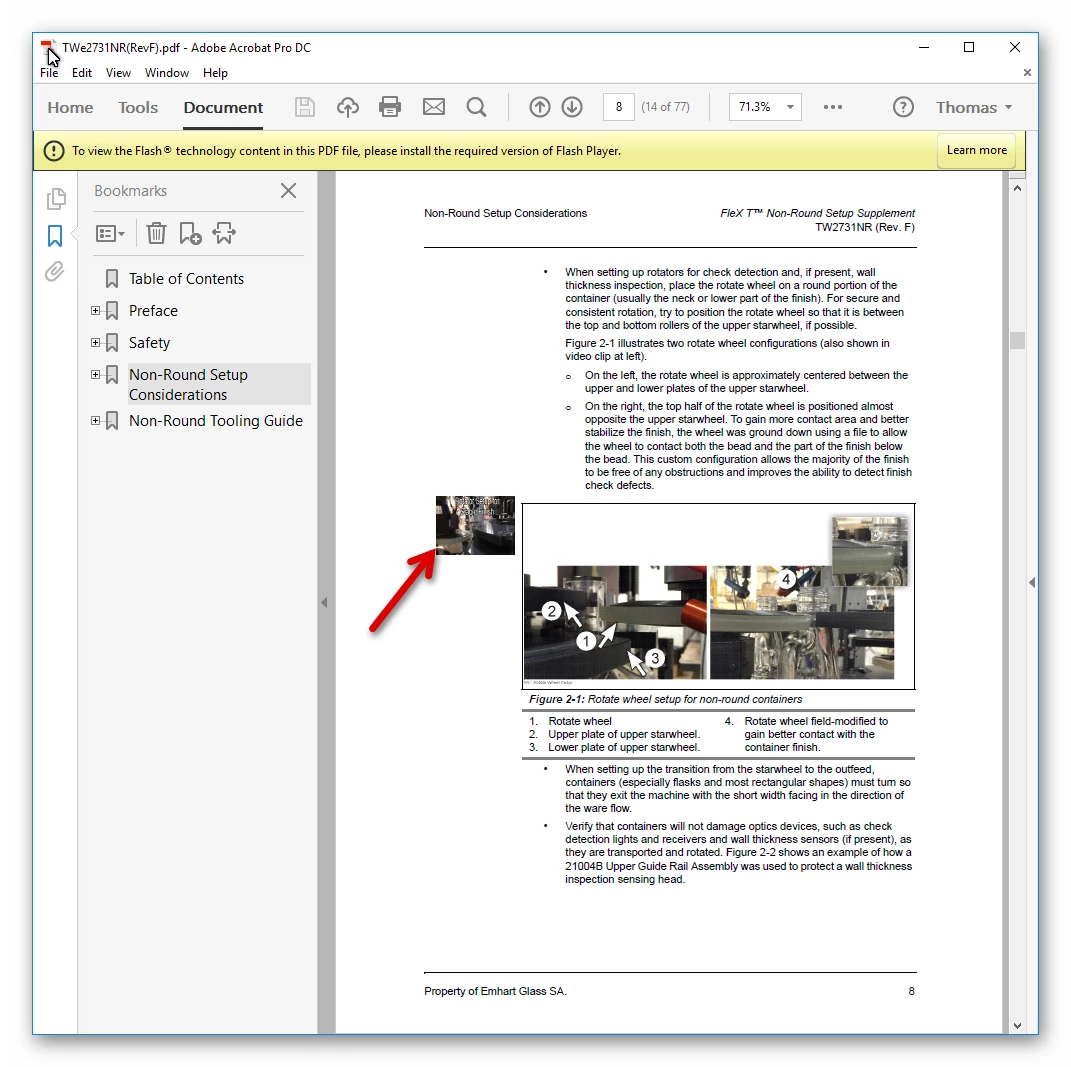
I have several documents that were created with FrameMaker 12 that mp4 video tutorials that were enabled in the FM document, which was then saved as PDF. Until now, all of these videos worked fine. This is what I'm seeing (the arrow points to the poster image that starts the video in a floating window on the page):
Based on the above warning, I downloaded and installed the Flash Player
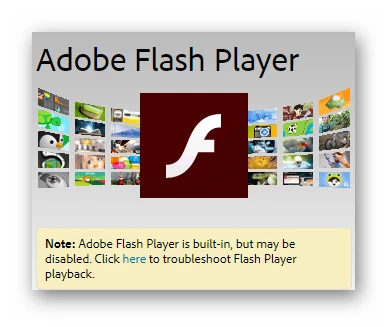
What's changed? I have a new Dell notebook running Win 10 (the documents that will no longer play video) were created on a previous notebook running Windows XP. In the process of changing to a new notebook, our IT group had to reload all software, including re-installing and updating Acrobat DC. The Flash Player, however, says it's disabled, see below>
I'm not opening the documents in a browser. These are PDFs that I open in either Reader or Acrobat.
How do I fix this issue?
 AdChoices