
Question
My Adobe Acrobat DC Install fails repeatedly.
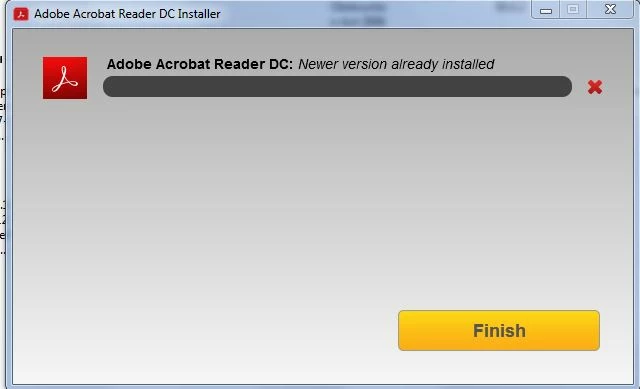
My Adobe Acrobat DC Free constantly failed to auto-update. I was using v18.011.20063,but i constantly got a 'failed to update' message. So - I uninstalled Acrobat using the Acrobat cleaner tool & tried to install the 'LATEST version direct from the Adobe website. I ran the Install app. & it failed. I got a message telling me that ' newer version already installed''. How can i have a version newer than the newest version ??. Since i don't have anything to do with Adobe Acrobat on my PC - WHAT is telling me that i already have it ??.
I've been on line with the Tech Support guys & they couldn't help me.
'Something' on my PC is telling the Adobe Acrobat Installer that i already have Adobe Acrobat on my PC,so it fails - What is it ?????.
 AdChoices