
margaret027
Participant
May 25, 2018
Answered

Not able to save a pdf document to computer

  • May 25, 2018
  • 2 replies
  • 2391 views

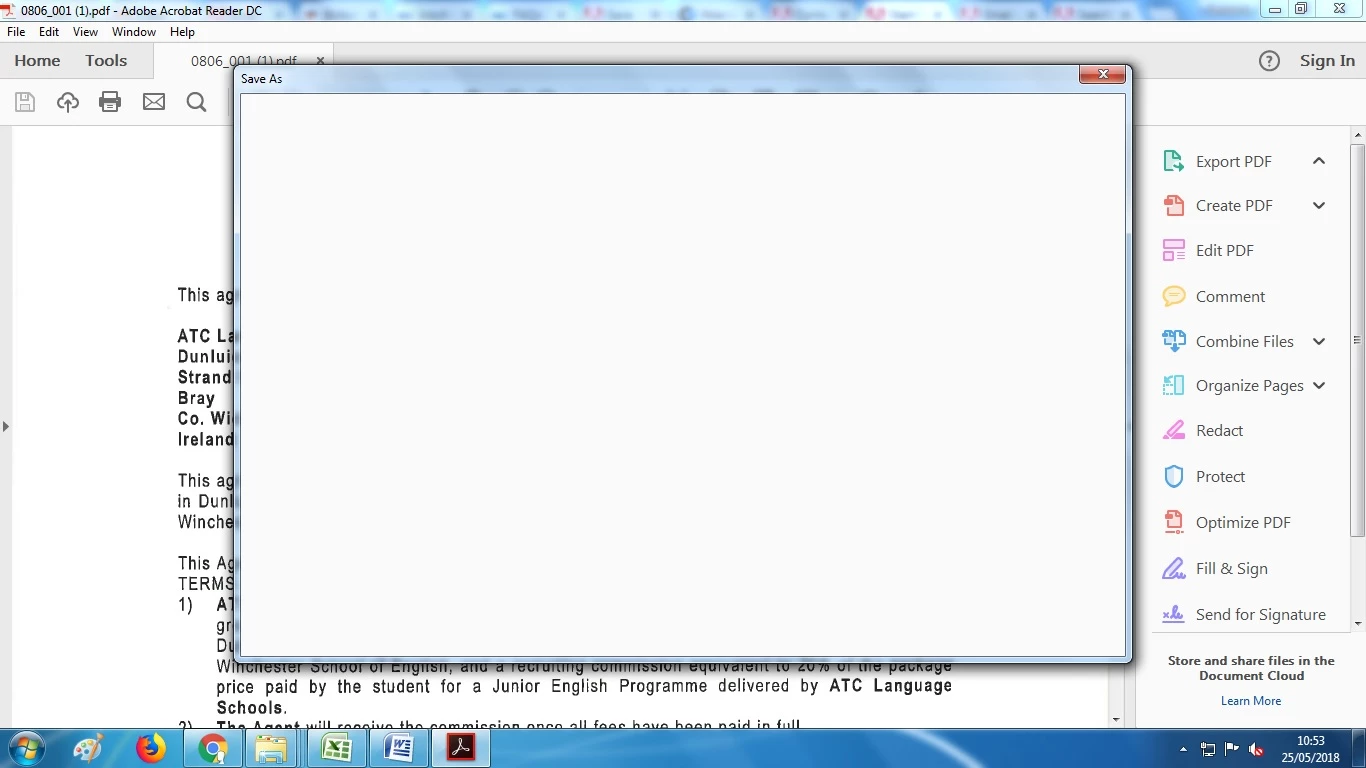
I am not able to save a pdf document to my computer. When I choose "Save As" a blank pop up appears and stays there until I exit out of it. Before I had no problems saving pdf's to my desktop. Does anyone have a solution to my problem?
    This topic has been closed for replies.
    Correct answer Adorobat

    Hi Margaret,

    As you are getting blank pop up when trying to save a pdf using "Save As" option, please try following troubleshooting steps:

    Launch Reader > click Edit > Preferences, then go to the "General" category and uncheck the two "Show online storage..." options and check if that helps.

    Let us know if you need any help.

    Shivam

    2 replies

    Participant
    October 3, 2021

    Dear Forum:

     
    I have opened documents and then forwarded them using the attach to email function for years. Then, recently, a “Sign In” message box started showing up first and would not close. I force quit and went on to successfully attach email. Finally, I thought I’d just go ahead and sign in and see if that ended the problem, and so I did and now the “attach to email function” is simply not there. Nothing shows up when I ask to attach.
     
    I read the forum and my Adobe is fully updated and I do not use Outlook, so I could not make the change to the Use Cached Exchange Mode. I use Apple Mail.
     
    This lack of functionality is a show stopper for me. What is going on and how do I fix it, please?
     
    Jeff


    Adorobat
    Community Manager
    AdorobatCommunity ManagerCorrect answer
    Community Manager
    May 25, 2018

    Hi Margaret,

    As you are getting blank pop up when trying to save a pdf using "Save As" option, please try following troubleshooting steps:

    Launch Reader > click Edit > Preferences, then go to the "General" category and uncheck the two "Show online storage..." options and check if that helps.

    Let us know if you need any help.

    Shivam

    Participant
    October 3, 2021

    save was working fine until same problem suddenly cropped up straight after  new T&Cs were `accepted' - then 3 stressed hours just wasted trying to find this solution - this v occasional user had NO idea what problem was and ended up opening accounts etc to get useless chatbot before just CHANCING on this reply & at least that has worked (so far) so very relieved of course AND appreciate free use of basic nofrills product BUT company can surely do better ?!! as wide free use of PDFs does bring in paying corporate/business custom after all ...