

Pop-up blocking use of Reader
Hi -
Thank you kind people for all of the help you provide. I could use some of your help...
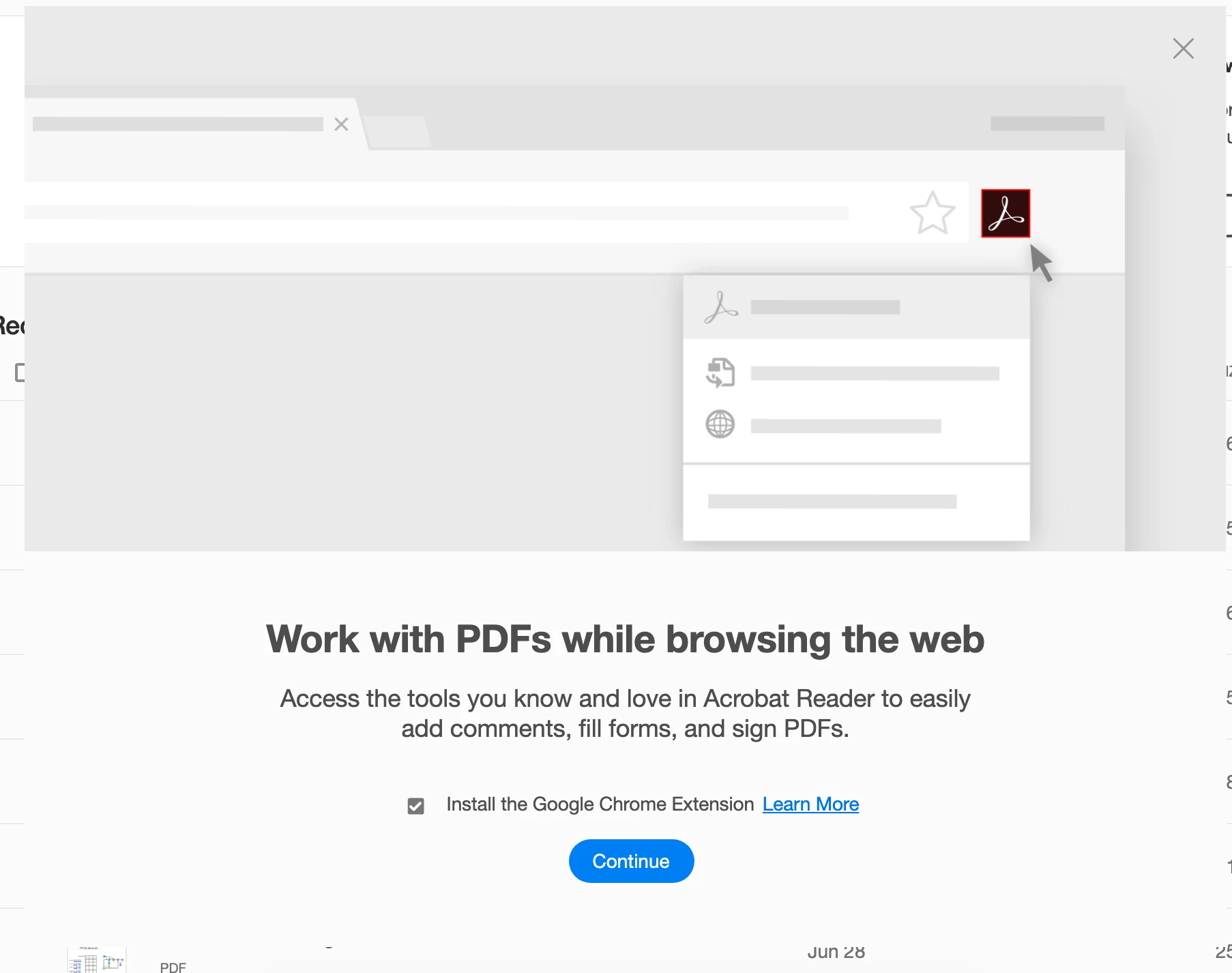
Every time I start the app a window pops up with a prompt "Work with PDFs while browsing the web." See the screenshot.
As far as I can tell it is not possible to dismiss this window and use the app. All of the controls in the pop-up are non-responsive
- The X in the upper-right
- The Continue Button
- The Learn More link
- The checkbox
The Application won't quit - I have to use the Mac's Force Quit to use the app.
I'm on Nac OS Catalina. I cannot tell what eversion of the app I'm using because the option to look that up is greyed out.
I've uninstalled and re-installed the application. No change. (Installation file: AcroRdrDC_2001220041_MUI.dmg)
Thanks for your help!
 AdChoices