
Question
problems with printing labels A6
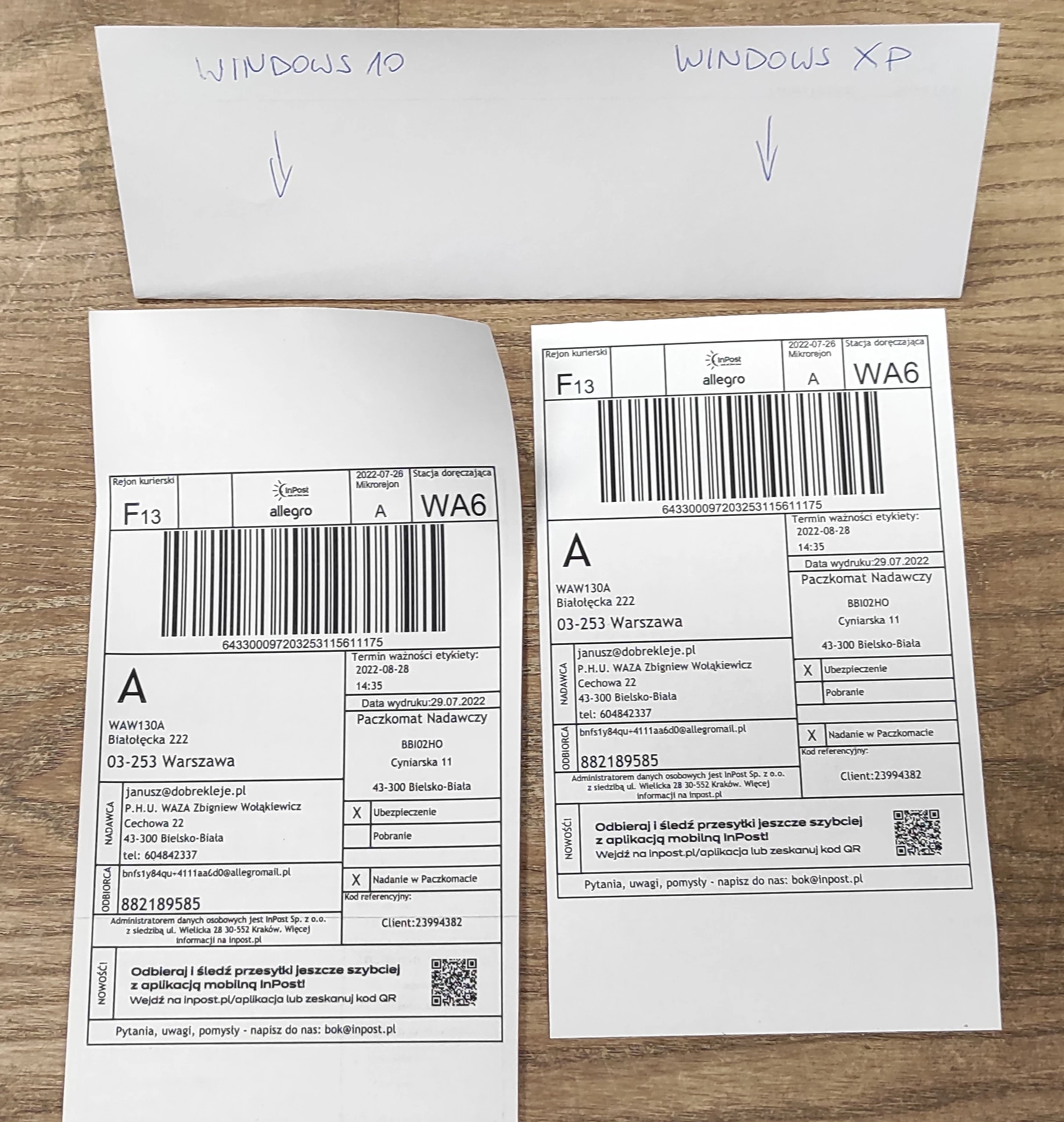 Mam problem z drukowaniem etykiet w formacie A6. Do tej pory wydrukowałem z Windows XP i było idealnie. Zmieniłem komputer, mam Windows 10 i etykieta drukuje się z marginesem 3,5 cm u góry. Próbowałem każdej opcji i nic nie pomaga.
 AdChoices