
April 29, 2015
Question

"Adobe Reader Expected a Dict Object Error." Does Anyone Have a Solution?

  • April 29, 2015
  • 1 reply
  • 21237 views

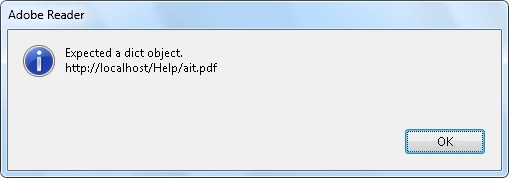
With the latest versions of Adobe Acrobat Reader XI and Internet Explorer 11 in Windows 7 Professional 32-bit Service Pack1, we are having issues trying to open a machine manual PDF within the web browser. The web page is hosted locally with an Apache web server. Once we click link to the manual, the PDF attempts to download, but then we are prompted with an Adobe Reader "Expected a dict object. http: // localhost/Help/ait.pdf" information dialog box. The PDF then fails to load. Sometimes however it will load successfully without any issues. The PDF is roughly 34MB in size.
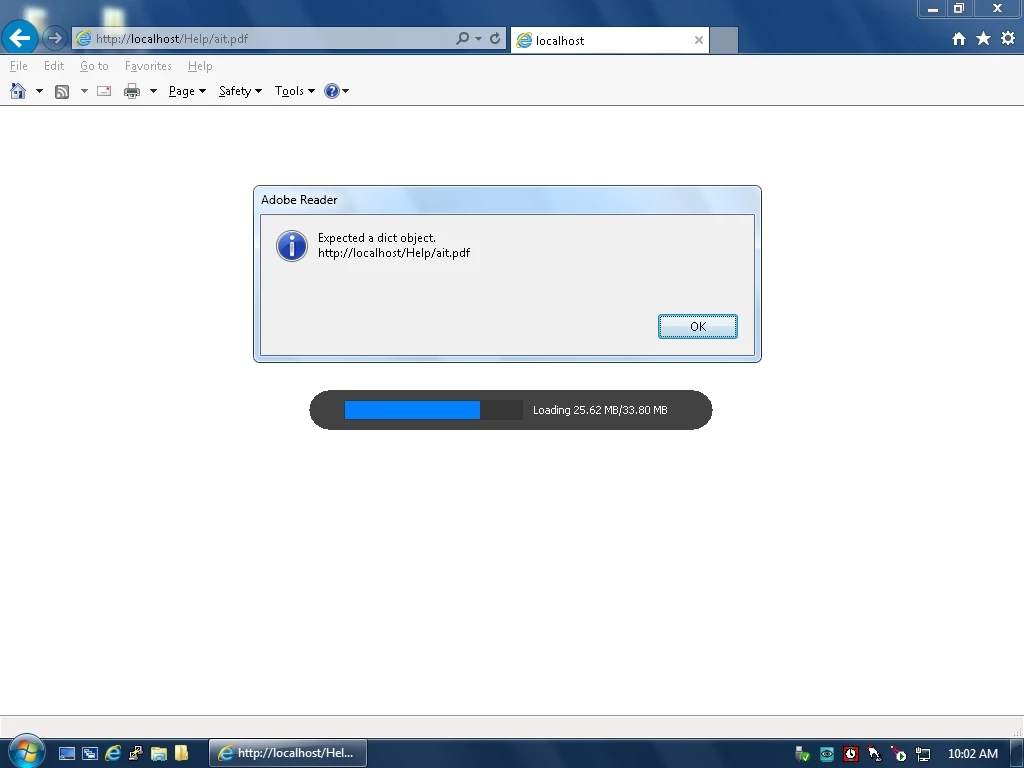


We have tried other web browsers (Chrome, Firefox, and Opera) and they do not appear to have this issue. What could be causing this problem? Does anyone have a solution for this? Please let us know.

This topic has been closed for replies.

1 reply

Anubha Goel
Community Manager
Community Manager
July 15, 2015

Hey markb72704482,

Thank you for posting on Adobe forums

Could you please try this: Go to "Edit > Preferences > Internet" and uncheck Display PDF in Browser and Allow fast web view options.

Click OK and then open your browser.

You can also navigate to another thread discussing the same issue and see if this could help:

Reader XI IE 8 plugin displays "Expected a dict object" when opening a FrameMaker 9.0.4 PDF

Let me know.

Regards,

Anubha

July 15, 2015

Hello Anubha,

We have tracked down the problem to a faulty PDF document. The PDF document was created with an older version of Adobe Acrobat and will need to be re-saved with a newer version of Acrobat. Thanks for your help though.

Kind Regards,

-Mark

Anubha Goel
Community Manager
Community Manager
July 16, 2015

Hey Mark,

Thank you for your response and letting me know about the same.

I really appreciate that.

Let us know if you need our assistance in the future.

Regards,

Anubha