
Answered
"Print to PDF" from PDF turns black lines grey
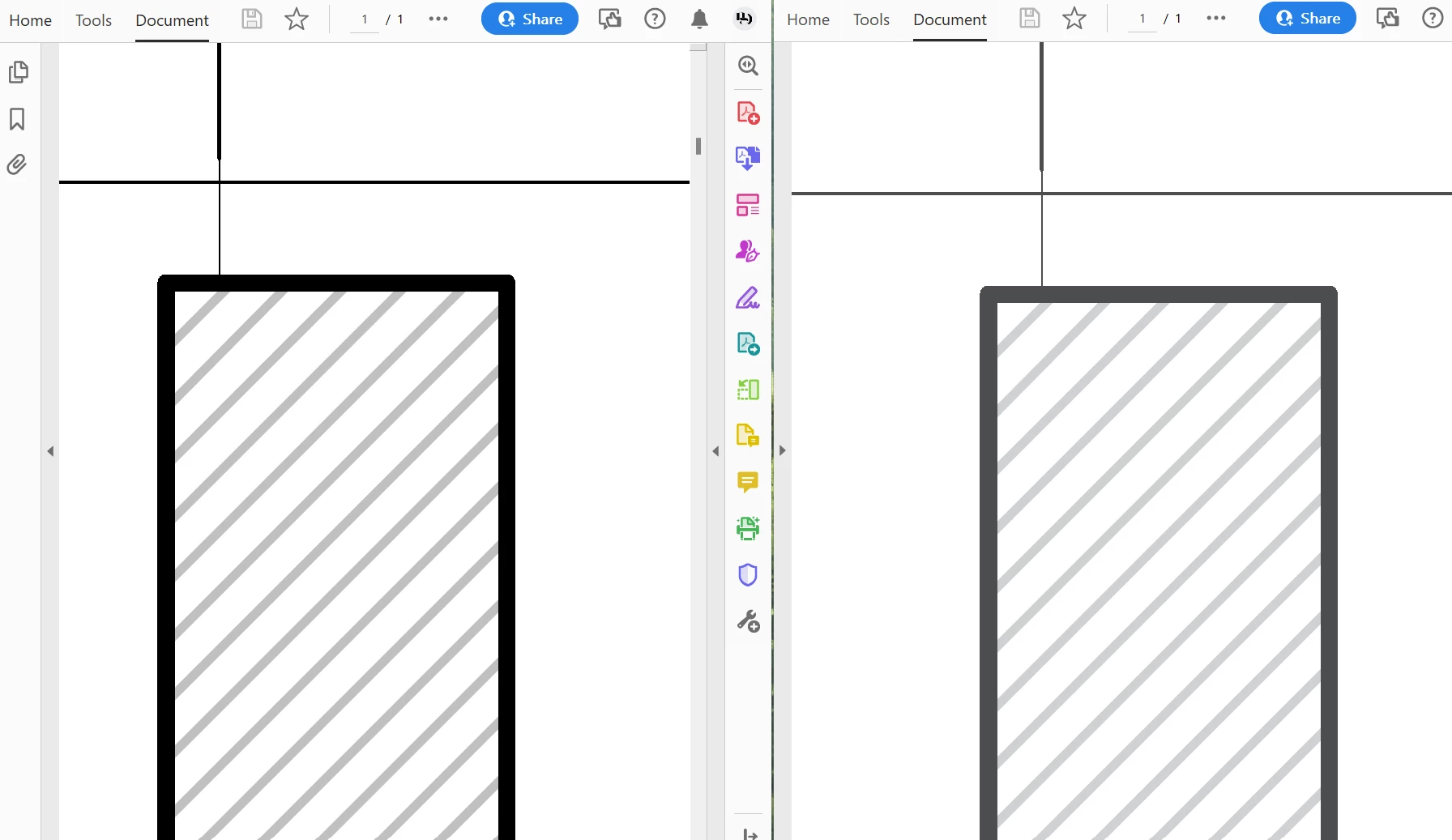
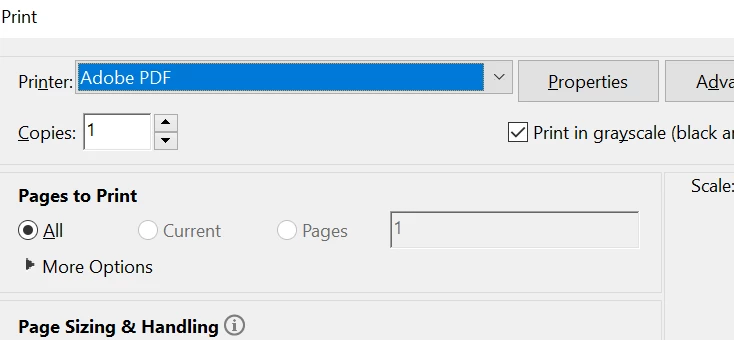
When batch plotting multiple drawing pages from AutoCAD on my Windows 11 PC, the resulting PDF displays poorly on screen. Until recently I've been able to solve this by simply "printing to PDF" from Acrobat. For some reason, now when I print to PDF from Acrobat all black lines show up as grey (see below). I can't find any settings related to preserving the same level of black when printing to PDF.
 AdChoices