
Exit
  • Global community
    • Language:
      • Deutsch
      • English
      • Español
      • Français
      • Português
  • 日本語コミュニティ
  • 한국 커뮤니티
0

Re: For the second time, files from iCloud Drive are not showing in recent files in Adobe Acrobat Re

New Here ,
Oct 22, 2025 Oct 22, 2025

Hello,

I have come searching for answers and found this thread. So I followed the instructions to update my Adobe Acrobat Application. The version number is now 2025.001.20813 Unified app

Is that the latest version available for macOS?

My Mac is a MacBook Pro using the M1 Pro processor.

As per the screenshot below, there's still no option for iCloud.

If it is working for other people, then it must be me doing something wrong. But I don't know what that wrong thing is. Please help me. 

Thanks.
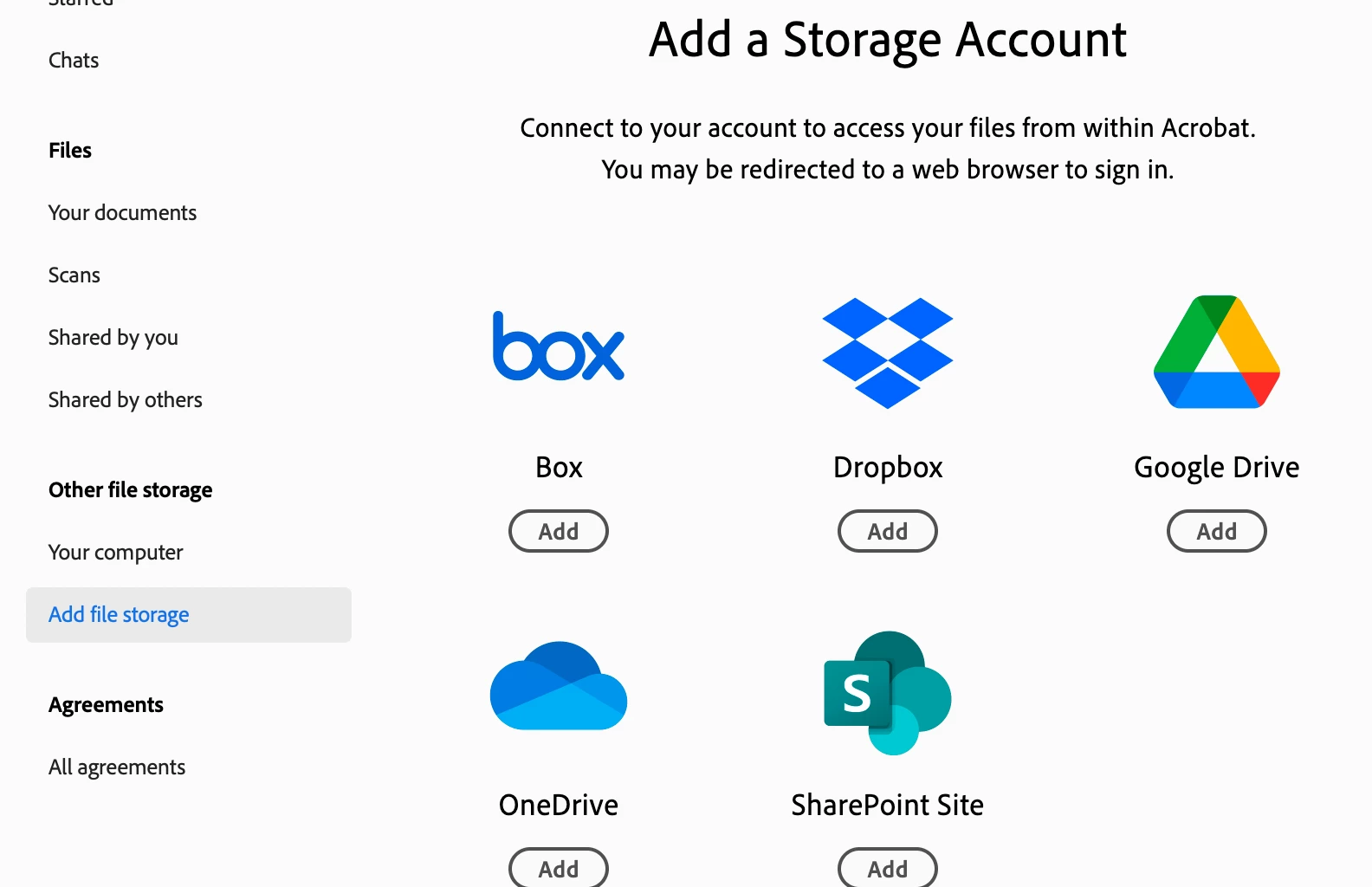

Screenshot 2025-10-23 at 13.53.41.png

266
Translate
Report
Community guidelines
Be kind and respectful, give credit to the original source of content, and search for duplicates before posting. Learn more
community guidelines
Explorer ,
Oct 23, 2025 Oct 23, 2025
LATEST

Yes, you have the latest. I am using 001.20756 and now I don't want to update because you said you are having a problem. 

Translate
Report
Community guidelines
Be kind and respectful, give credit to the original source of content, and search for duplicates before posting. Learn more
community guidelines