
cs9598676
Participating Frequently
December 19, 2016
Answered

Read Out Loud - Not Functioning

  • December 19, 2016
  • 11 replies
  • 109818 views

I have been using Adobe Acrobat Reader DC and love the Read Out Loud Function.  I now have a new computer that's running Windows 10 and Acrobat Reader DC Version # 15.020.20042 that I would like to use the Read Out Loud feature with.  When I load my PDF Document I select:

  1. View > Read Out Load > Activate Read Out Load, then
  2. View > Read Out Load > Read To End of Document

(Alternatively I have tried:  View > Read Out Load > Read This Page Only)

Normally, this will cause Adobe Acrobat DC to start reading, but I hear nothing.  I have gone into my Windows Settings and initiated the Narrator and after hearing it work just fine, I have gone back to Acrobat and tried again, but it didn't read anything.  I can't figure out when this isn't working as it should be easy.

Do you have suggestions?  Thanks for your help!
Correct answer Meenakshi Negi

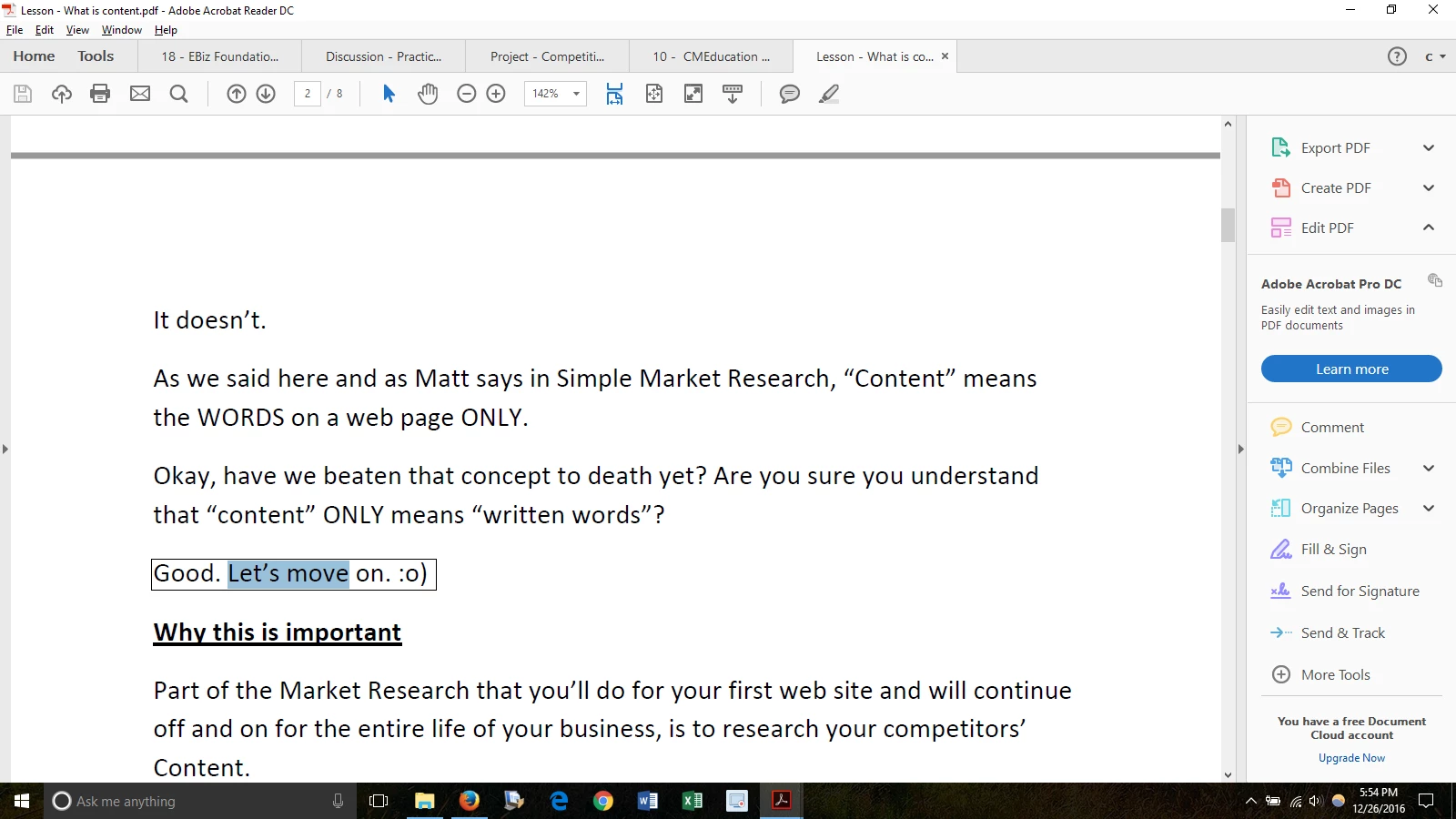
Thanks for your reply!  Yes, I'm able to select the text on the page.  I have attached what selecting the text looks like:

I'm having this problem in ALL PDFs, not particular ones.


Hi cs9598676,

For testing purpose, could you please disable "Enable Protected mode at start up".

Go to Edit menu > Preferences > Security (Enhanced). Then check if Read Out Loud works.

It is recommended to enable the "Protected mode" after testing is complete.

Let us know how it goes.

Regards,

Meenakshi

11 replies

Meenakshi Negi
Community Manager
Community Manager
December 20, 2016

Hi cs9598676,

Please try to "Repair installation" under Help menu.

Could you please check if it is an issue with all the PDF's.

Try once to use cleaner tool Download Adobe Reader and Acrobat Cleaner Tool - Adobe Labs  and restart your system.

Then re-install application from here: Adobe - Adobe Acrobat Reader DC Distribution

Check if it helps.

Regards,

Meenakshi

cs9598676
cs9598676Author
Participating Frequently
December 20, 2016

Hi Meenakshi,

Thank you for your reply!  I just uninstalled it,

used your cleaner tool (Download Adobe Reader and Acrobat Cleaner Tool - Adobe Labs), restarted my system.

Then re-install the Adobe Acrobat 11 (Adobe - Adobe Acrobat Reader DC Distribution ).  I still have the same problem.  Do you have any suggestions?  Do you have any problem with Windows 10?

Thank you!

Participant
March 31, 2018

Thank you for sharing the information.

1. It is not recommended to disable Protected mode as it provides additional security and  avoid potential security risks associated with files that may have originated from unsafe locations.

2. You can use it for the time till this issue resolves.

3. We need to replicate this issue at our end, please give us some time to work on this. We will update you with the information.

Regards,

Meenakshi


Is the problem not yet resolved?

Cuz I have to disable the security to make it work.