Participating Frequently
October 22, 2024
Question

Reader Update always says it fails, suggests update already done from some other source.

  • October 22, 2024
  • 2 replies
  • 601 views

Reader Update always says it fails, suggests update already done from some other source.

Following the guidance from somewhere to just uninstall Reader I did so.

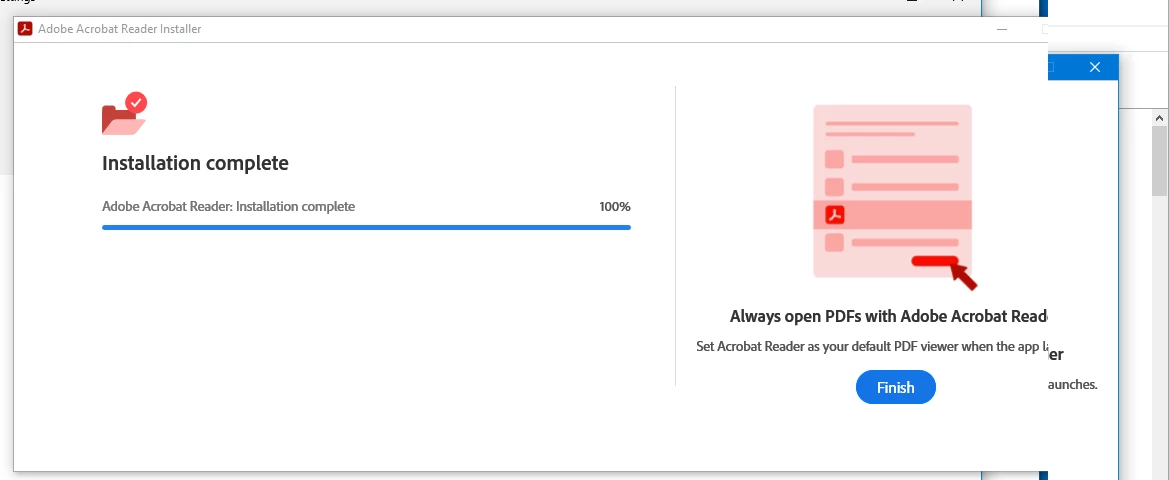
Reinstalling from the Adobe website (downloading installer and executing it) always results in an "Installation Complete" message.

Reader is never installed. 
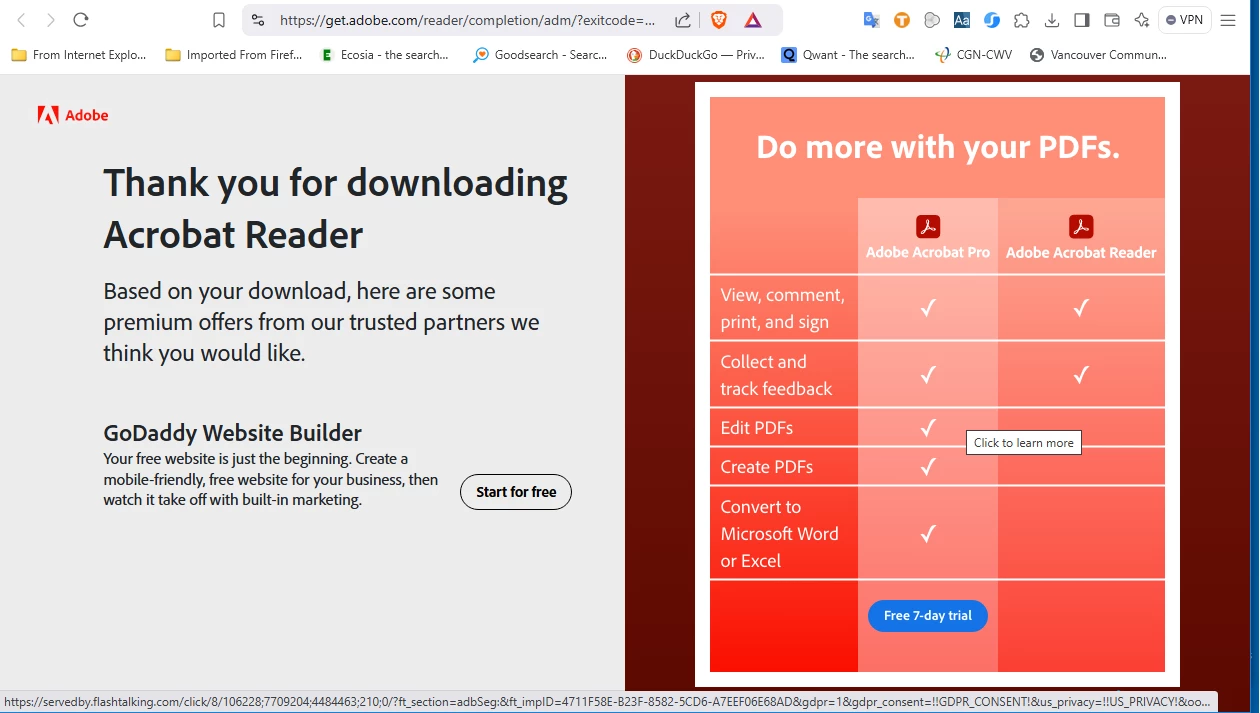
This issue is found in several places in community.adobe.com

I have found no useful answer.

There is advice to use an Adobe cleaner but the only link (2022) I see is to a 2015 program that also deletes all preferences and settings.

It is staggering to realize this problem has not been definitively solved by Adobe.

I now have no Reader.

There are third-party programs that seem more reliable than Adobe. E.g. some browsers read bigger files when Adobe cannot, etc.

Solution for inability to install new Reader?


This topic has been closed for replies.

2 replies

Adobe Employee
October 22, 2024

Hi @steveSRF 


Could you please share the error screenshot you are getting ?


Regards

Ravi

steveSRFAuthor
Participating Frequently
October 23, 2024

Thanks for you rresponse, Ravi.

As I mentioned in my post, I deleted Reader, which means the error messages I was getting from attempted updates I would no longer get. My post gives a good indication of what these error messages were.


As far an installing Reader again, I Do Not Get error messages. The messages I get are shown in the two screoonshots I included, one from the update app and one from the webpage.  The one from the app, as you can see, says the Installation is Complete.  But there is no Reader installed.  


Here is a screenshot of the Settings box that shows no Adobe  Reader installed and in the background the Program Files Reader folder. It has two 2021 .DLL files.

 (Not sure why this image is so small as of the time I am composing this response.)


So my problem is, the install program goes through the motions of installing and reports Reader is installed but there is no Reader. 


Am I downloading Reader for a 64 bit system (there was no indication) or does the install app detect this? 

I am using Win10 Pro, OS Build 19045.5011

Version  22H2

Windows Feature Experience Pack 1000.19060.1000.0

32-bit operating system, x64-based processor


steveSRFAuthor
Participating Frequently
November 5, 2024

In response to and email that asked: "Did you get the answer you needed?"


The answer is NO. I got no reponse that gave or even suggested an answer.


Surley Adobe has dealt with this and has an answer.


So now I do not have Reader.

kglad
Community Expert
Community Expert
October 22, 2024

in the future, to find the best place to post your message, use the list here, https://community.adobe.com/

p.s. i don't think the adobe website, and forums in particular, are easy to navigate, so don't spend a lot of time searching that forum list. do your best and we'll move the post (like this one has already been moved) if it helps you get responses.


<"moved from using the community">