

send by email problems (2 issues)
Issue one:
Following the most recent windows 10 feature update (1709) we can no longer get the "send as email attachment" command in reader DC to work.
(most recent version of DC; confirmed no updates are available)
2 days ago, this command worked. when envelope icon or menu command send file-attach to email was selected, the default email app (Outlook) would open a new email window with the PDF already attached. I have confirmed that the "use default email application" option is selected in preferences and that outlook is said default app both in reader DC and windows 10 settings.
As of yesterday, when this command is selected, the tools sidebar in reader DC opens, but nothing else happens.
Issue 2:
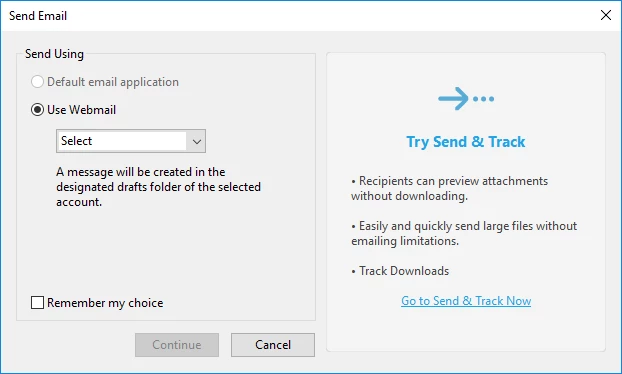
As part of my troubleshooting, I tried a fresh install of reader DC on a different desktop workstation (identical to the first in ALL respects) and set about recreating the circumstances. However, I now get this box when I select send by mail:
again, outlook is installed and is the windows default email app.
I am stumped.
 AdChoices