
Trouble to print pdf since the update of Acrobat Reader DC to the new version
Hello,
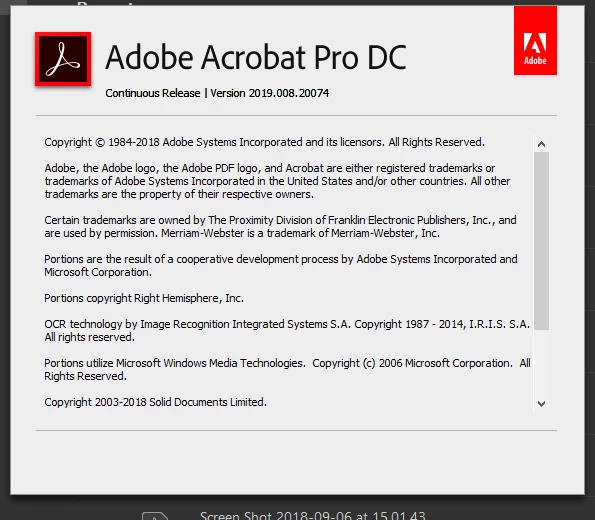
Since the update of Adobe Acrobat Reader DC to version 19.008.20071, I have troubles when I print my PDF (white corners of square appear everywhere in my documents). The trouble occurs only when I print the document, not when I open it.
I have followed all the instructions that I found in this page : https://helpx.adobe.com/acrobat/kb/troubleshoot-pdf-printing-acrobat-reader.html but it still doesn’t work. When I choose the option to “print as an image”, white squares disappear but the colours are awful so I’m obliged to adjust the parameters of my printer to try to be in keeping with the original as far as possible (and it’s never possible !).
Then, I thought the problem occurred because my PDF contains rasterized images and vector images so I rasterized all the images of my file. After that, when I printed my document the “white squares” had disappeared but the colours of the new rasterized elements were bad.
I just would like my old Acrobat Reader DC which was perfect for reading and printing my work. Do you have an idea of how I could solve my problem?
Thank you
 AdChoices