
Question
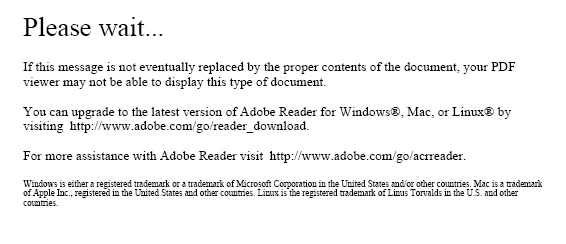
Unable to open Dynamic XML form in Adobe Reader (getter 'Please wait' error message)
All of a sudden we are running into issues with opening Adobe Dynamic XLM forms in Adobe Reader.
1) The form is created in Adobe Experience Manger (AEM), saved as a Adobe Dynamic XML Form (.pdf).
2) The form is then opened with Adobe Pro, where I then do the following:
Save as other > Reader Extended PDF > Enable More Tools.
3) The saved version is then opened in Adobe Reader, where the form should open and allow end user to fill in the form and save it. However, we are getting the 'Please wait ...' error displays (screenshot below).
This has never happened before.
Why is this happening now for many of my forms and how can it work once again?
 AdChoices