Participant
January 29, 2018
Question

Unable to print some documents

  • January 29, 2018
  • 1 reply
  • 5679 views

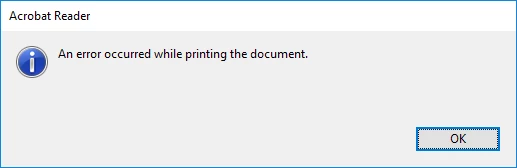
Hi, several of my clients are having issues printing from adobe reader since either reader was updated or a windows update was installed.  Not very helpful errors.  The document looks like it will print, gets to about 84% flattening then 2 errors first one says The document failed to print.  2nd error says An error occurred while printing the document.  For one client these documents were created using DocsCorp pdfdocs 4.5 if that helps.
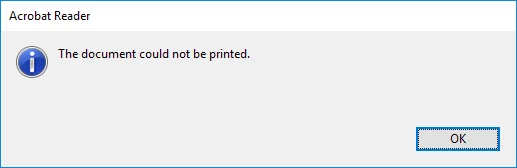
Only affecting adobe reader, can print using other pdf software.

Operating system is Windows 10 1709 64 Bit.

thanks in advance

Matt

    This topic has been closed for replies.

    1 reply

    AkanchhaS8194121
    Legend
    January 30, 2018

    Hi Mattmnc,

    Thanks for sharing the information. Could you also confirm what is the exact version of Adobe Acrobat Reader DC your clients have installed?

    Acrobat Reader>Help>About Acrobat Reader and also check if the application is up-to-date or not so open Acrobat>Help>Check for update.

    You may refer to the help document Troubleshoot PDF printing in Acrobat and Reader  and follow the steps to see whether the printer's drivers are up-to-date or not?

    Regards,

    Akanchha

    mattmNCAuthor
    Participant
    January 30, 2018

    Hi, Continuous release version 2018.09.20050, update check says it is the latest version.  This is affecting multiple sites/multiple customers all with different printers from different manufacturers and only started this January.

    thanks

    Matt