
rhituparna
Participant
June 25, 2019
Answered

Unable to Save an edited PDf in Adbobe Reader DC

  • June 25, 2019
  • 2 replies
  • 3549 views

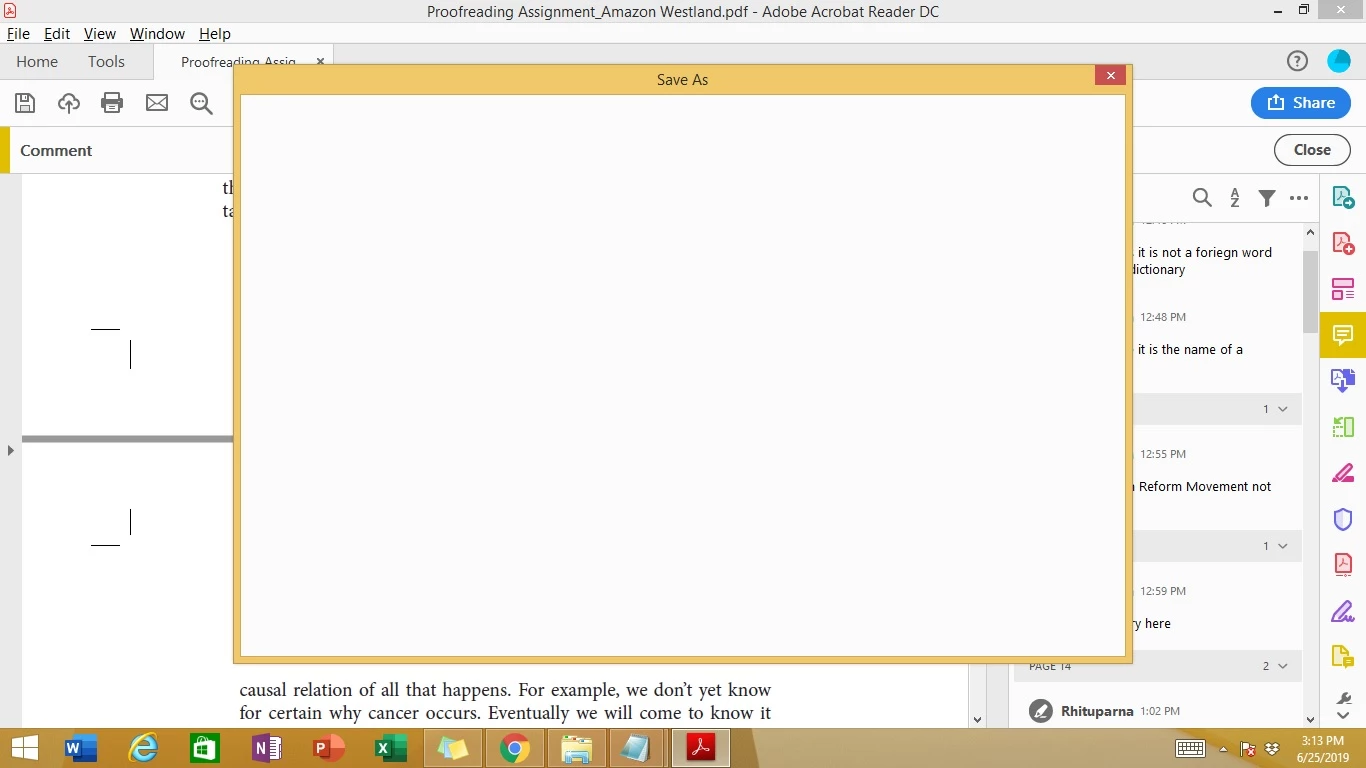
Strange issue with Saving after adding comments to a PDF file. Just a white dialog box opens on clicking Save or Save As. It just stays like that until infinity. (if I close the window, the file does not hang) Can anyone help with this please?
This topic has been closed for replies.
Correct answer ~graffiti

Try this.

In Reader, go to Edit>Preferences>General>Basic tools and deselect both "Show online storage when opening files" and "Show online storage when saving files".

2 replies

AkanchhaS8194121
Legend
June 26, 2019

rhituparna

You can close the current dialog box. Apply the same settings as suggested above and try to save the document now. You can also take help of this article (MAC) Blank Save As dialog box in Acrobat DC on Mac (For Windows steps are given above) where you can see the similar settings along with screenshot.

Thanks,

Akanchha

~graffiti
~graffitiCorrect answer
Legend
June 25, 2019

Try this.

In Reader, go to Edit>Preferences>General>Basic tools and deselect both "Show online storage when opening files" and "Show online storage when saving files".