
Participant
July 27, 2020
Question

unreadable pdf's when trying to fill in forms
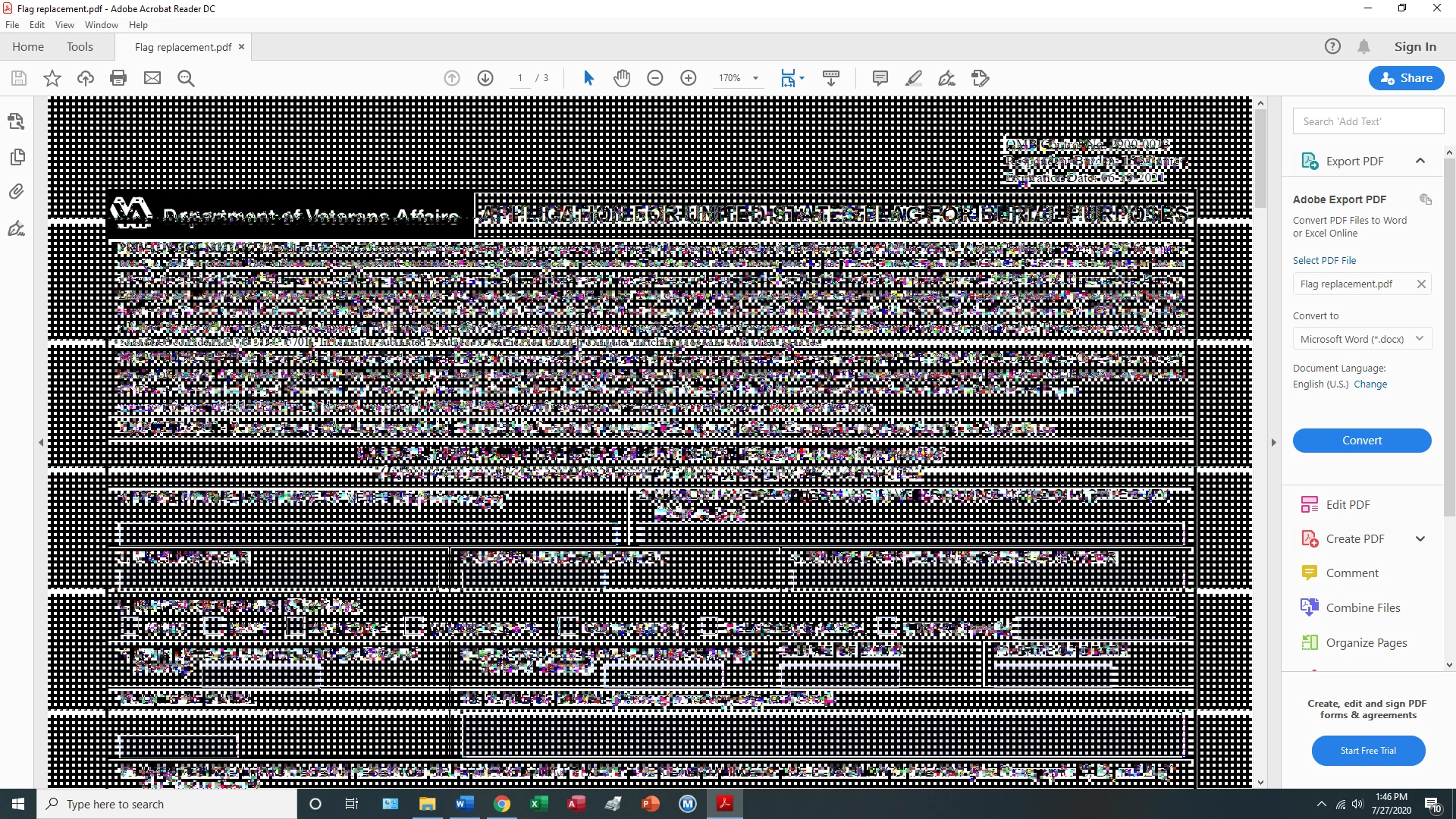
  • July 27, 2020
  • 2 replies
  • 557 views

when I open a pdf form and go to fill it in I end up with the above scrambled garbage. I tried uninstalling the pdf reader (Adobe Acrobat Reader DC) and re downloaded it but when I open the pdf I still have the same problem. This happens with any pdf that I open.

Can someone tell me how I can correct this problem. You should note that if I am on a website and open a pdf and fill in the blanks I have no problem with that it works fine it is only the pdf's that I download and save on my desktop.

I am running windows 10


[Moved from Community Help (which is about the forums) to a better forum... Mod]
[To find a forum for your program please start at https://community.adobe.com/]

This topic has been closed for replies.

2 replies

radzmar
Community Expert
Community Expert
July 28, 2020

Looks like the PDF is not rendered correctly on the screen. Please check, that you have the lastest driver for your graphics card installed. 

Amal.
Community Manager
Community Manager
July 27, 2020

Hi Bill


We are sorry for the trouble. As described, you are unable to fill the PDF as it turn to black and white dots.


Please try the steps provided in a similar discussion https://community.adobe.com/t5/acrobat-reader/screen-turns-to-black-and-white-dots-using-adobe-acrobat-reader-dc-19-21-20049/td-p/10750278?page=1 and see if that works for you.


Let us know how it goes


Regards

Amal