



Copy link to clipboard
Copied
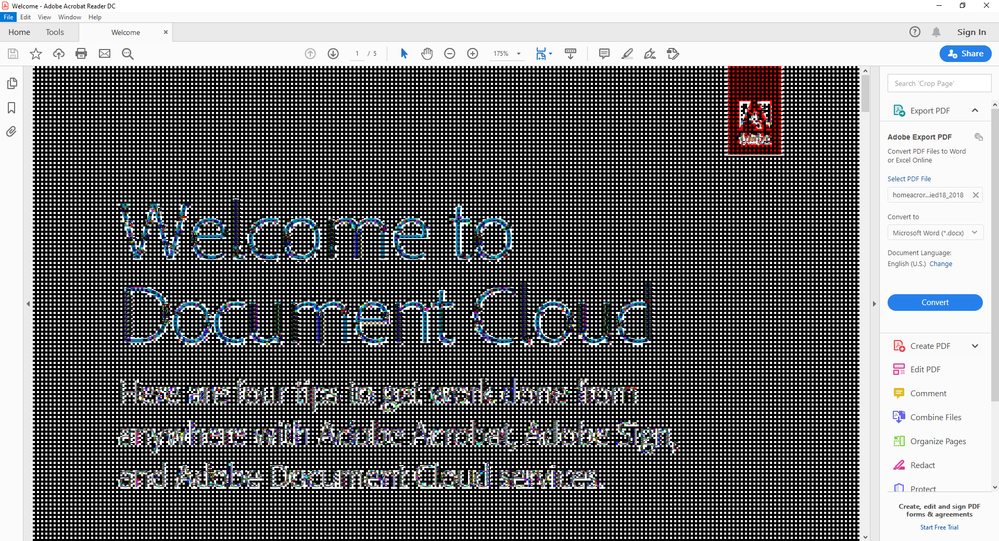
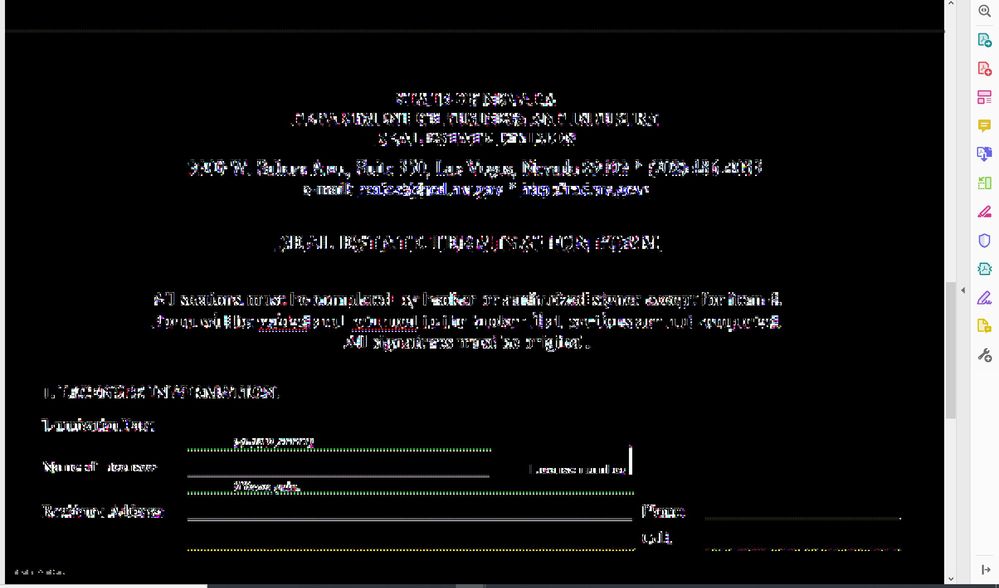
Hi, has anyone see this type of error before? This is really irritating. The document sometimes renders fine but sometimes renders like this below:


 1 Correct answer
Seems like I've finally found the solution.
Firstly, you will need to uninstall Adobe Acrobat using this tool:
https://labs.adobe.com/downloads/acrobatcleaner.html
Download Version 4 and unzip and then run the "AdobeAcroCleaner_DC2015.exe" file.
Choose "Reader" (for my case at least).
After the uninstallation is done, it will ask you to reboot...I just didn't bother to, so I don't think its necessary.
Download and re-install Adobe Acrobat Reader from here: https://get.adobe.com/reader/
(I usually un
...
 3
Replies
3
3
Replies
3


Copy link to clipboard
Copied
same issue

Copy link to clipboard
Copied
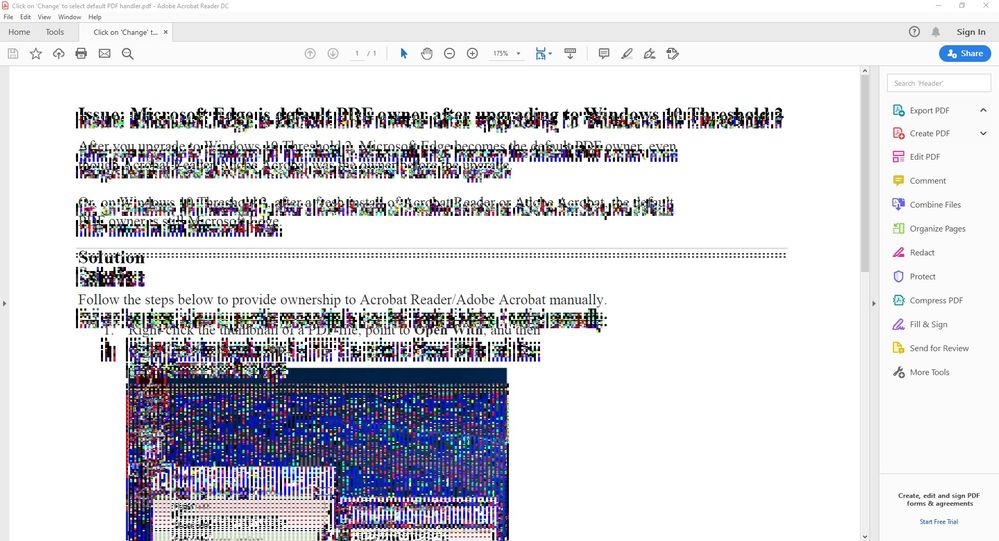
I'm experiencing a similar issue! It only starts when I select some text or if my mouse hovers over an editable field. I've tried looking for updates and reinstalling many times
Copy link to clipboard
Copied
Seems like I've finally found the solution.
Firstly, you will need to uninstall Adobe Acrobat using this tool:
https://labs.adobe.com/downloads/acrobatcleaner.html
Download Version 4 and unzip and then run the "AdobeAcroCleaner_DC2015.exe" file.
Choose "Reader" (for my case at least).
After the uninstallation is done, it will ask you to reboot...I just didn't bother to, so I don't think its necessary.
Download and re-install Adobe Acrobat Reader from here: https://get.adobe.com/reader/
(I usually uncheck all those McAfee stuff and Chrome browser extensions before downloading)
After it is re-installed, open a PDF document and try to select some text...you should not have the rendering issue anymore.


Get ready! An upgraded Adobe Community experience is coming in January.
Learn more
 AdChoices