
Question
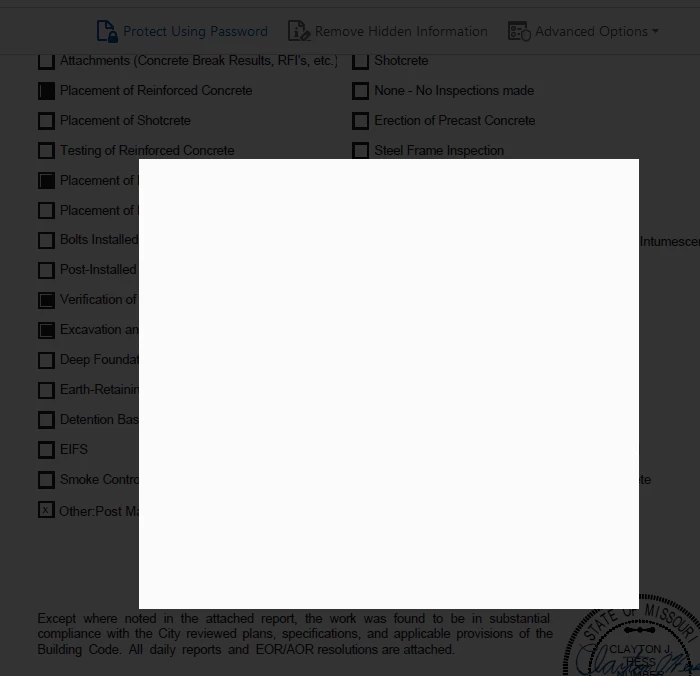
White Box pop up when trying to password protect
Just like it says in the subject, when trying to password protect a document a blank white box pops up and it will not load any further. I can hit escape out of this box.
The work around has been to go into Advanced Options and Password Encrypt the document.
Version 21.007.2009 on a Windows 10 Pro
I have tried turning off "Show online storage when saving files" and turning off PDF/A view mode.
Thanks for your help
 AdChoices