Hi Clarey,
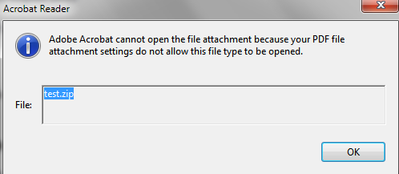
Thanks for reaching out. As described above, you are unable to open a zip file in a PDF, correct?
Acrobat and Acrobat Reader maintain a white list of file types that can be opened or saved, and a black list of file types that cannot. You are allowed to attach file types that are not on either list. However, when you open or save a file of an “unrecognized” type, you see a dialog box asking whether you trust the file type.
Administrators can modify the black or white list through the registry. Users can manually add a new file type to a black or white list by attaching the file and then trying to open it.
For detailed information about how to open such files, please use the steps provided in the help article - https://helpx.adobe.com/in/acrobat/using/attachments-security-risks-reader-acrobat.html#targetText=Y...
Let us know if that works for you
Regards
Amal





 1
Reply
1
Reply


 AdChoices