

Adobe Reader DC 2019.012.20034 - keeps crashing and tools pane is empty
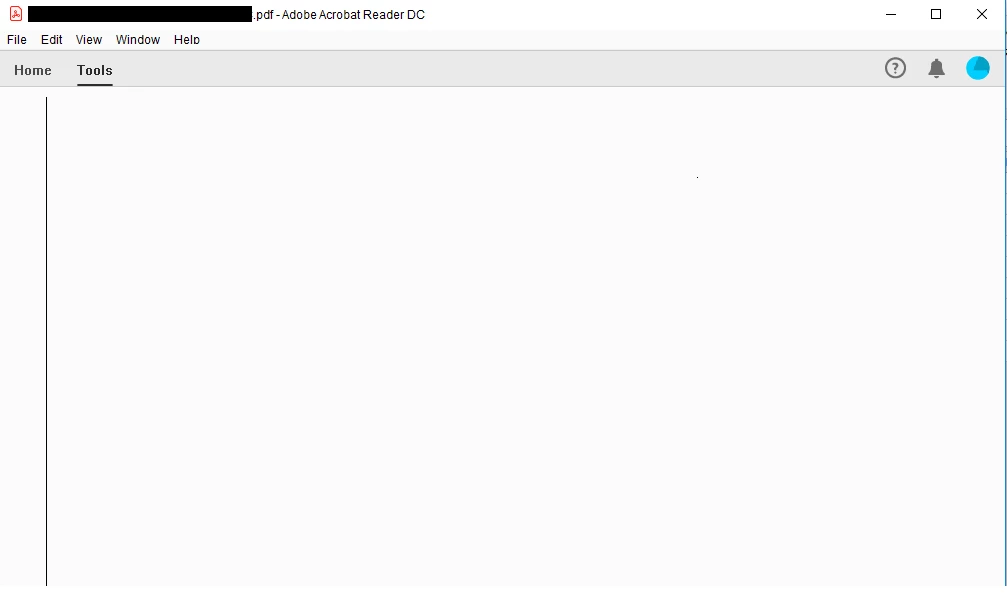
Today I opened reader to mark up a document and I found the tools pane was empty. It's been a while since I looked at the tools pane but it's a safe bet that the last time was on a previous version. I decided to close and reopen and a message box appeared with 3 buttons but there was no text on the buttons, no visible message in the message box and no text in the title bar. I wasn't sure what button to press but I tried hitting enter and it came up with a file save dialog, so it must have been asking me if I wanted to save changes to the file. I didn't want to save it so I cancelled and tried to close again and got the blank message again. I decided to use task manager to quit the app. When I relaunched a massive message box appeared that spanning from the left edge of my left display to beyond the right edge of my right display and the message text (100pt italic font) was warning me that I didn't save the file when I last closed Reader. I closed that message and tried to look at the tools pane and it was empty:
I clicked around in the menus briefly and then Reader crashed. I re-opened and tried looking at the menus again and it crashed. I tried again, this time checking to see if there were any updates by going to Help > Check Updates... and saw there were no updates and then it crashed again. I restarted my pc and tried again and Reader still crashed so I uninstalled it, went to the Adobe website and installed it again. I'm not sure what version I had before but the version that was installed through this process was 2019.012.20034. It no longer seems to be crashing but the tools pane is still empty. I also tried using the Help > Repair Installation menu item but that didn't work either. Can anyone suggest a way to fix this?
EDIT: I just tried looking at the Help > Check Updates menu item again and - even though I just downloaded it from the Adobe website - there was an update. I installed it and now the version is 2019.012.20035 but the tools pane is still empty/blank. I then tried the Help > Generate System Report... menu item and Reader crashed with a message saying:
Adobe Acrobat Reader DC has stopped working
A problem caused the program to stop working correctly. Windows will close the program and notify you if a solution is available..
Message was edited by: D G
 AdChoices