
VolumiouSS
Participant
May 23, 2017
Answered

Adobe Reader DC Digital Signing Area

  • May 23, 2017
  • 1 reply
  • 1140 views

Hi,

We are using Adobe Reader DC version 15.023.20070.

In this version, when we want to digitally sign any pdf file, we can extract the area as below.

When we update to 17.009.20044 version, when we want to digitally sign in any pdf file, the signing area is as follows.

We want to draw the signing area ourselves, so we do not want it.
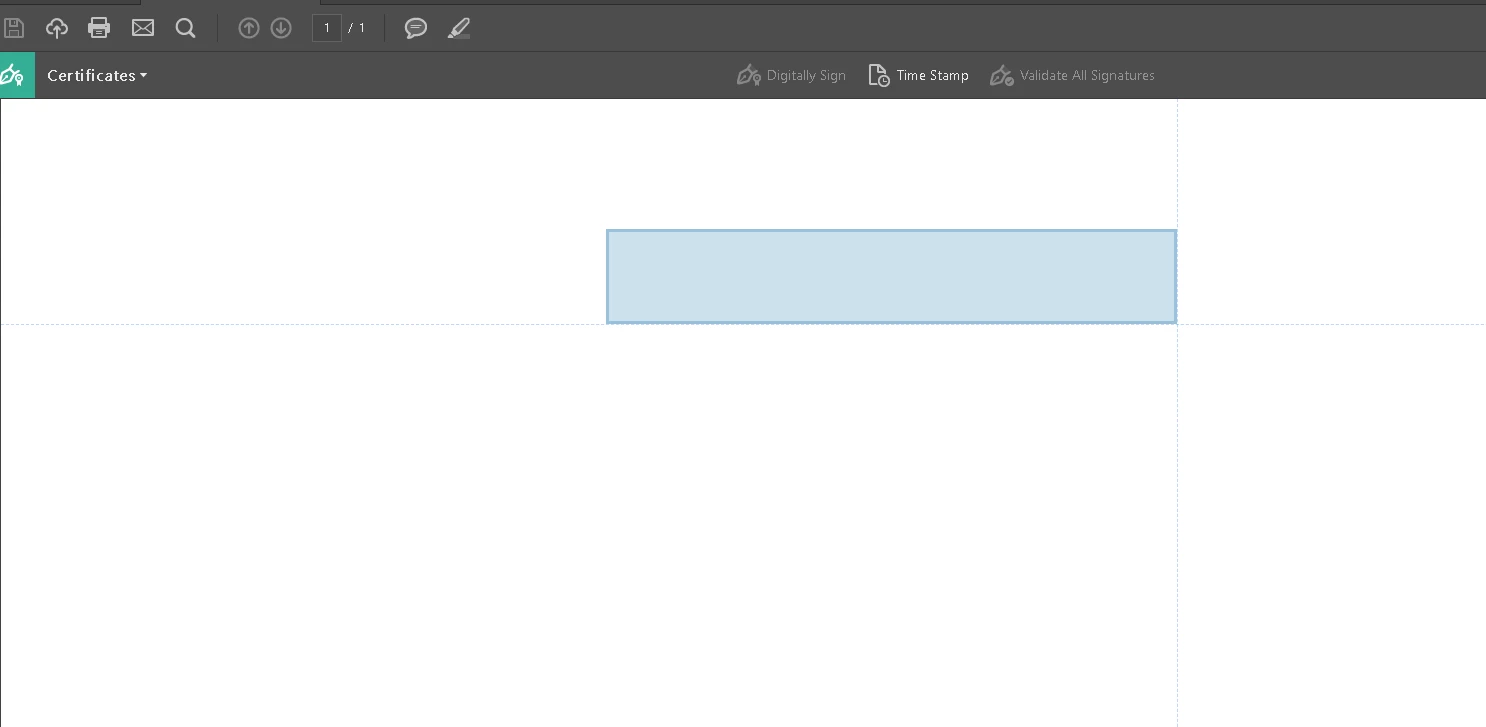
Removing the update solves the problem, but can we solve the problem without removing the update? Is the setting available in a different location?

Thank you for your time.

Best regards..

This topic has been closed for replies.
Correct answer VolumiouSS

Hi,

I solved the problem. The problem is solved with the registry entries mentioned here. Digital Signature Drag Box

Thank you so much.

1 reply

Meenakshi_Negi
Legend
May 23, 2017

Hi VolumiouSS,

To understand it correctly, you are trying to resize the digital signature box.

You can resize the signature box in the updated version. There was a change made in the updated version on the way the signature could be placed on PDF.

Please do not leave the mouse click after dragging the box to the location and try to resize the signature box.

If you leave the mouse click before resizing the box, the size will get fixed.

You may also refer this thread with similar issue: Digitally Sign Tool

Let us know if you have any questions or need any help.

Regards,

Meenakshi

VolumiouSS
VolumiouSSAuthorCorrect answer
Participant
May 24, 2017

Hi,

I solved the problem. The problem is solved with the registry entries mentioned here. Digital Signature Drag Box

Thank you so much.

Meenakshi_Negi
Legend
May 24, 2017

Hi VolumiouSS,

Glad to know that issue is resolved now.

Let us know if you need any help.

Regards,

Meenakshi