Participant
December 22, 2017
Question

body of PDF blank

  • December 22, 2017
  • 1 reply
  • 892 views

One of the users I support is having issues with PDF's sent from a single company she works with. The PDF's in question are invoices,
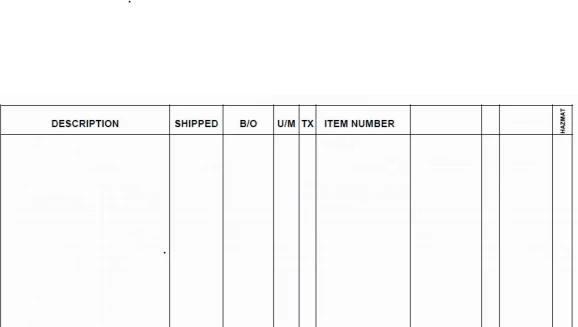
As you can see in the image above there is nothing on this page, but if you ctrl-a, then copy and paste to a notepad all of the information that is supposed to be visible copies over without an issue. Everyone else on her network is capable of opening the PDF without issue. I was also able to open the PDF without issue. She currently has both adobe reader DC and acrobat 10 installed, and it does not work in either program.

Note: She does not have issues opening PDF's from other companies, just the one.

Actions taken to date:

Changed every preference to be the same as mine, which the PDF works on.

uninstalled and reinstalled DC

Deleted all adobe folders in Appdata to reset preferences

ran a repair on both DC and acrobat X

Appreciate any support I can get with this issue.

Thanks!

    This topic has been closed for replies.

    1 reply

    ~graffiti
    Legend
    December 22, 2017

    Could be a font issue where Reader isn't seeing a good font to substitute on her machine. They way around that is to have the company properly embed the fonts into the document when they create it. Check to see if they are embedded properly by opening the file and going to File>Properties>Fonts. It should say "embedded" or "Embedded subset" next to all font names.

    Participant
    December 22, 2017

    Thank you for your response Graffiti,

    I just took a look at the fonts for the PDF's in question and it doesn't look like the fonts are embedded in the PDF. Is there any fix action I can take that would enable to adobe to locate fonts else where? I only ask because clearly my computer and other computers in her office do not need fonts to be embedded in order to see the information within the PDF.

    jane-e
    Community Expert
    Community Expert
    December 22, 2017

    Which typefaces are missing?