



Question
Multiple copies of setup files
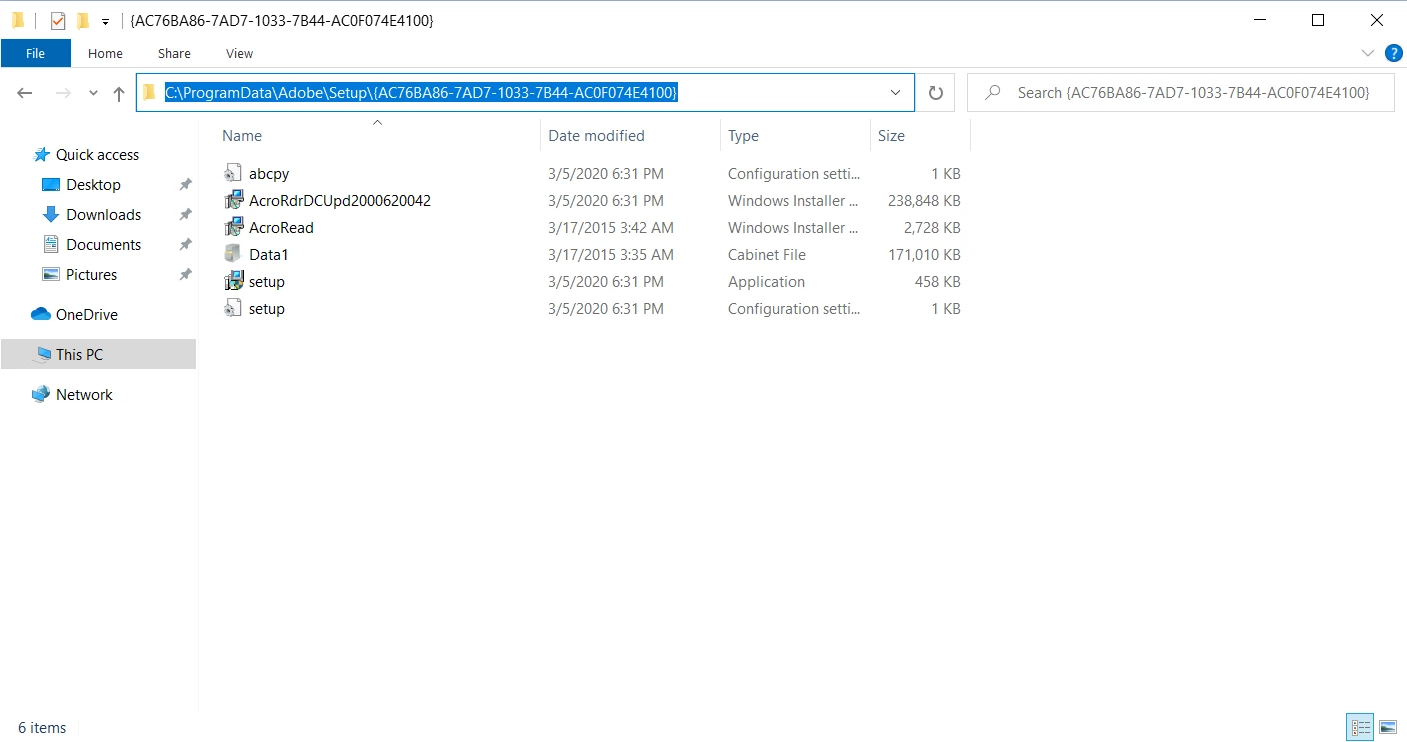
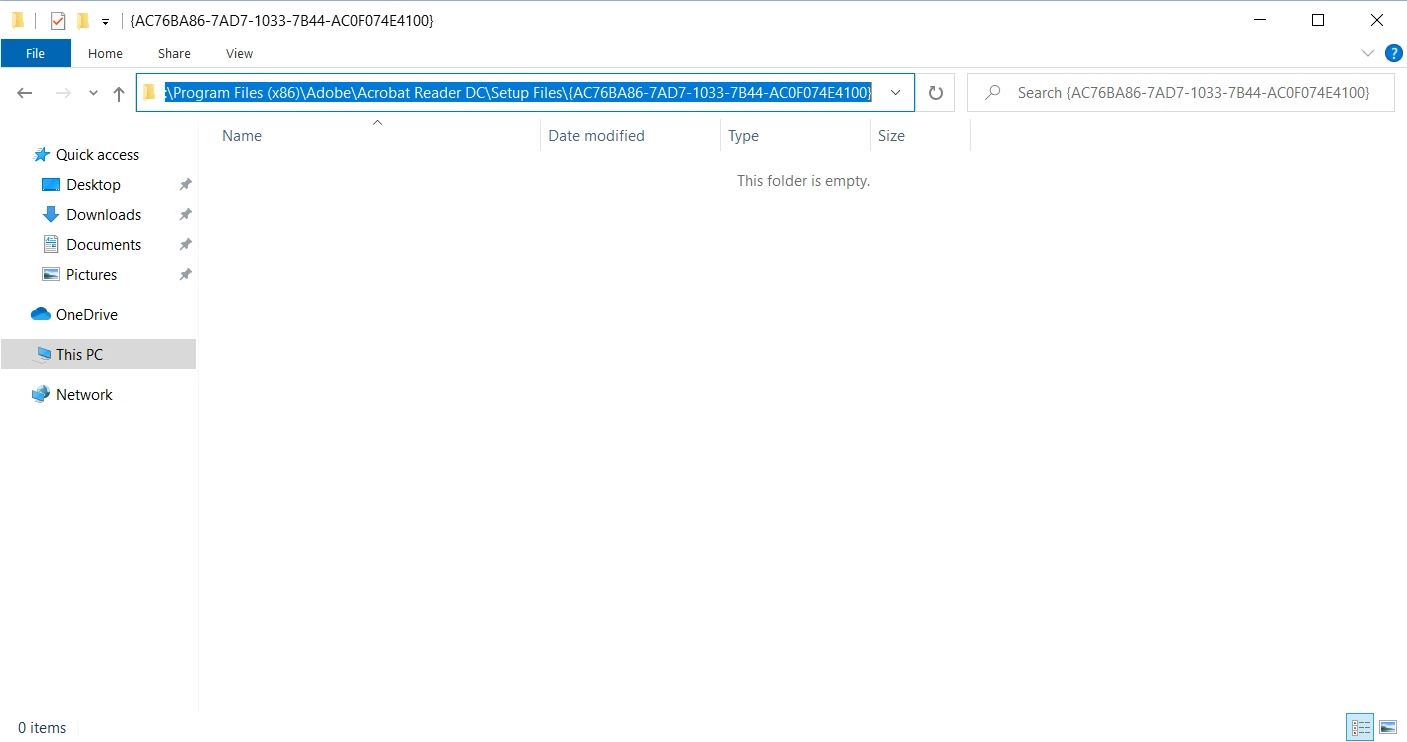
I have installed Adobe Reader DC (AcroRdrDC2000620042_en_US) on a Windows 10 64-bit system. When I ran the installer it extraced all of the setup files into the "%LocalAppData%\Temp" folder. Then it also copied the setup files into the "C:\ProgramData\Adobe\Setup\{AC76BA86-7AD7-1033-7B44-AC0F074E4100}". It also created another empty setup files folder into "C:\Program Files (x86)\Adobe\Acrobat Reader DC\Setup Files\{AC76BA86-7AD7-1033-7B44-AC0F074E4100}". The setup files are approx 403 MB and just wasting space on SSD. I think the installer should not make extra copies of setup files.
 AdChoices