
Known Participant
October 6, 2020
Question

Problem with save as PDF from a Bootstrap HTML page

  • October 6, 2020
  • 2 replies
  • 6341 views

Hello,

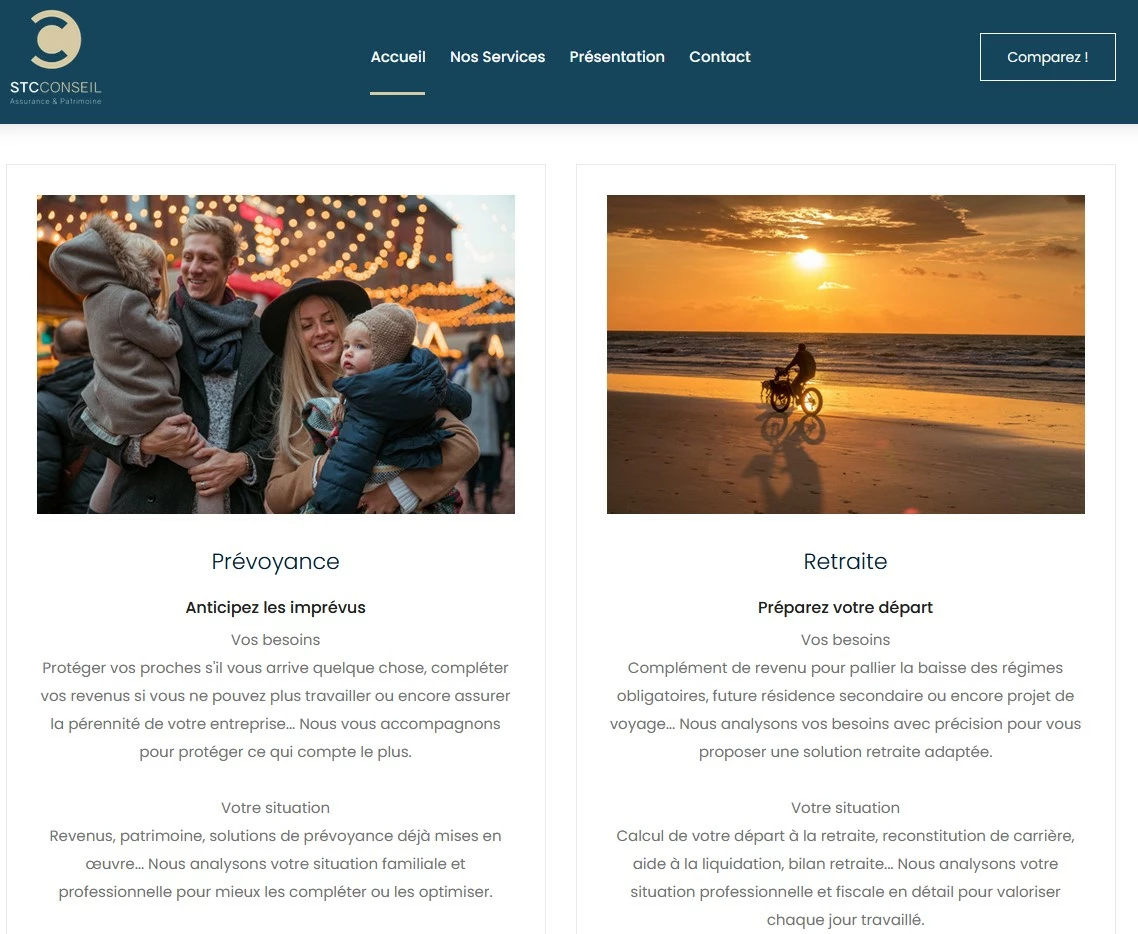
i've used to save as PDF some HTML pages, and from now, the display of the PDF rendering as changed. It was working fine with bootstrap pages, but now, the display is always as "mobile resolution rendering", and not in function of the actual resolution.

See that page for example :
 

and see what it looks like after a save as PDF :
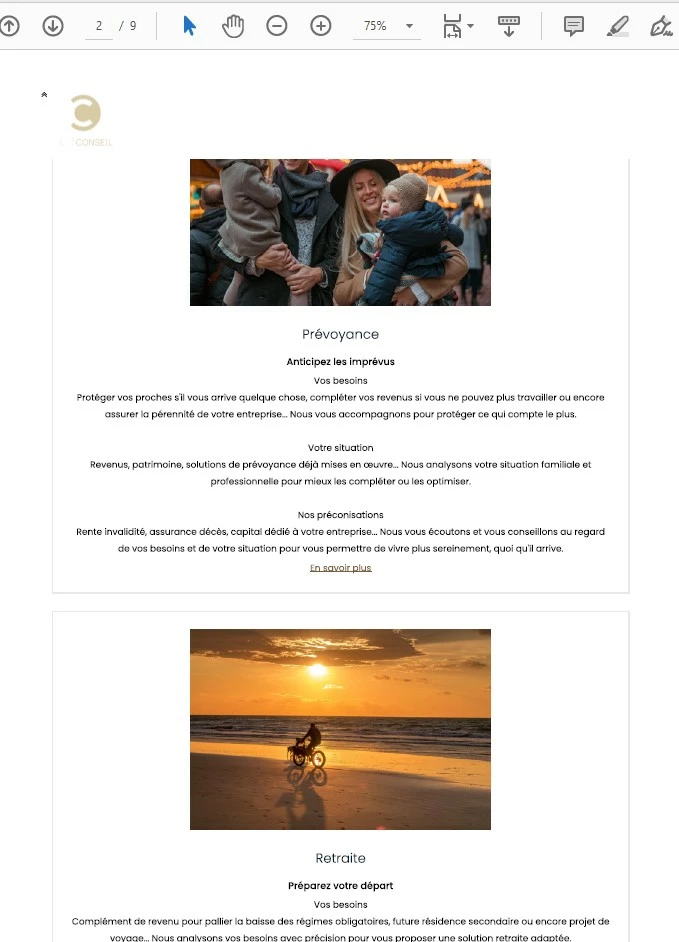
 

PDF rendering is now by default as a mobile resolution... not respecting the bootstrap grid...

Tested on Firefox and Chrome browsers and the last Adobe Acrobat 20.0 version


Thanks for your help

This topic has been closed for replies.

2 replies

jpbond13Author
Known Participant
October 14, 2020

there is no issue then ?

ls_rbls
Community Expert
Community Expert
October 15, 2020

I appologize for this late reply.


I try to research more about this but couldn't find any relevant information to your particular inquiry.


However, in terms of rendering HTML to PDF I was able to test this scenario using  "File"--->>>"Create"--->>> "PDF from Web Page" instead.


You may need to get support directly from the creators of Bootstrap as I am not sure if this directly related with Adobe Acrobat.


https://getbootstrap.com/docs/4.0/getting-started/introduction/#reboot


See the section in that link about how to use Reboot to correct inconsistencies among different browsers.


jpbond13Author
Known Participant
October 16, 2020

However, in terms of rendering HTML to PDF I was able to test this scenario using "File"--->>>"Create"--->>> "PDF from Web Page" instead.

>> i can't find this option in my web brower (Firefox)... What browser do you use ?

jpbond13Author
Known Participant
October 6, 2020

the only solution i found is to change the HTML code :

if the page has the bootstrap grid code : <div class="col-12 col-md-6">, the grid applied in this new Adode Acrobat version is col-12, like a mobile resolution !!!
So i've changed the HTML code by <div class="col-6"> and it works like it was before...

what a mess...

ls_rbls
Community Expert
Community Expert
October 6, 2020

I think you should be able to work around this if you choose "Save As Other" --->> "Optimized PDF".


You'll notice that the PDF Optimizer settings may default to "Mobile" instead of Acrobat's "Default".


It also has an option to customize these settings manually, such as page in landscape versus portrait


jpbond13Author
Known Participant
October 6, 2020

Sorry i'm French and i'm not sure i've used the right words for my explaination...

When i convert my web page in a PDF document, i use the print option (CTRL+P for example) and choose the Adobe PDF printer to do it. In that case, i don't have any "save as Other" options, "Optimized PDF", Mobile ou Default choice...
And about lanscape vs portrait, and to be more precise about my usage, i've created a website with an invoice part. The invoice is in HTML, and i convert this HTML page as PDF by this way, because it's easier for me to control web aspect thant PDF rendering directly. Everything was perfectly sized, in portrait format and worked well before the Adobe Acrobat update. That's why i try to understand what king of changes or parametrers i can control to refind my previous rendering after conversion


Best regards