



Question
Viewing PDF documents in Firefox 19+
Firefox 19 comes with a new PDF viewer add-on called PDF.js; it is absolutely terrible! The first PDF I tried to display (http://helpx.adobe.com/pdf/adobe_reader_reference.pdf) looks like this
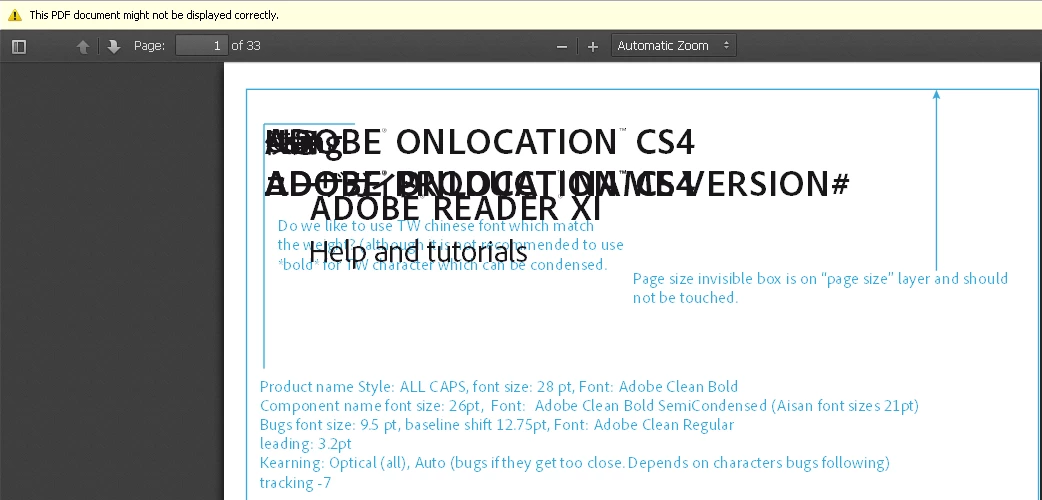
To fix this and use the Adobe Reader plugin: Tools | Options | tab Applications
change (Portable Document Format)
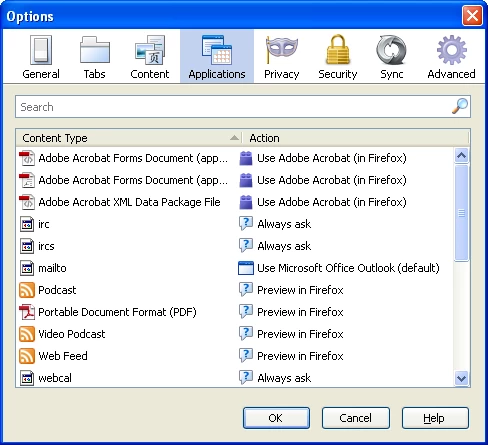
to (click on the Action part on that line to get the pull-down menu)
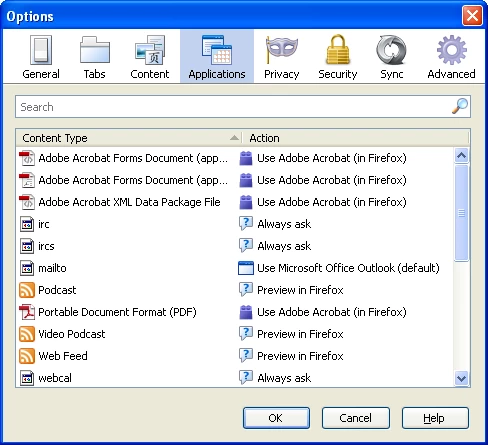
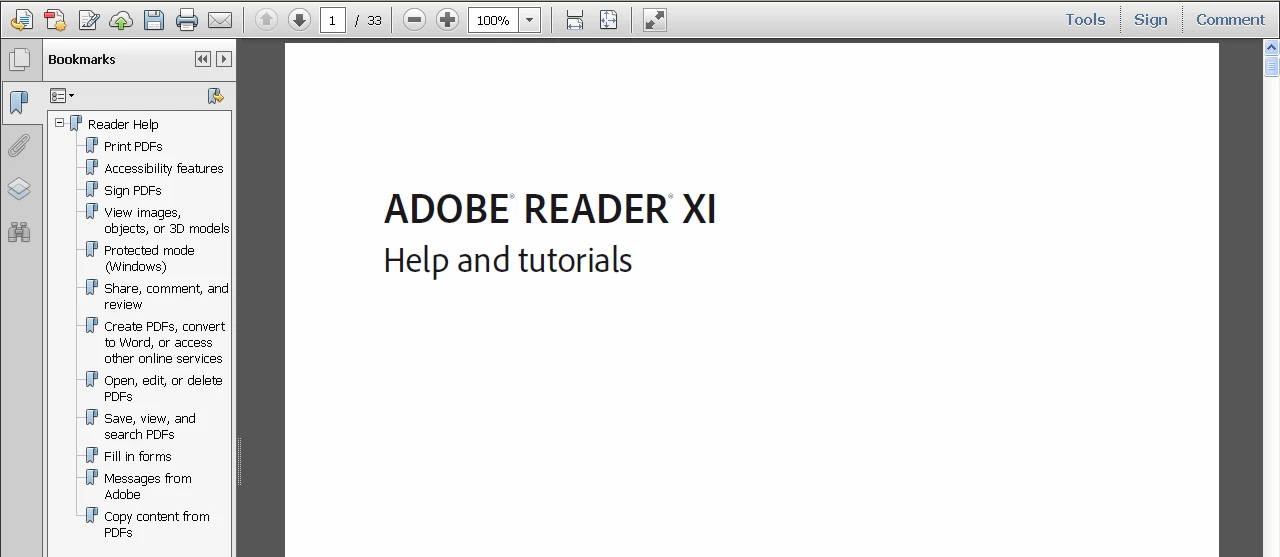
Now the PDF document displays correctly in the Adobe Reader plugin
In case you do not see 'Portable Document Format' under the Applications tab, you may need to reset your Firefox profile (Help | Troubleshooting | Reset Firefox).
 AdChoices