


Question
PDF Embed API: Download via Ctrl+P
Help, we cannot seem to "print" to download PDF files now.
On Firefox browser, we solved this by adding:
"blob:"on multple CSP Directives depending on what the error says.
"object-src",
"frame-src"
But on Chrome, we got this error:
RuntimeError: Aborted(CompileError: WebAssembly.instantiate(): Refused to compile or instantiate WebAssembly module because 'unsafe-eval' is not an allowed source of script in the following Content Security Policy directive: "script-src 'self' use.typekit.net assets.adobedtm.com www.adobe.com/marketingtech/ prod.adobeccstatic.com/utilnav/ widget.uservoice.com by2.uservoice.com/t2/ assets.adobe.com api.demandbase.com/api/v2/ip.json commerce.adobe.com"). Build with -sASSERTIONS for more info.
at abort (index.js:8:5302)
at index.js:8:1432623
Our setup:
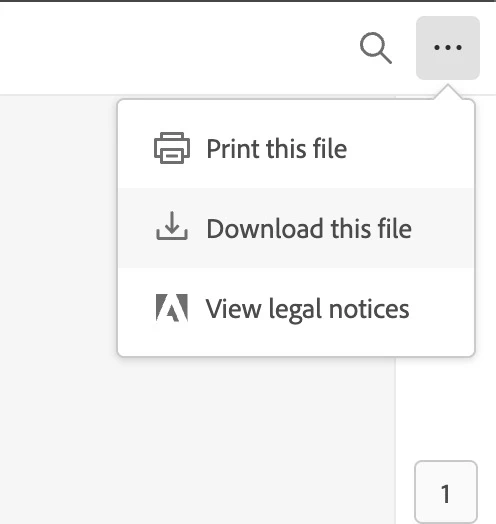
Enable the "print" and "download" for comparison. Then try the "print" or Ctrl+P key shortcut.
var previewFilePromise = adobeDCView.previewFile(
    // document config
    {
        content: {
            location: {
                url: url
            }
        },
        metaData: {
            fileName: file_name,
            hasReadOnlyAccess: true,
        },
    },
    // Viewer config
    {
        showAnnotationTools: false,
        showDownloadPDF: true,
        showDisabledSaveButton: false,
        showPrintPDF: true
    }
); 
For now, we are searching if we could programmatically enable download if the user enters the "owner" password.
Thanks for the help in advance. 🙂
 AdChoices