
sascham1291
Participant
February 23, 2018
Question

Acrobat Pro 2017: The network path was not found

  • February 23, 2018
  • 1 reply
  • 1430 views

Hello

When our user's try to open a PDF-file from a network path or from a mail attachment, Acrobat Pro 2017 always shows up the following error message:

"There was an error opening this document. The network path was not found"
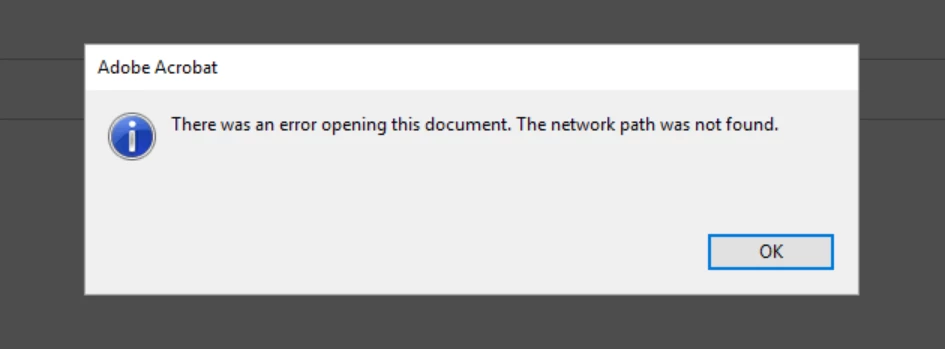
Enhanced Securtiy is off and protected view is set to off. I found some threads for older Acrobat version, where you have to set a regkey "bProtectedMode" to the current-user hive.

Any idea to solve this problem?

This topic has been closed for replies.

1 reply

AnandSri
Community Manager
Community Manager
May 1, 2018

Hello Sascham,

Sorry for the delayed response and inconvenience caused. As per the description above, one of the users is getting an error message that "There was an error opening this document. The network path was not found" while opening a PDF file from a network path or from a mail attachment in Acrobat Pro 2017, Is that correct?

Please check for any pending updates of Acrobat from help>check for updates, reboot the machine after installing any pending updates and see if this brings any difference.

Please check if local drives are mapped to the specific user. Ask the user to copy the PDF file to a local drive and check.

Is it specific to one PDF file or the user gets this error message with all the PDF file?

What is the dot version of Acrobat installed? To identify refer to Identify the product and its version for Acrobat and Reader DC

What is the version of the operating system installed?

Let us know how it goes and share your findings.

Regards,

Anand Sri.