
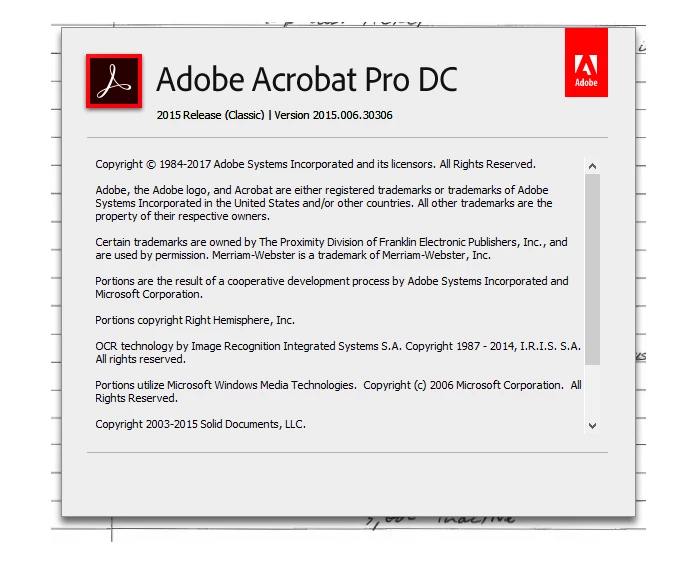
Acrobat Pro DC 2015 Not Scanning with New HP OfficeJet Pro 9010
I have regularly used Acrobat Pro DC to scan from my (now dead) HP Photosmart 7525 multifunction device. I used to select the TWAIN driver to make it work, but it worked. With this device now dead, I updated to the HP OfficeJet 9010.
Thus far, I have been unable to use the document feeder successfully with Acrobat. It works fine in the HP Smart software/app, but I annotate and edit my scans for future reference, and just generally like the Acrobat platform for this work.
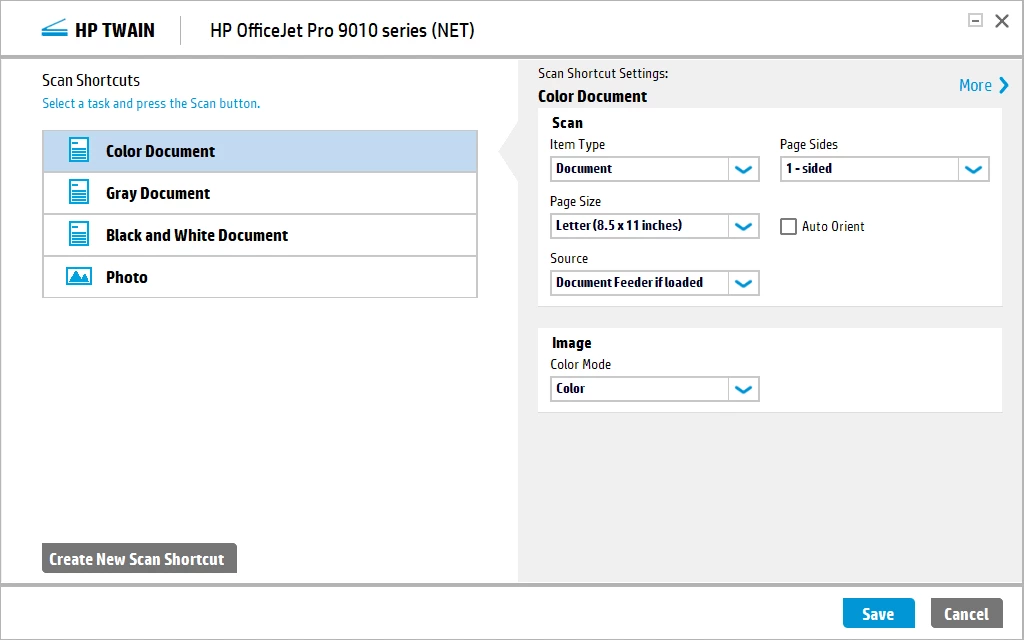
For a little bit it was crashing in the middle of my scans, until I removed the HP OCR program I.R.I.S. Now even when I only use Custom Scan since this is the only way I can get any scanning from the document feeder, and that only because it allows me to select to Show Scanner's Native Interface, it still only scans one page out of the two that I put in the feeder.
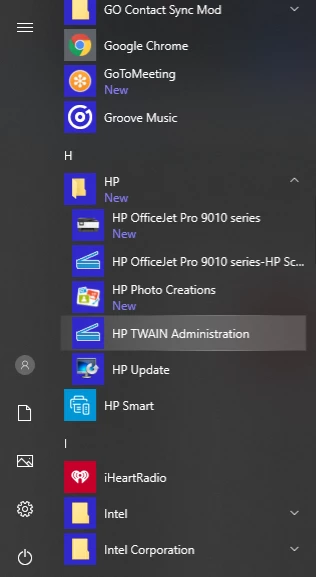
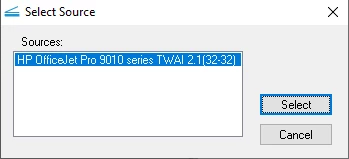
I feel like I am missing out on something since I had my old HP working nicely for any scanner mode option that Acrobat offers as presets. Acrobat won't let me edit any of the other presets with any of the three drivers that show up in the scanner selection box. Two are labeled WIA and one is labeled TWAI (which I guess is probably TWAIN but it got cutoff due to a field length issue).
It does allow me to scan from the flatbead all day long, but most everything I scan is a multipage document, and the flatbed is not a reasonable solution for me in most cases.
 AdChoices